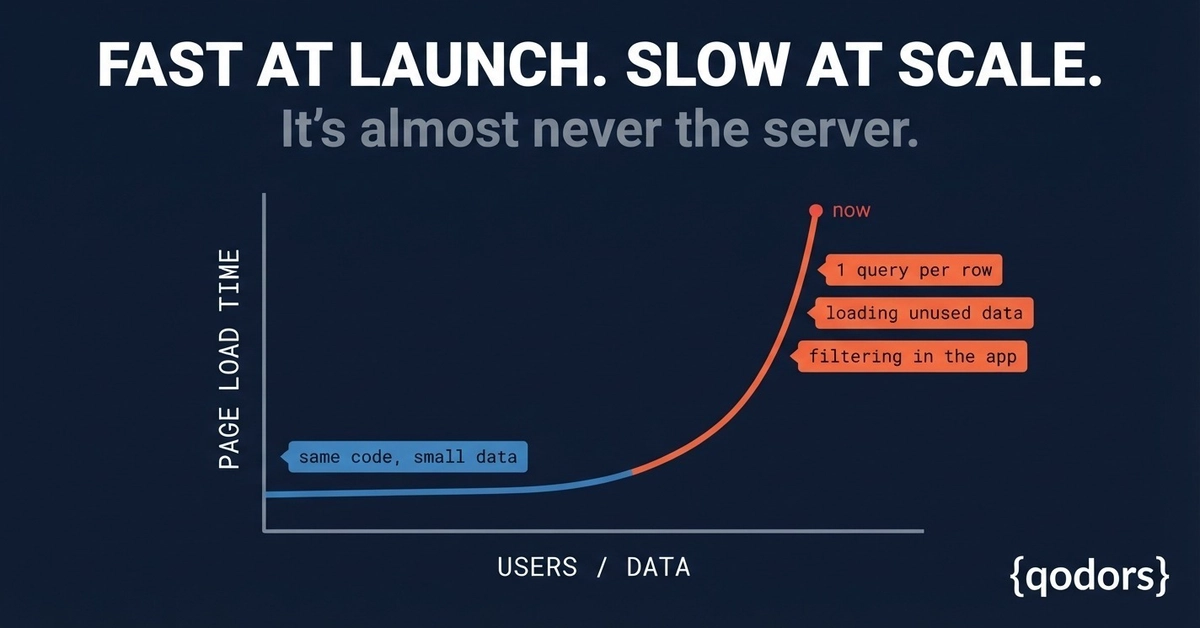
"The app is slow" is one of the most common things a business tells me when they get in touch. Pages that loaded in a blink now take five or six seconds. Reports time out. Everything gets worse at the busiest time of day — exactly when you can least afford it. And the database server sits there pinned at 100%, so the assumption is: we've outgrown the hardware, we need a bigger machine.
Sometimes that's true. Usually it isn't. In most systems I've looked at, throwing more CPU and RAM at the problem just buys a few months and a bigger bill, because the real cause is still sitting in the code. Below is the order I actually work through when a SQL Server database has slowed to a crawl — roughly cheapest and highest-impact first.
1. Missing indexes — the number one culprit
An index is what lets the database jump straight to the rows it needs instead of reading the entire table. Without the right one, a query for a single customer might scan all two million rows every single time it runs. On a small table nobody notices. As the data grows, that same query goes from milliseconds to seconds, and the slowdown creeps up so gradually that no single day feels like the day it broke.
The good news is this is often the single biggest win available, and it's low-risk. Adding a well-chosen index to a column you filter or join on regularly can turn a multi-second query into an instant one, with no application changes at all. SQL Server will even tell you which indexes it wishes it had — the trick is knowing which of those suggestions to trust and which to ignore, because too many indexes slow down writes.