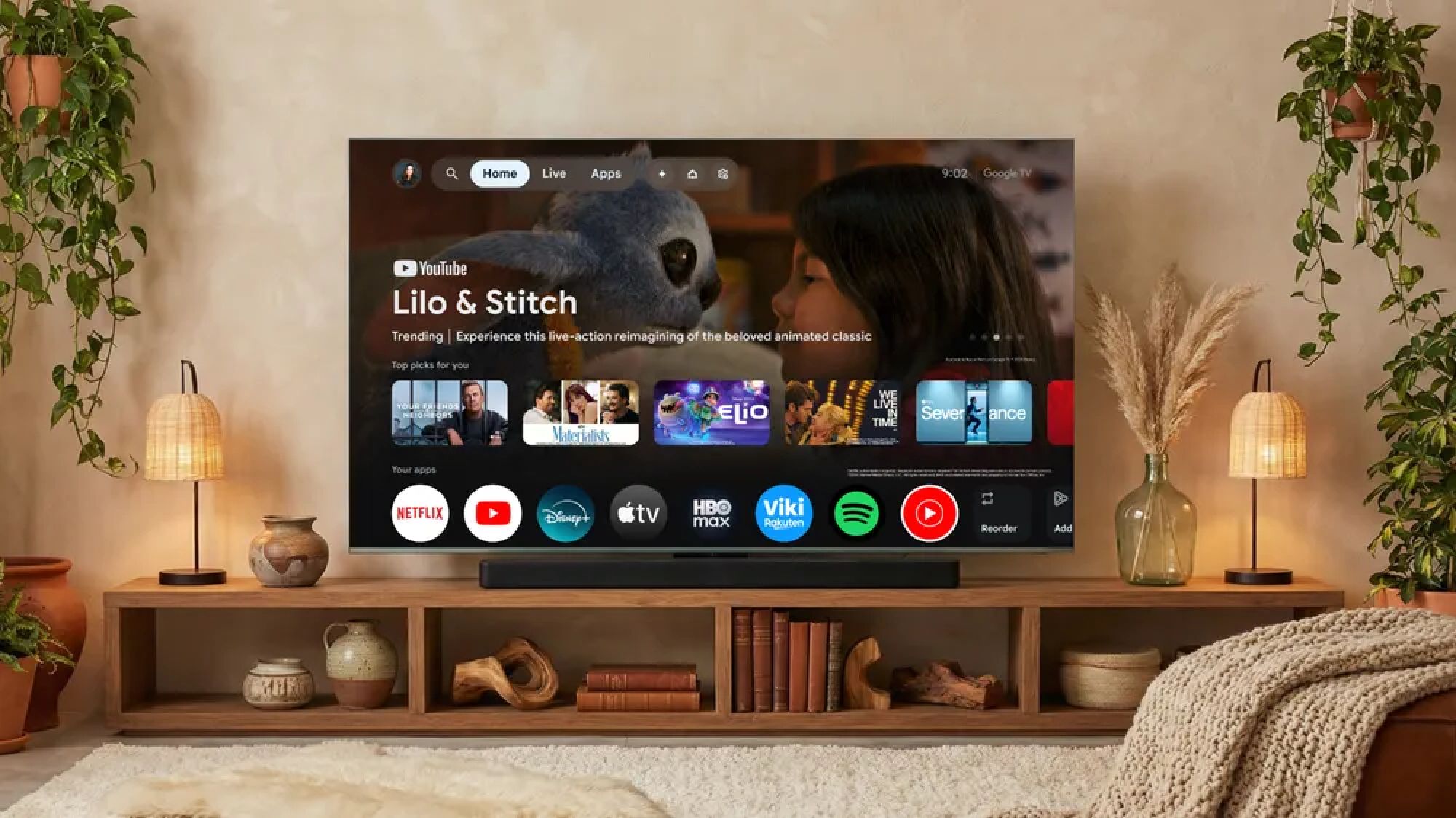
(Image credit: Google)
I can’t tell you the exact number of TVs I’ve reviewed over the course of my career, but the number is high. And, while I enjoy the mostly laidback nature of the testing process, even the best TVs often arrive in a not-so-friendly state.There’s a bevy of unnecessary steps, superfluous settings and software updates to navigate before I start testing the picture and streaming shows. My job involves getting the most out of a TV’s performance, but in many cases, I want its performance to reflect my day-to-day viewing preferences, too.What follows is a checklist of the first five steps I take after unboxing and setting up a TV. They make any TV easier and more enjoyable to use.1. If necessary, create an account to access smart features
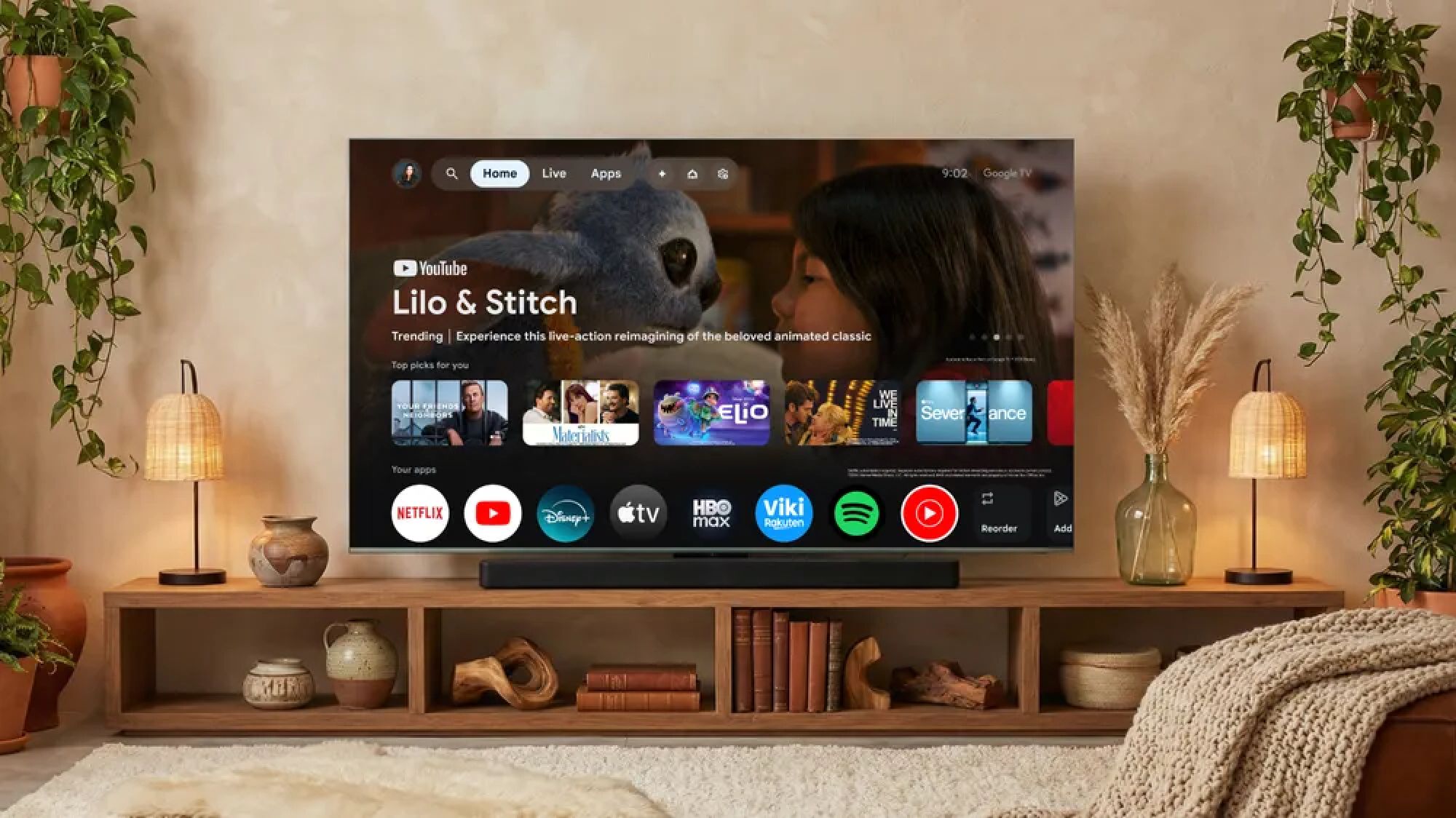
(Image credit: Future)If you’re anything like me, you’re probably appropriately apprehensive about signing up for yet another thing using your personal email address. But nowadays, TV brands make it tough to turn this part down.Many built-in streaming platforms will require registration in order to access even their most-basic features. This includes the use of built-in apps like Netflix, HBO Max and the rest of the usual suspects.On newer Samsung smart TVs like the Samsung S95H, for instance, a Samsung account is required in order to access the platform’s streaming apps. Sets built around the Google TV smart platform like the Sony Bravia 9 II require an account in order to take advantage of that TV's app store.If you’re comfortable signing off on the various user agreements during the set-up process, logging in (or registering a new account) will make it far easier to take full advantage of your TV’s features down the line.Get instant access to breaking news, the hottest reviews, great deals and helpful tips.2. Disable the ambient light sensor and energy-saving steps