Skip to content
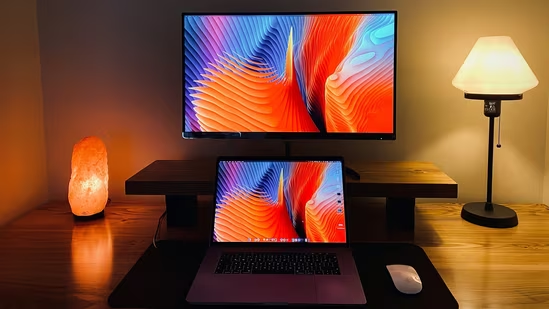
The smart TV is a fixture in most houses, variously an entertainment portal, corporate data gathering tool, or sometimes an outright spy. It’s a nice monitor with a computer built in, so can that computer be released to do something else? It’s a question [Xen’on] is answering, on an Android-based TV.
The guide is not too different from many others relating to Android phones, with a few quirks. An Android Debug Bridge (ADB) connection is established, root access is gained using Shizuku, and then it’s a case of installing a more conventional Linux front end with the Openbox window manager through Termux. There are some TV-specific things to do with handling power cycles, but the TV is now a usable Linux box.
It’s always good to see someone retrieve the Linux underneath a locked-down device, but the system spec tells the real story. By the looks of things this TV is a few years old as it had an Android version that’s a bit long in the tooth, and thus it also packs an aged version 4.x kernel. Couple that with a more seat-of-your-pants experience compared to a regular distro where many of the annoyances are taken care of, this isn’t an easy route to a trouble free desktop. Instead it has a lot of potential for making the TV what it was intend to be, an entertainment device. Merely one that gives much more software freedom.