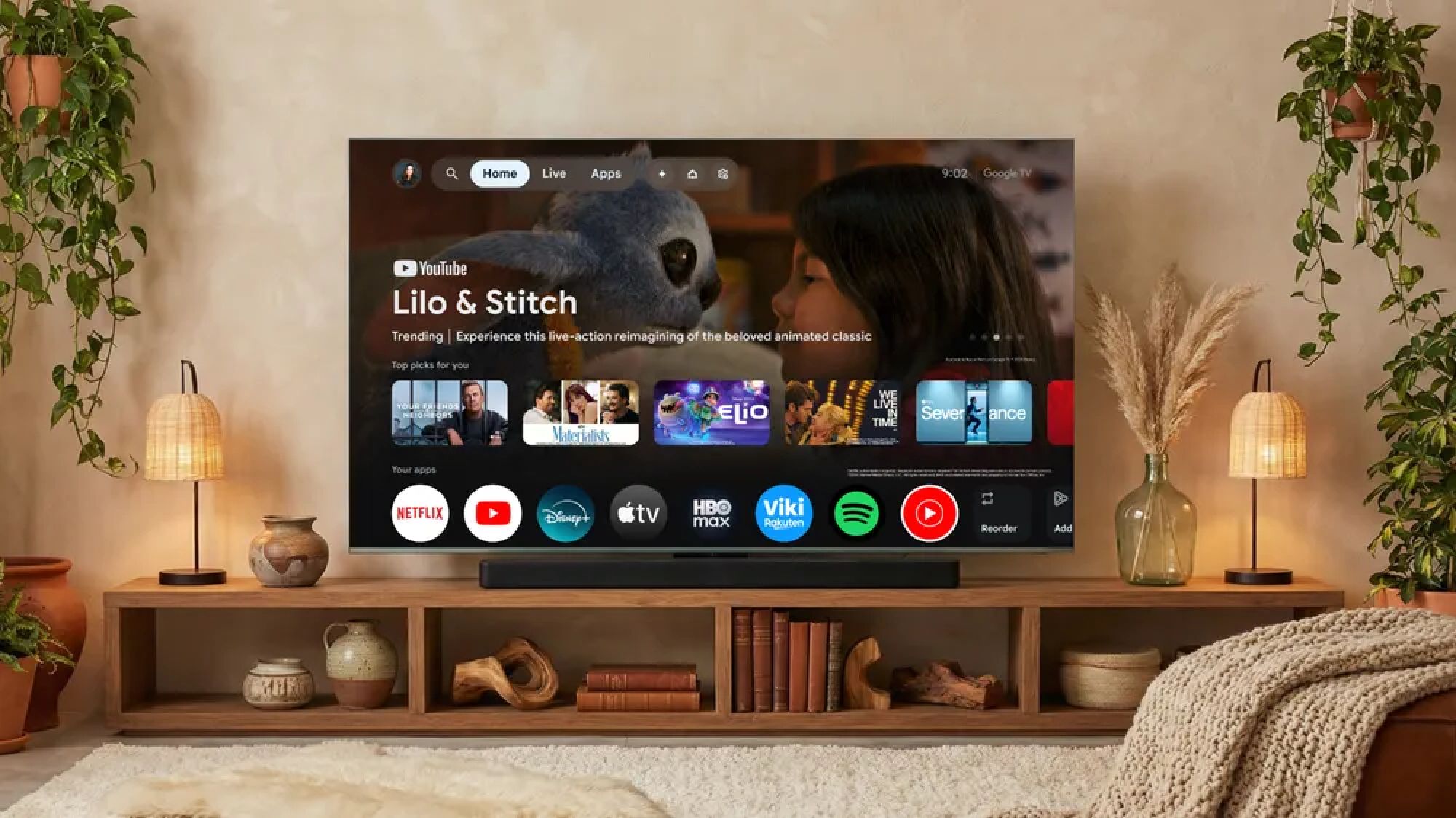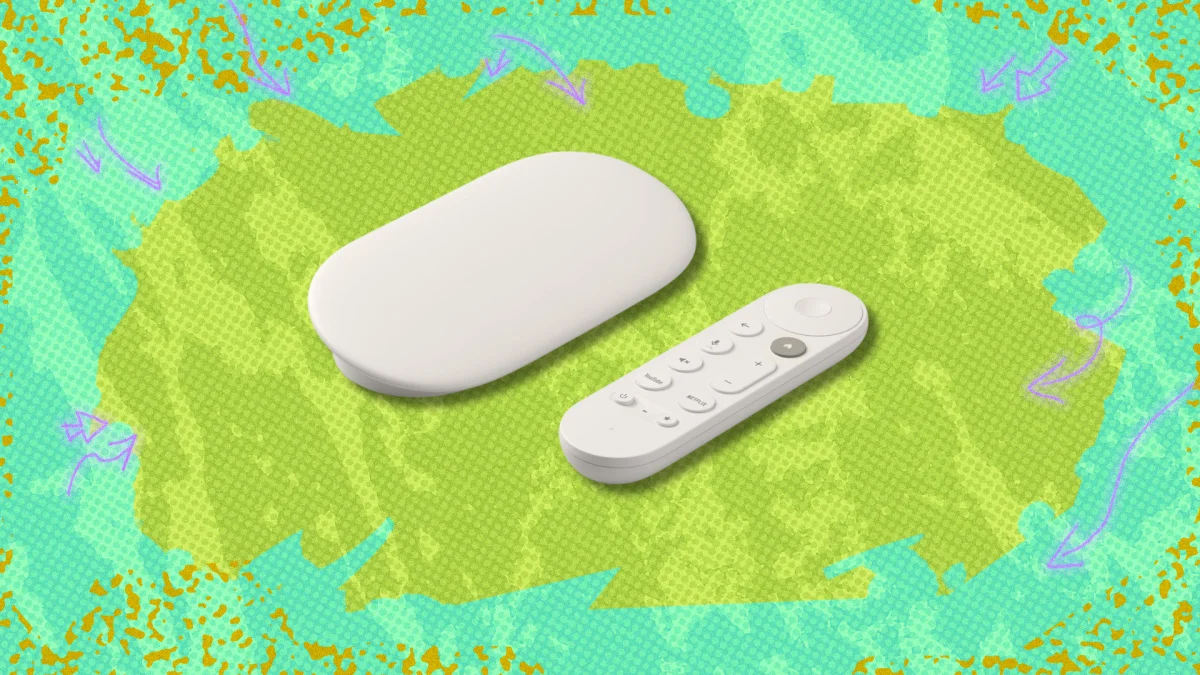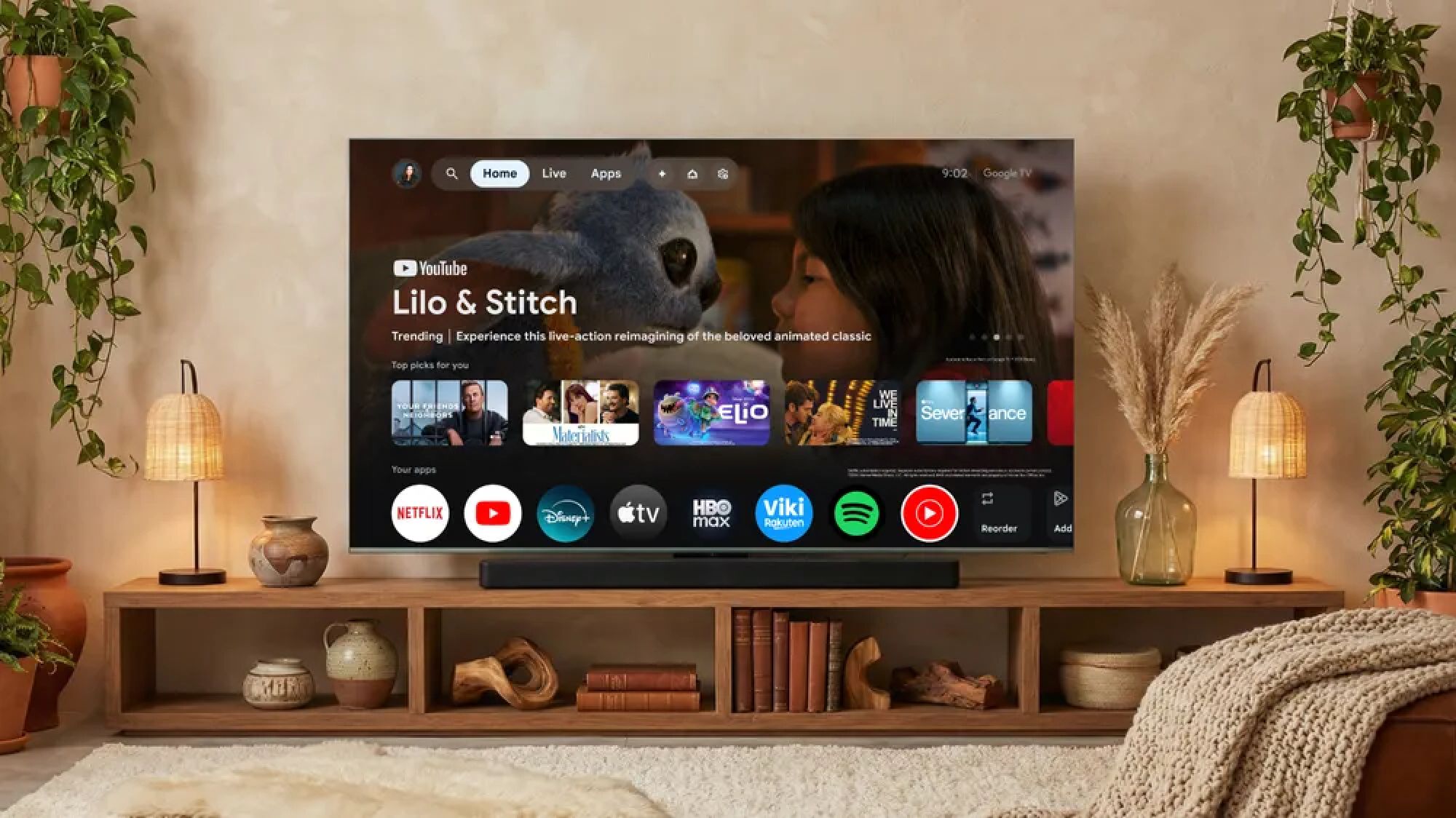
Google TV is one of the most popular streaming platforms available today. Not only are there several Google TV-based streaming devices to pick and choose from, many of the best TVs you can buy come with Google’s software suite baked right in, too.Google TV is known for its robust app support and its relatively easy-to-use interface. That said, it doesn't put many of its handiest features right up front for all to see.Whether you’ve specifically chosen Google TV or you’re using it out of convenience, there are a handful of lesser-known settings and features that you ought to be aware of if you’re interested in making the most out of your streaming experience.1. Enable apps-only mode for a streamlined home screen
(Image credit: Future)Like all streaming platforms, Google TV is constantly bombarding the user with recommendations for what to watch. If you’d rather have a home screen free of the visual clutter that comes with this content, you might be interested in Google TV’s apps-only mode.As the name implies, apps-only mode strips away nearly everything from your home screen except your chosen apps. It’s not difficult to access, either.From the profile selection screen, select Manage accounts. From here, select the profile you’d like to edit.Scroll down to the Apps only mode toggle and enable it. Afterwards, there will still be a large banner ad on the Google TV home screen, but the rest of the content on the screen will be your chosen collection of apps.Get instant access to breaking news, the hottest reviews, great deals and helpful tips.2. Personalize your home screen