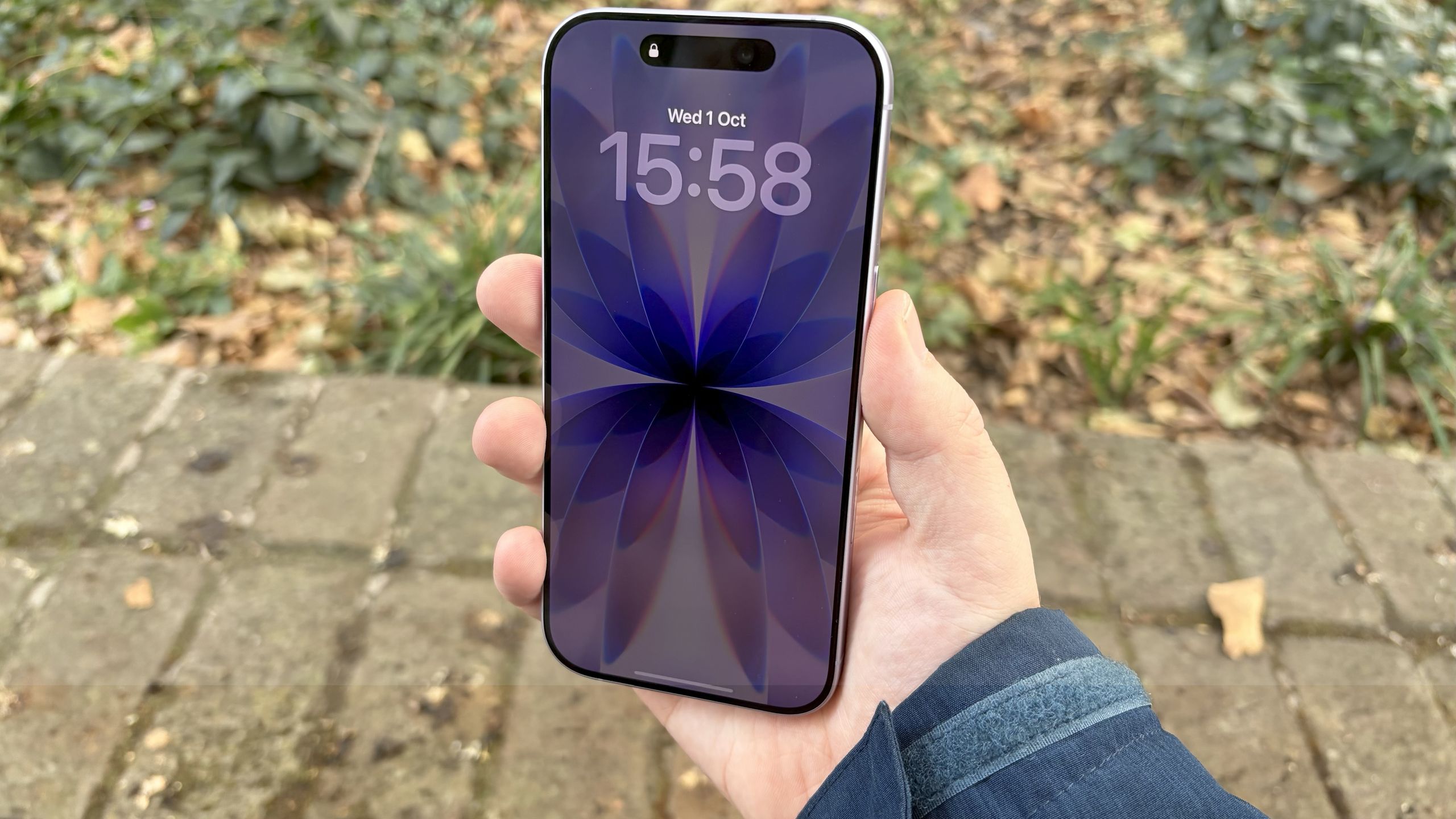
Your lock screen has always been Apple's canvas, not yours. iOS 27 changes that. Four new customization options hand control back to you, letting you expand photos to fit perfectly, generate custom wallpapers from scratch, reposition your clock, and banish distracting widgets.For the first time, your Lock Screen can actually look like you designed it instead of like you accepted Apple's defaults. Here's what's new and how to use it.
Create wallpapers without leaving Settings
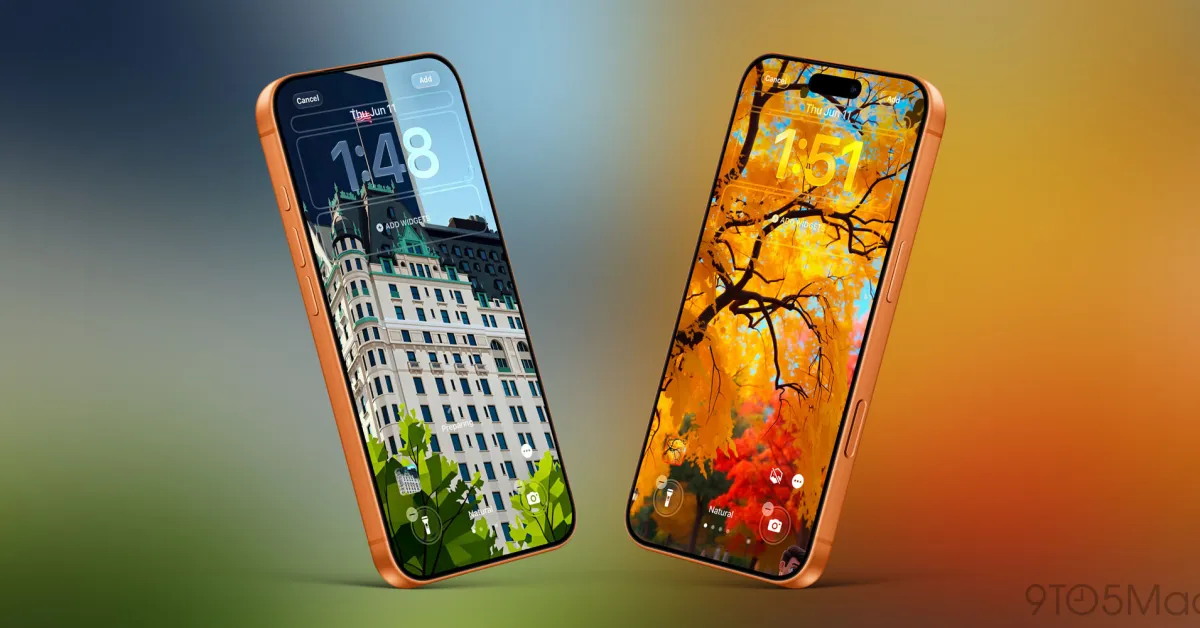
Image Playground, Apple's AI image generation tool, now works directly from your Lock Screen settings. Go to Settings, Wallpaper, Add New Wallpaper and tap Image Playground. You can describe exactly what you want and let Image Playground create it. You can also transform photos you already have, and you get full control over the aesthetic. When creating or editing an image, tap the arrows next to Any Style to choose from distinct looks like Animation, Illustration, Sketch, or ChatGPT.
Expand photos that don't quite fit
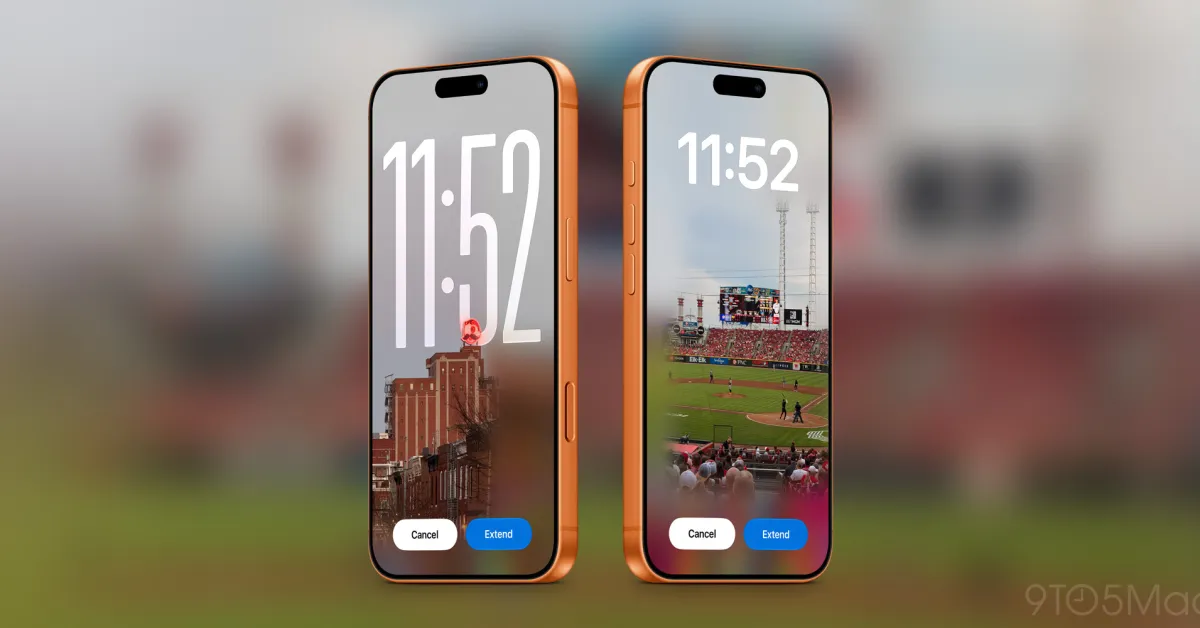
Photos rarely match your Lock Screen's aspect ratio perfectly. Either they're too wide, too tall, or cropped wrong. iOS 27 fixes this with Extend, an AI feature that intelligently expands your image by generating content around the edges. If a photo has a horizon line that's slightly tilted, Extend straightens it while adding matching sky or landscape. If a portrait photo is too tight on the subject, Extend adds more space around them while keeping everything looking natural.The best part is that iOS 27 detects mismatched photos automatically. When you try to set a wallpaper that doesn't fit, the system suggests using Extend to fix it. To use it, simply go to Settings, Wallpaper, Add New Wallpaper, and choose your photo. From here, tap the three dots, Extend Wallpaper and confirm by choosing Extend.