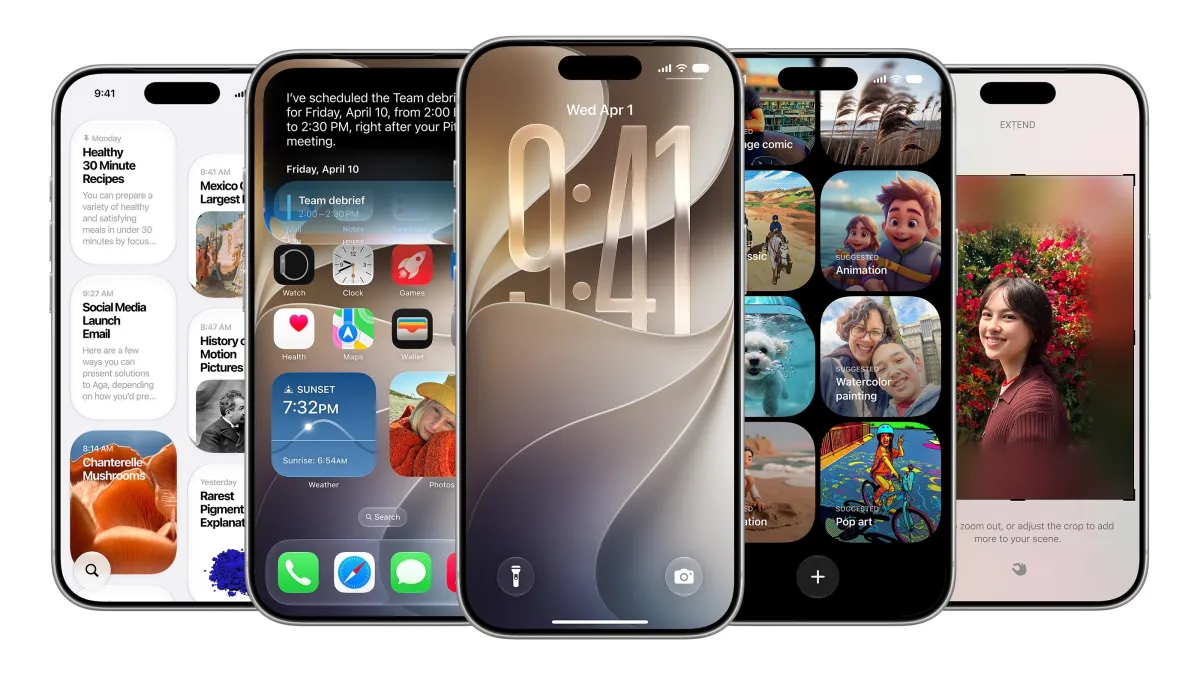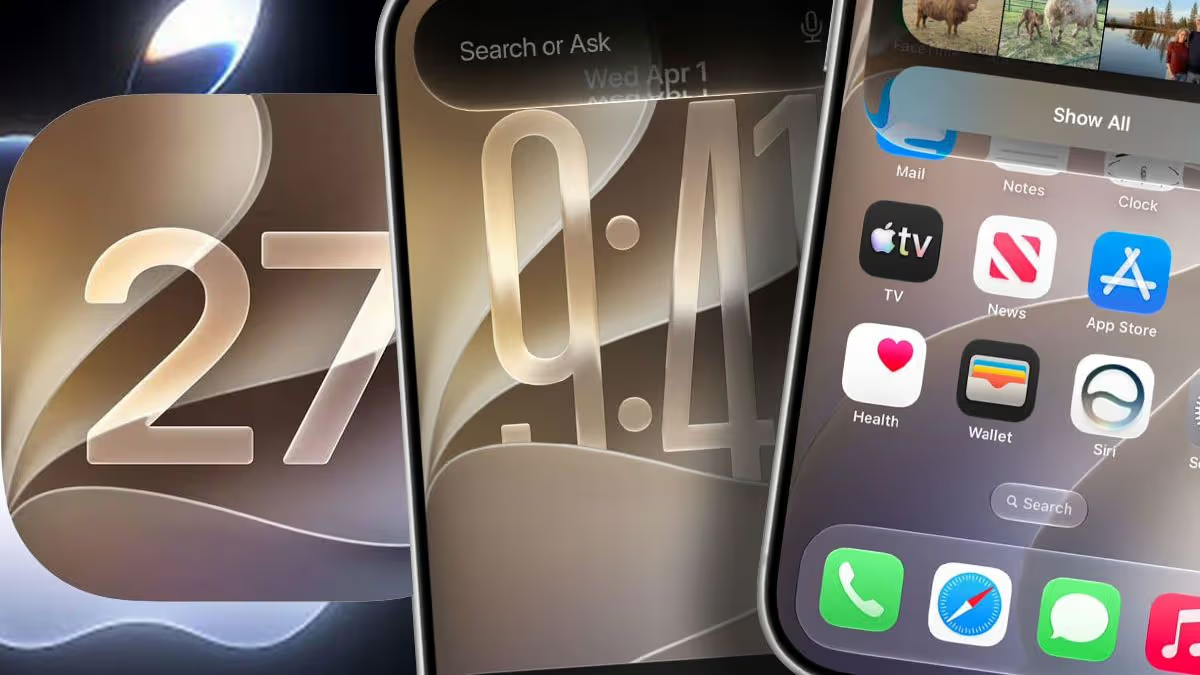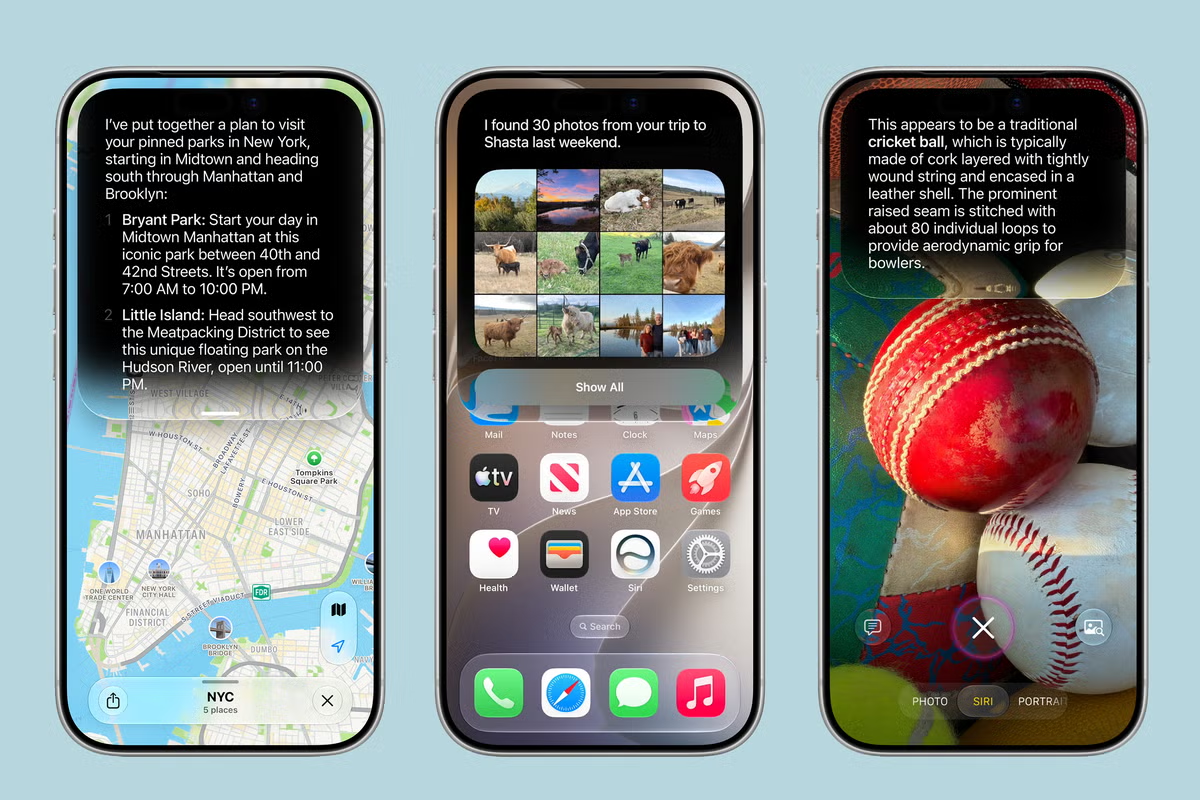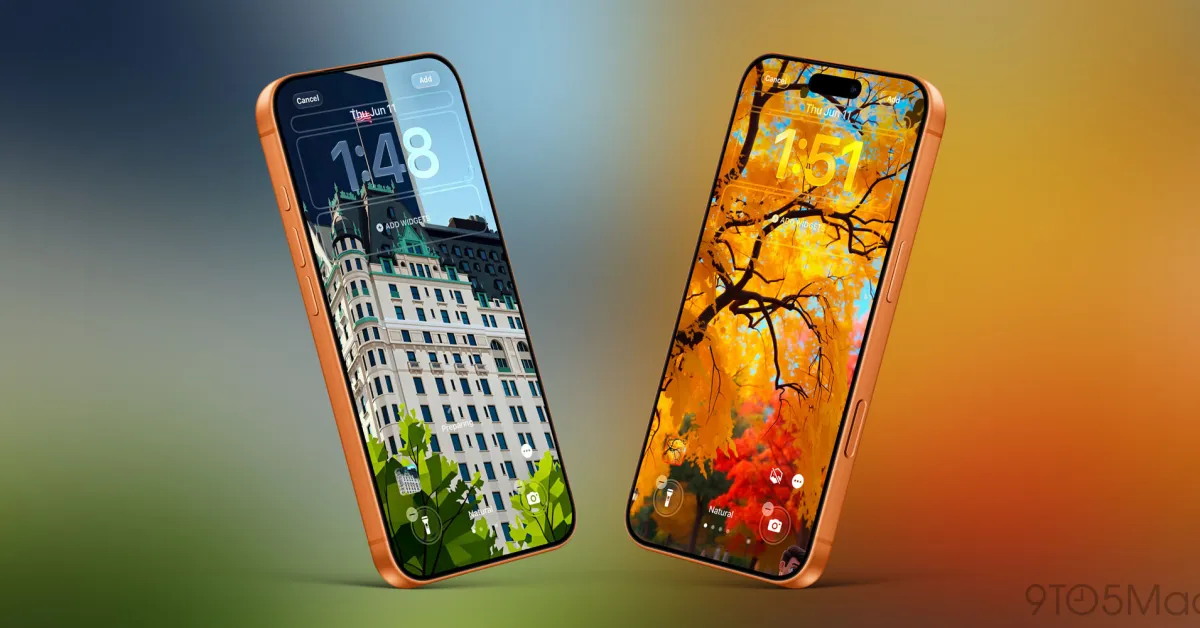
iOS 27 adds a brand new Siri, new features in CarPlay and Apple Wallet, and more—including a unique clock setting to personalize your iPhone’s Lock Screen even more.
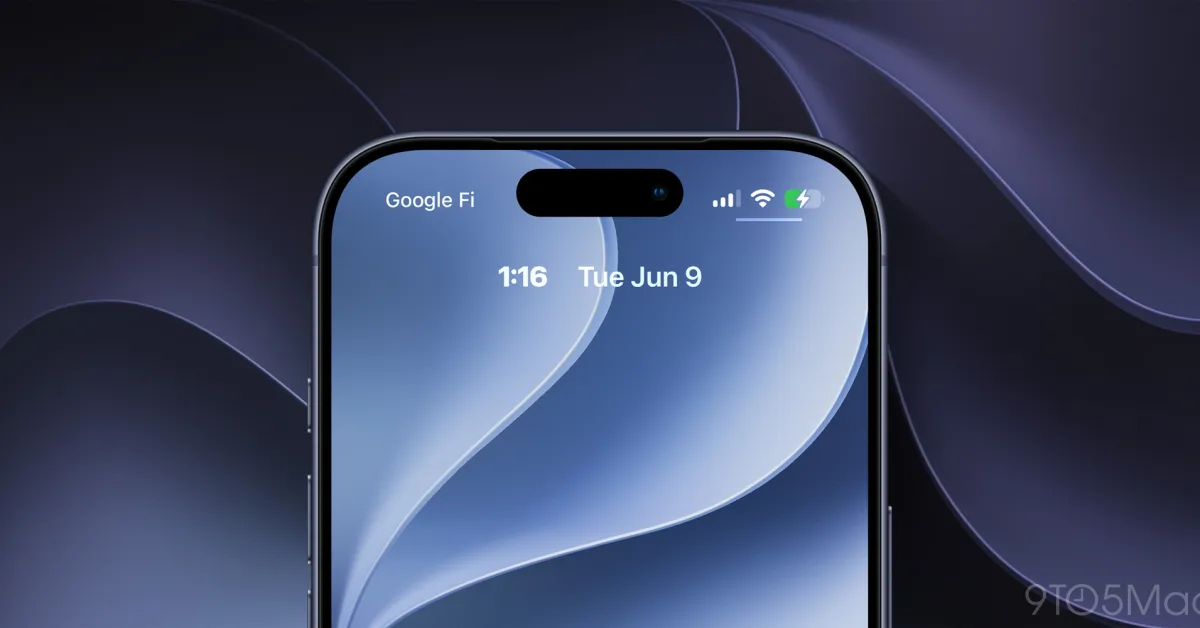
iOS 27 lets you minimize the Lock Screen clock so your wallpaper is unobstructed
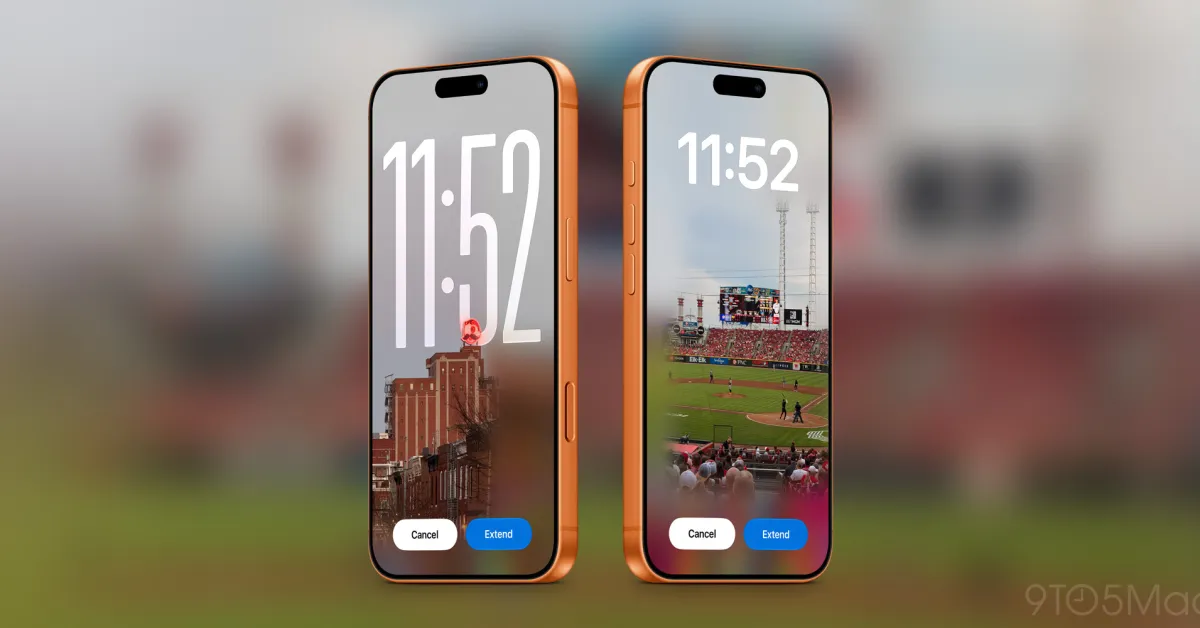
Last year, iOS 26 added the ability to make the Lock Screen clock larger than ever—at least for the Liquid Glass style.
But in iOS 27, Apple is moving the opposite direction.
Now, you can minimize the Lock Screen clock, stowing it away in the top widget row. This frees up a ton of space on your Lock Screen so your wallpaper image can be unobstructed.