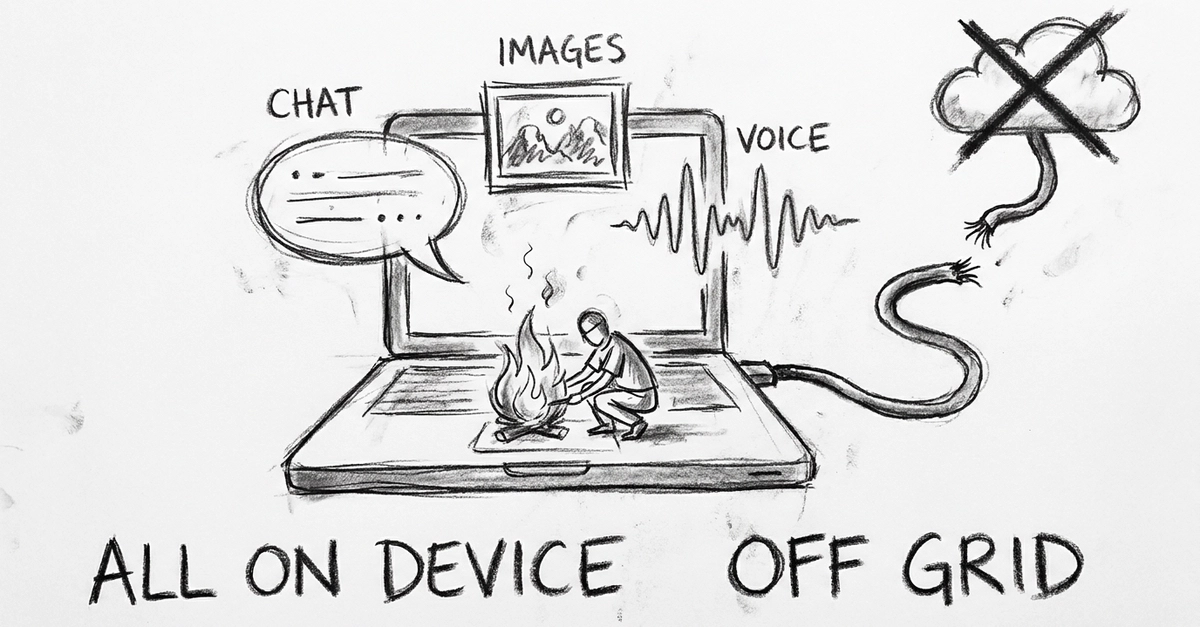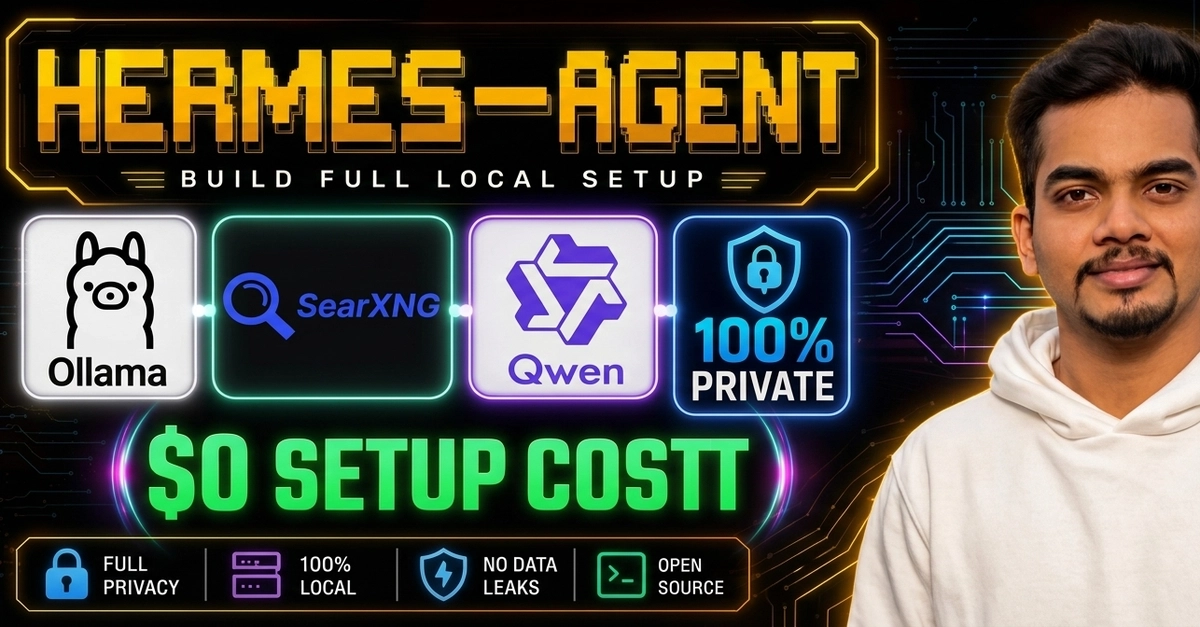
If you want AI agents running on your own machine, with your own models, and no data leaving your computer, this is the article :).
This is part three of the series. In part one we set up PostgreSQL, and in part two we covered the LLM concepts (models, parameter, quantization, context, capabilities, VRAM). Today we put them to work: n8n for the workflows and Ollama for the models.
One prerequisite: Docker. If you do not have it yet, install Docker Desktop for Mac following the official guide [Docker docs].
Quick setup: n8n
The fastest path is n8n's official Self-hosted AI Starter Kit, a Docker Compose template that ships n8n, Ollama, Qdrant (a vector store) and PostgreSQL preconfigured to talk to each other [n8n docs].