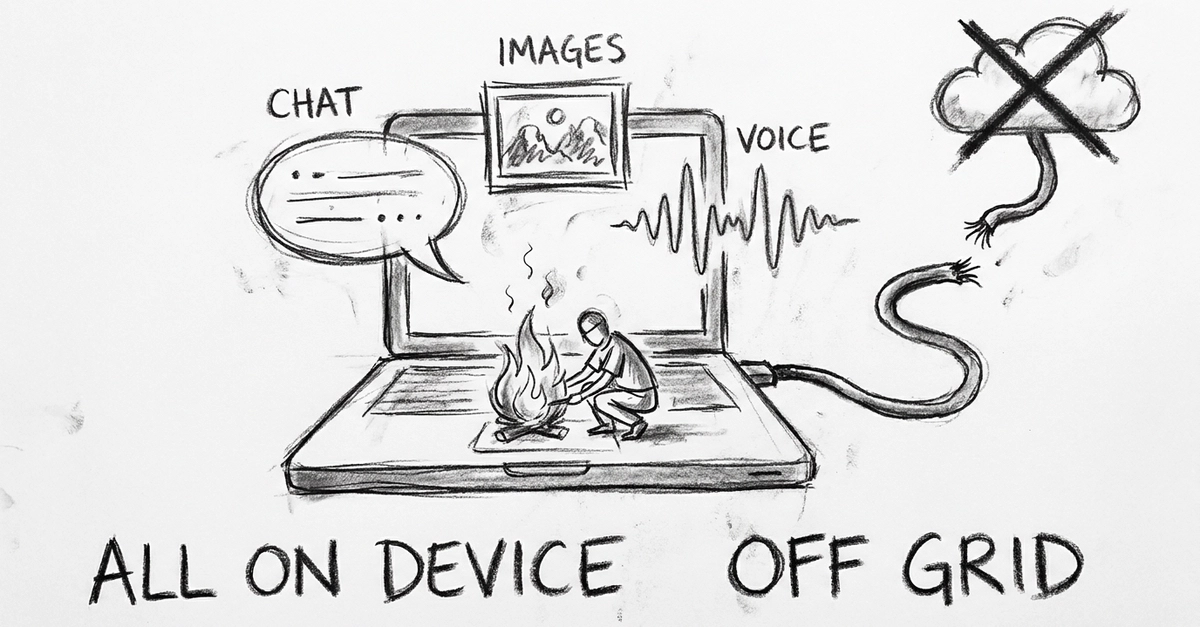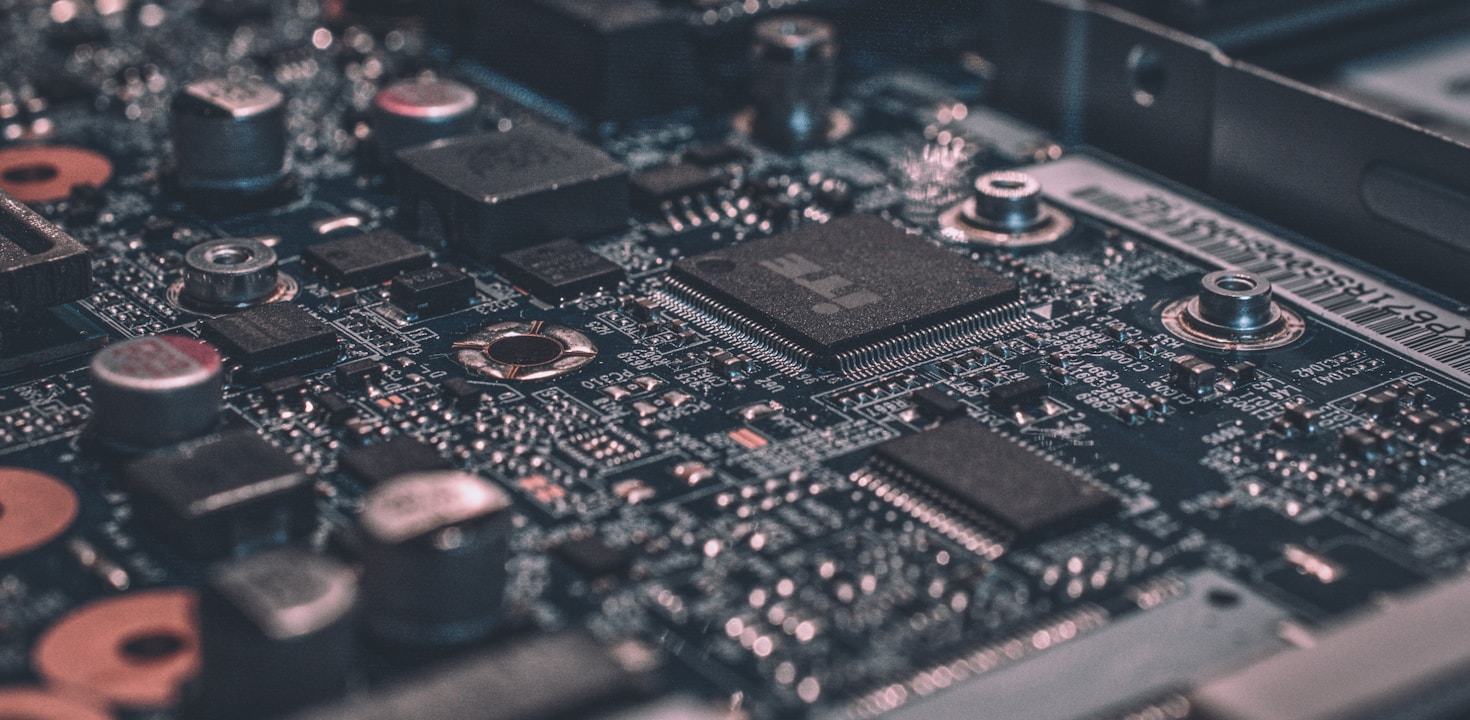
There is a particular moment that hooks every developer on local AI. You type a question into a terminal, hit enter, and watch a coherent answer stream back — with your Wi-Fi off, no API key, no usage meter ticking, nothing leaving your laptop. The model is just there, running on silicon you already own.
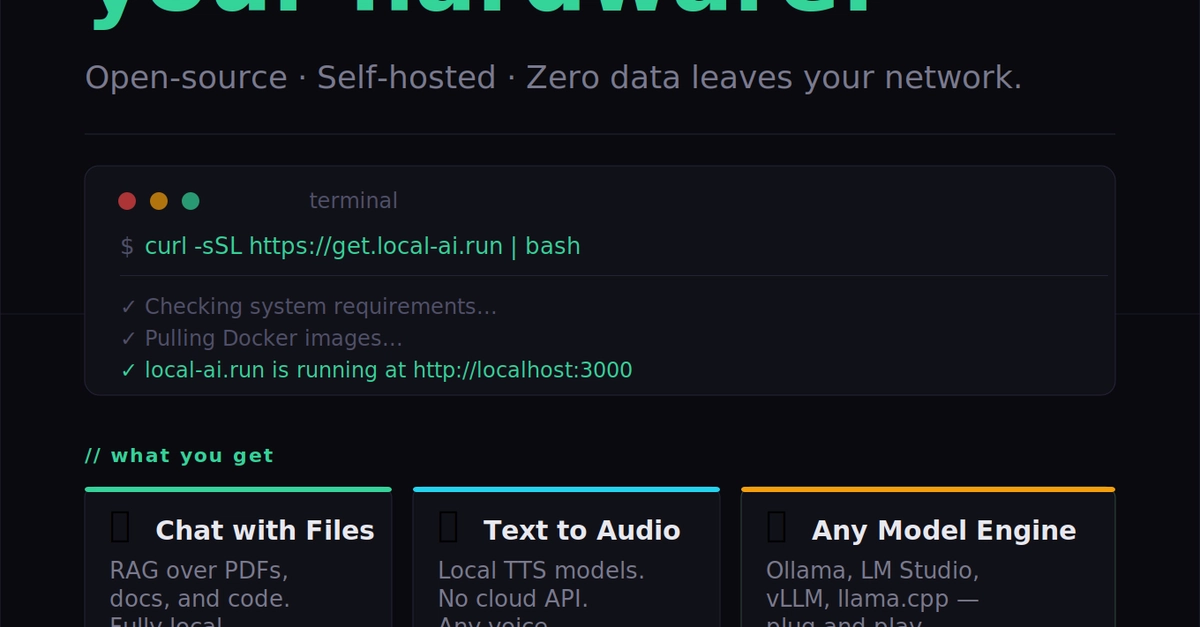
Getting to that moment used to require a research-lab pedigree. It no longer does. In 2026, a mid-range laptop can run models that would have been considered frontier-class a couple of years ago, and the tooling has matured from finicky Python scripts into one-line installers. The catch is that the landscape is now wide: a dozen serious tools, hundreds of models, and a thicket of jargon — GGUF, quantization, KV cache, MoE, offloading — standing between you and that first streamed token.
This guide is the map. I'll assume you're a competent developer but new to running models locally, and I'll take you from vocabulary to a working setup, with enough depth that intermediate and senior engineers get the why behind each decision, not just the how. By the end you'll be able to do three things with confidence: pick the right open source model for a given job, configure it for your specific hardware, and run it successfully — whether you're on a MacBook Air, a gaming rig with an NVIDIA card, or a CPU-only workstation.