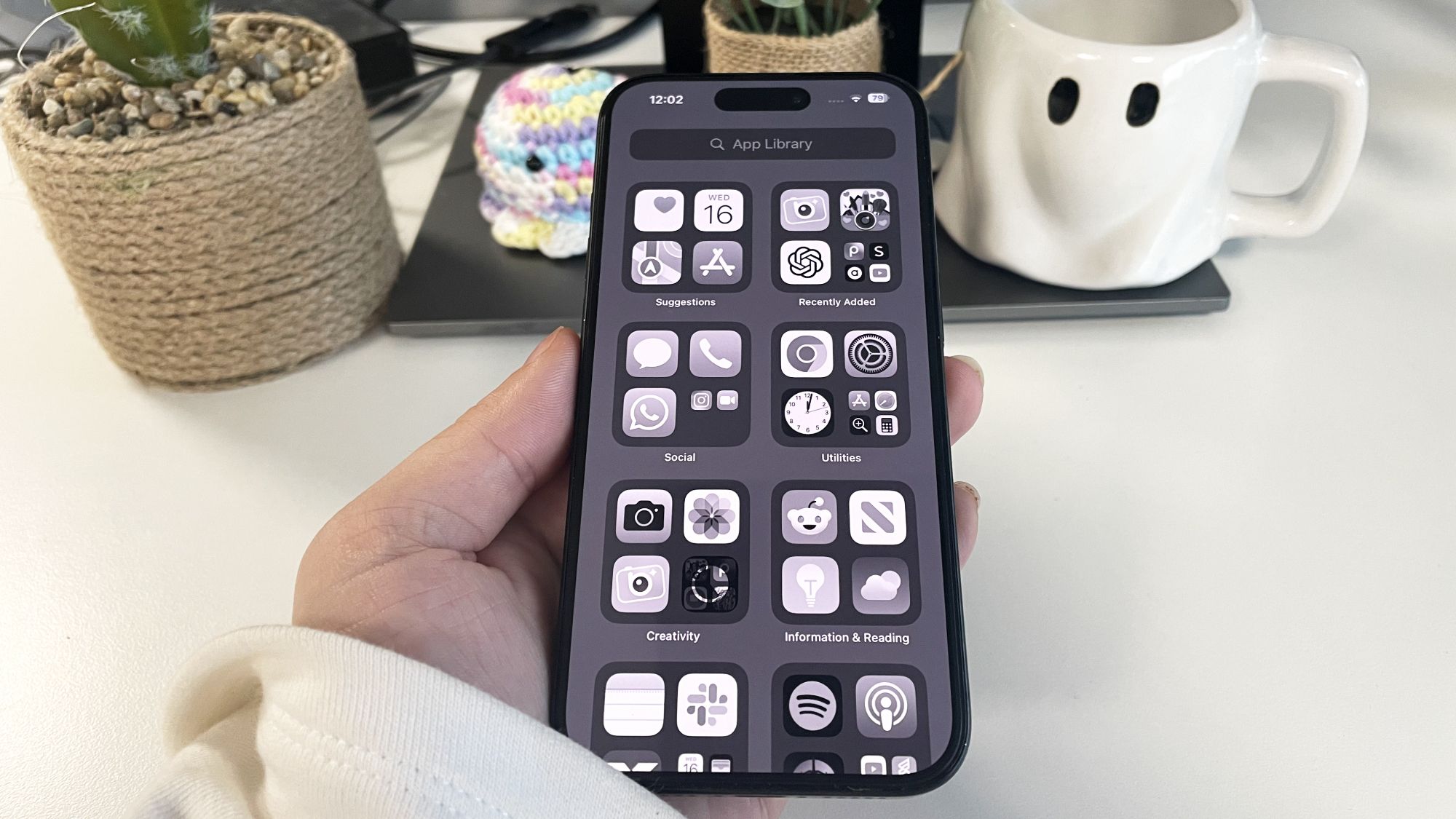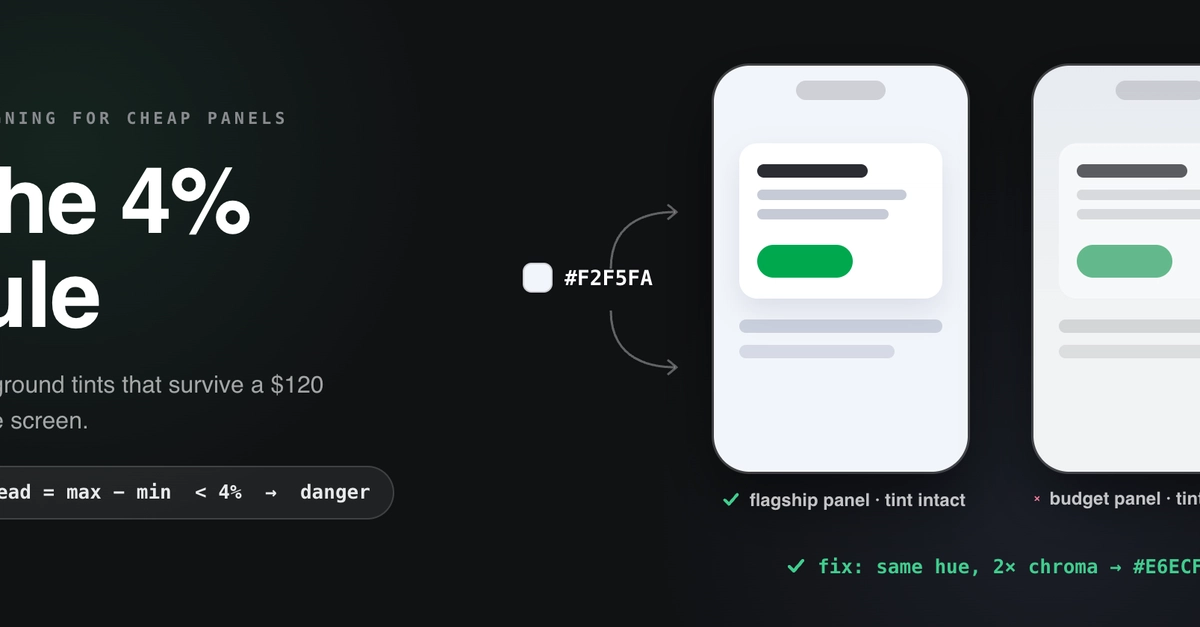
Every design team eventually ships a beautiful off-white, off-blue, or off-anything background… and then opens the app on a $120 phone and watches it turn dirty gray. Same hex, same build. This post explains why, and gives you a small formula to convert any tint you've chosen into one that survives budget panels.
Why subtle tints die on cheap screens
Four panel-level failure modes, all common in the budget tier:
1. Weak gamut coverage. Entry-level LCDs cover only a fraction of sRGB — independent panel measurements routinely land in the 55–70% range, with large per-color error. A low-chroma tint simply doesn't have the budget to survive that compression.
2. Cold white points. sRGB assumes a D65 white (6500K). Budget modules commonly ship visibly cooler — high-6000s to 9000K+ — because blue-ish whites look "brighter" in a store. That blue cast is spread across the entire grayscale, and its magnitude is comparable to a subtle warm tint. Net result: the panel can cancel your background color outright.