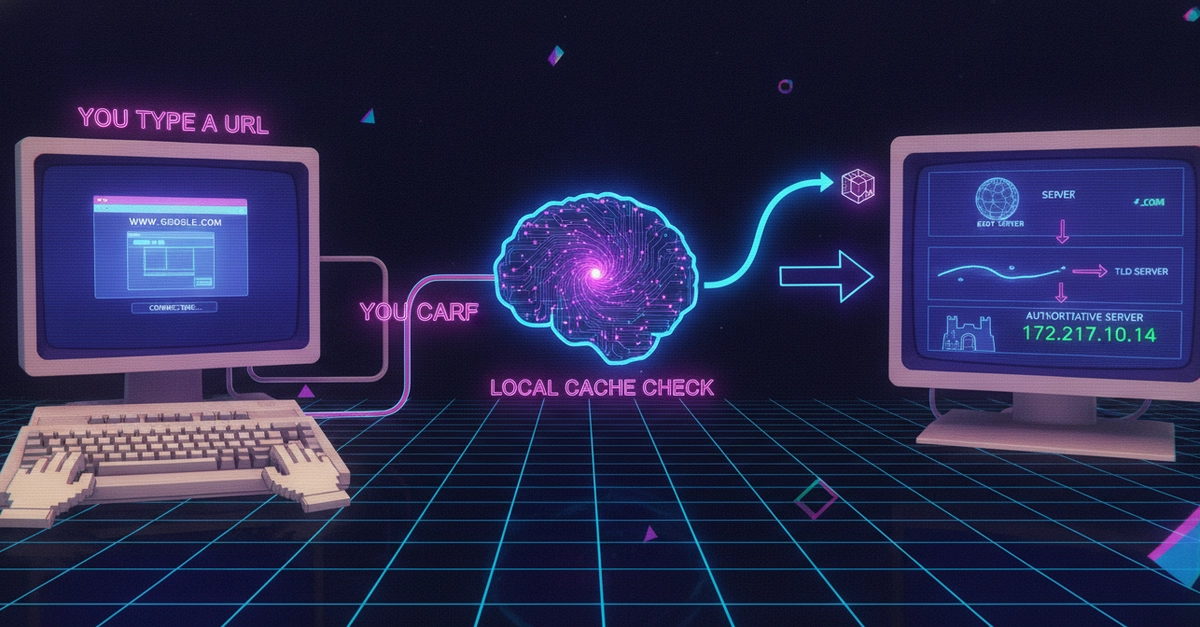
Hello everyone! Recently, I learned about how the web works, thanks to one of TryHackMe’s modules that focuses on just that. I had always known there were various steps behind that scenes that went into bringing the user to their desired website, even before stepping foot into the cybersecurity world. And I was right; there are so many definitions and functions in place that go into taking users to their desired webpage. And that is what I will be dedicating this post to!
This looks like it was too much to memorize at first when I was learning it. But by slowly breaking down what each part does, trying to understand what each element does, I was able to understand all the stuff that works under the hood when searching for a domain.
Step 1 - Search for the domain
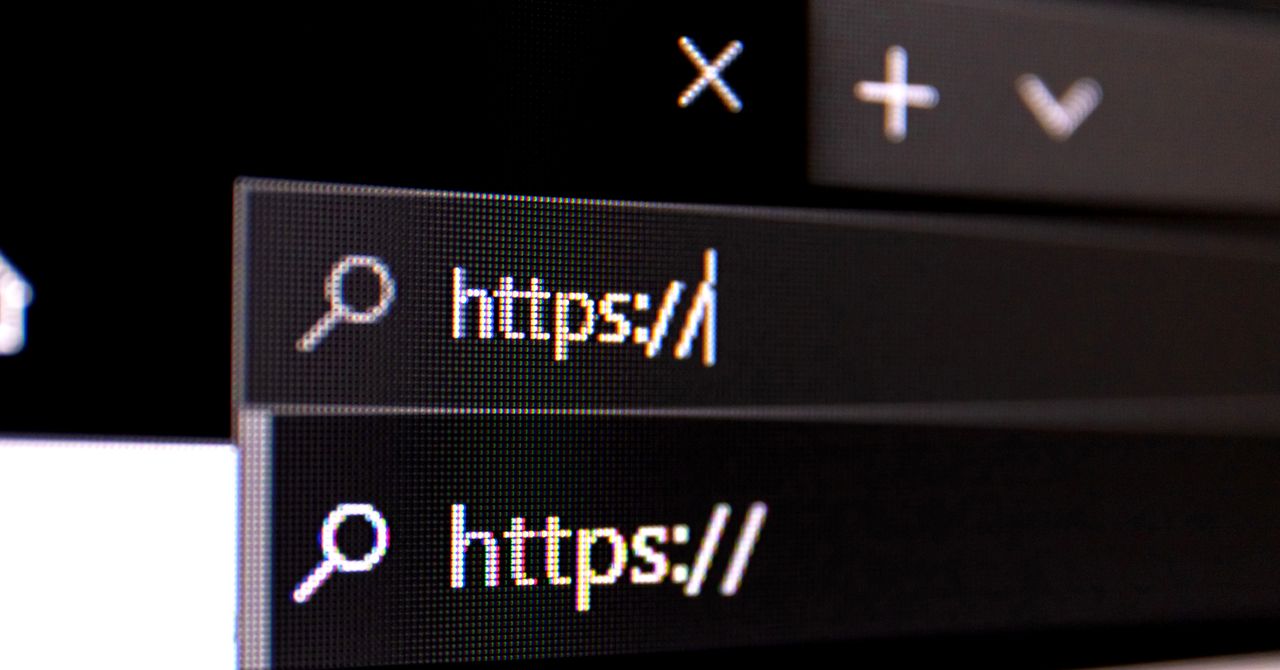
The very first step here is to enter the domain you’re looking for in your browser. I will be using https://youtube.com throughout the post, but you can replace this with any other website. The next step is performed as soon as you click “enter” or “search.”
Your computer will handle everything else from here, so you just kick back and wait as your computer does all of the magic.