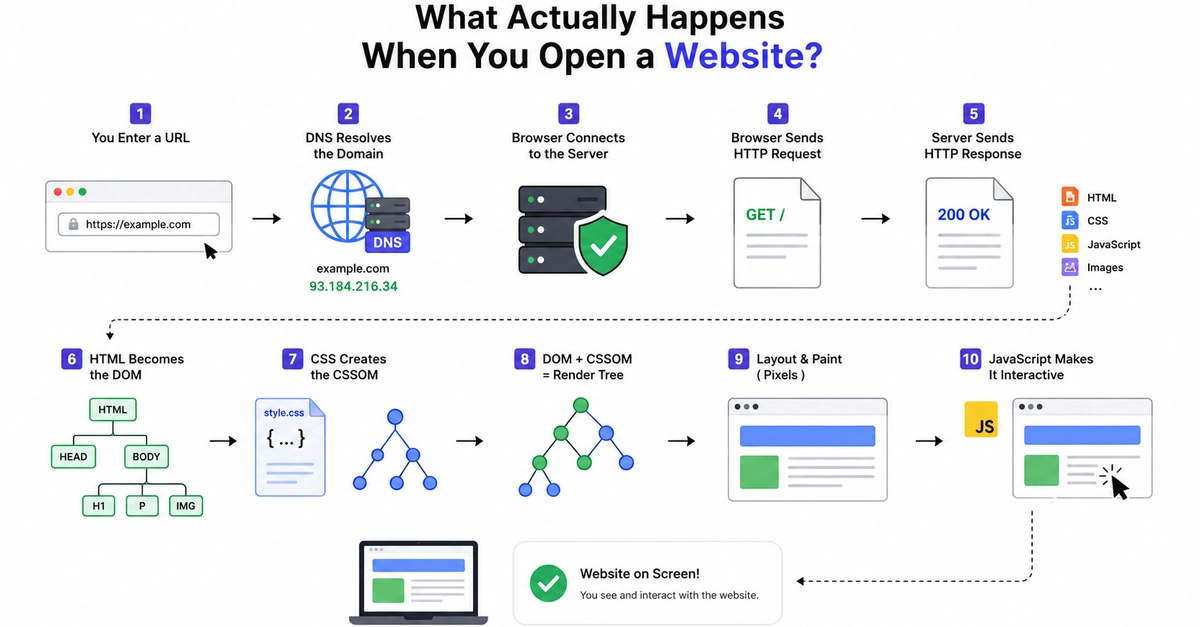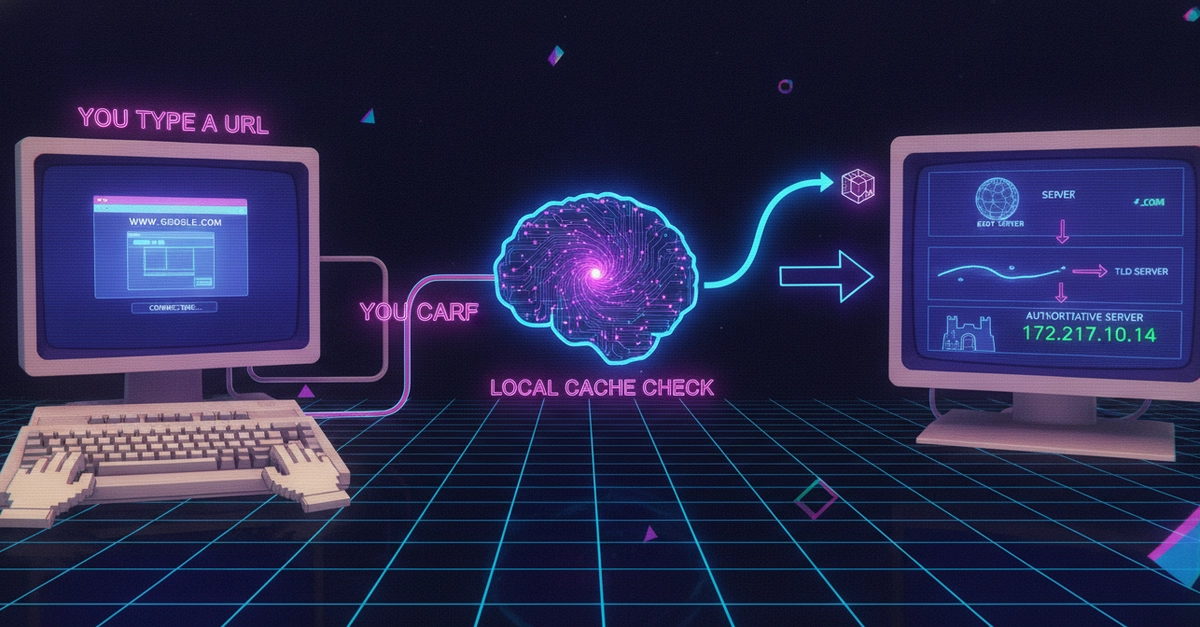
You type www.google.com into your browser and hit Enter. The page loads in under a second.
But stop and think about what just happened. Your browser didn't know where Google lives on the internet. It had to ask. And in that fraction of a second, a surprisingly elegant chain of lookups took place behind the scenes.
That system is called DNS — the Domain Name System. Think of it as the internet's phonebook: it translates human-friendly names like www.google.com into machine-friendly IP addresses like 142.250.80.46. Without it, you'd have to memorise numbers to visit any website.
Let's walk through exactly what happens, step by step.
Step 1: You Type a URL — But What Does It Mean?