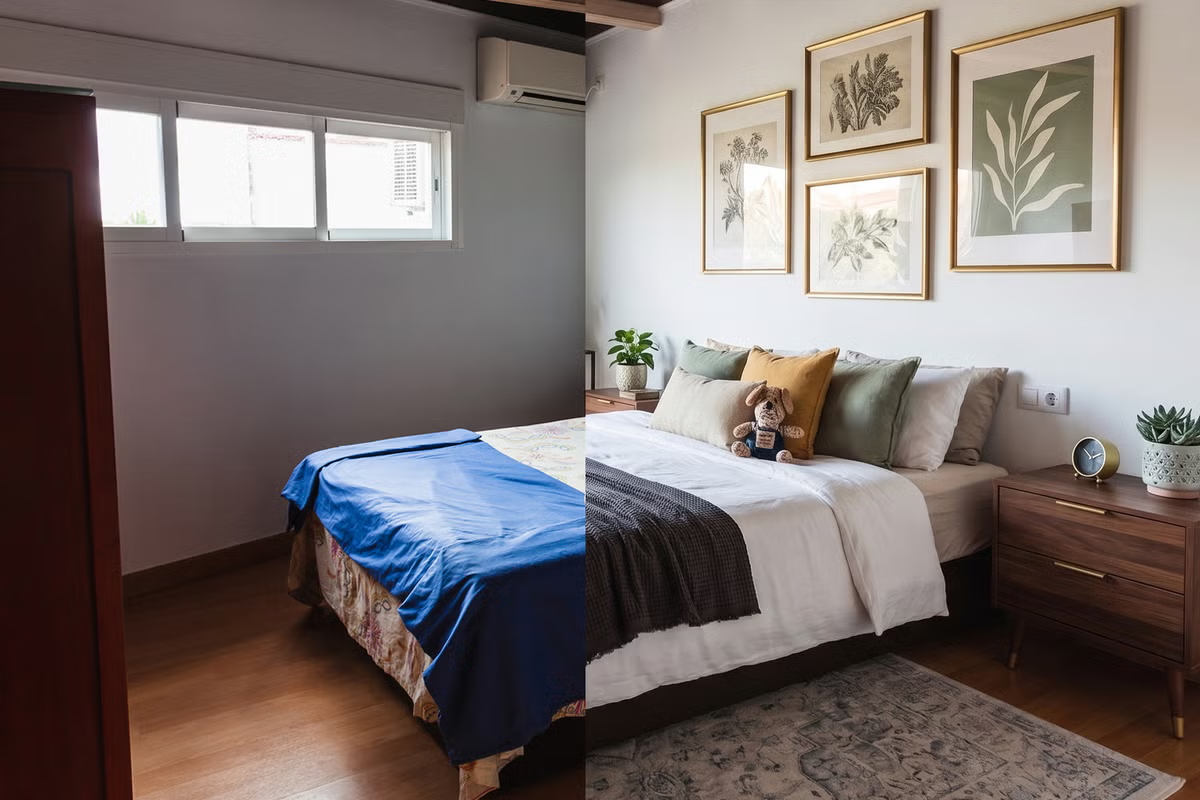
A listing photo leaves the camera looking right. By the time a portal has resized it for a thumbnail grid and recompressed it for delivery, it can look flatter, softer, or faintly wrong in a way nobody can quite name. None of that requires a bug on anyone's part — every step is documented, default behaviour in the image libraries doing the work.
We build CasaNova Labs, an AI studio for real estate photo and video editing, and the same three operations — resize, recompress, convert format — run on every image the product touches. Here is what the defaults in sharp (the Node.js binding for libvips, the library most JS image pipelines end up calling) actually do at each step, read from sharp's own API docs rather than assumed.
The kernel decides what a downscale looks like
resize() takes a kernel option — the algorithm used to compute new pixel values when shrinking an image, with the inferred interpolator reused for upsampling. The default is lanczos3, not the linear or nearest-neighbour interpolation a naive implementation might reach for:
sharp(input)