A rhythm game can feel unfair even when its note chart is correct. The usual cause is timing logic that mixes wall-clock time, animation frames, and audio playback position. A fair judgement system needs one authoritative clock and explicit windows for each result.
This walkthrough builds a compact JavaScript model suitable for a browser rhythm game or prototype.
Use the audio clock
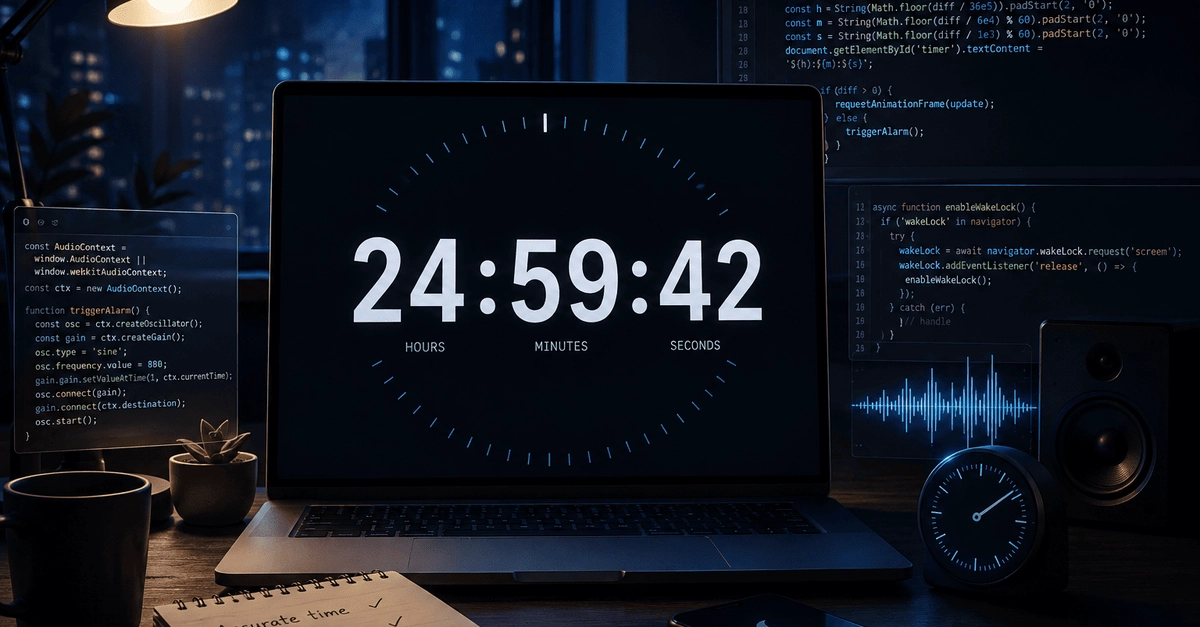
Do not advance song time by adding the duration of each animation frame. Frames can be delayed by background tabs, garbage collection, or a busy device. Instead, sample the playback clock on every frame.
function songTime(audioContext, startedAt, offset = 0) {