Most Django applications are request-response. A user does something, the browser sends a request, Django processes it, returns a response, done. That model works for 90% of what web applications need to do.
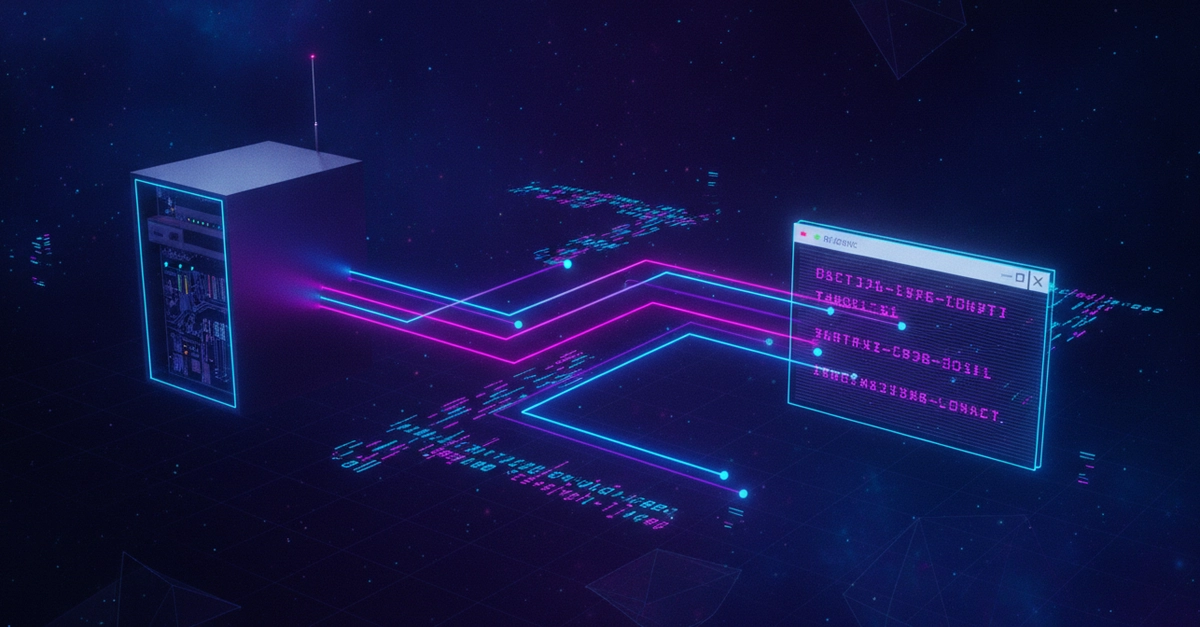
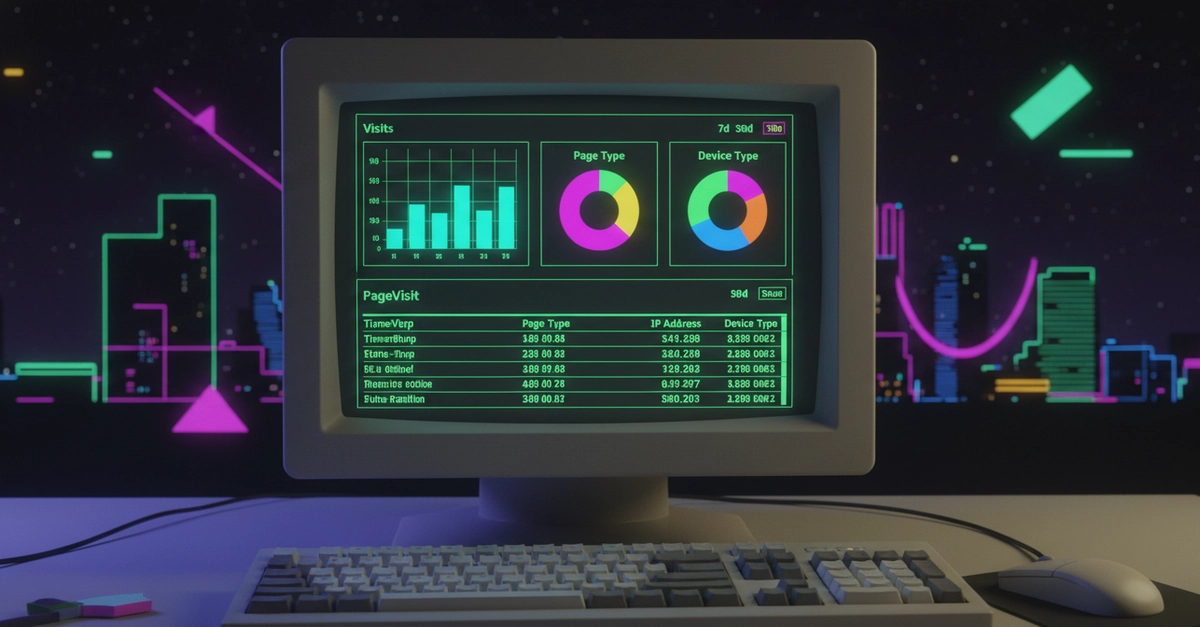
The other 10% — live dashboards, notifications, collaborative editing, order tracking, chat — requires the server to push data to the client without the client asking first. Django's standard request-response cycle cannot do this. WebSockets can.
This post covers how we add real-time features to Django projects using Django Channels, what the architecture looks like, and the patterns that have worked in production.
What Django Channels is (and what it isn't)
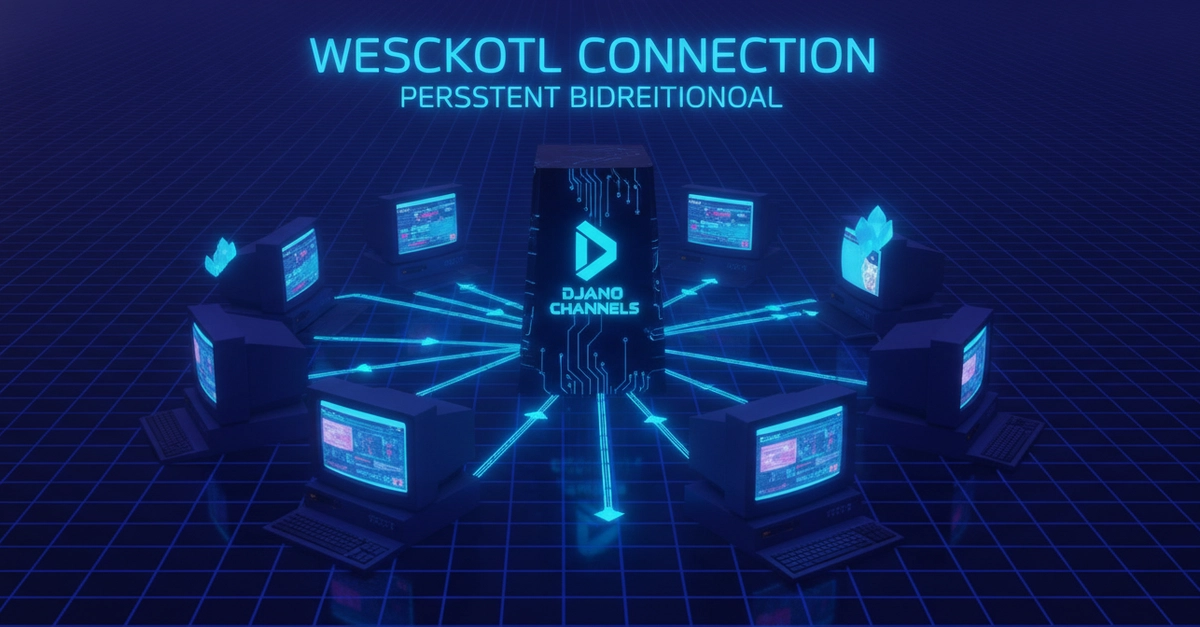
Django Channels extends Django to handle protocols other than HTTP — including WebSockets, but also HTTP/2 server-sent events, and background tasks. It does this by adding a layer called the Channel Layer, which is a message-passing system backed by Redis.