The first time we added an AI feature to a client's Django app, we did it the naive way: POST request, wait, get a response, render it. It worked. It also felt broken. Users stared at a spinner for 8 seconds, then got a wall of text. They stopped using it. Not because the AI was wrong â it wasn't â but because waiting for the full response before showing anything felt laggy in a way that ChatGPT had trained them out of tolerating.
Streaming solves this. It's not just a UX nicety â users start reading before the response finishes, they feel like something is happening, and they're more likely to catch when the AI goes off the rails early and stop it. We've implemented streaming across a handful of production Django+React applications now. Here's the full stack: server-side, client-side, and the edge cases that'll catch you if you skip the boring infrastructure bits.
The Django side: Server-Sent Events over HTTP
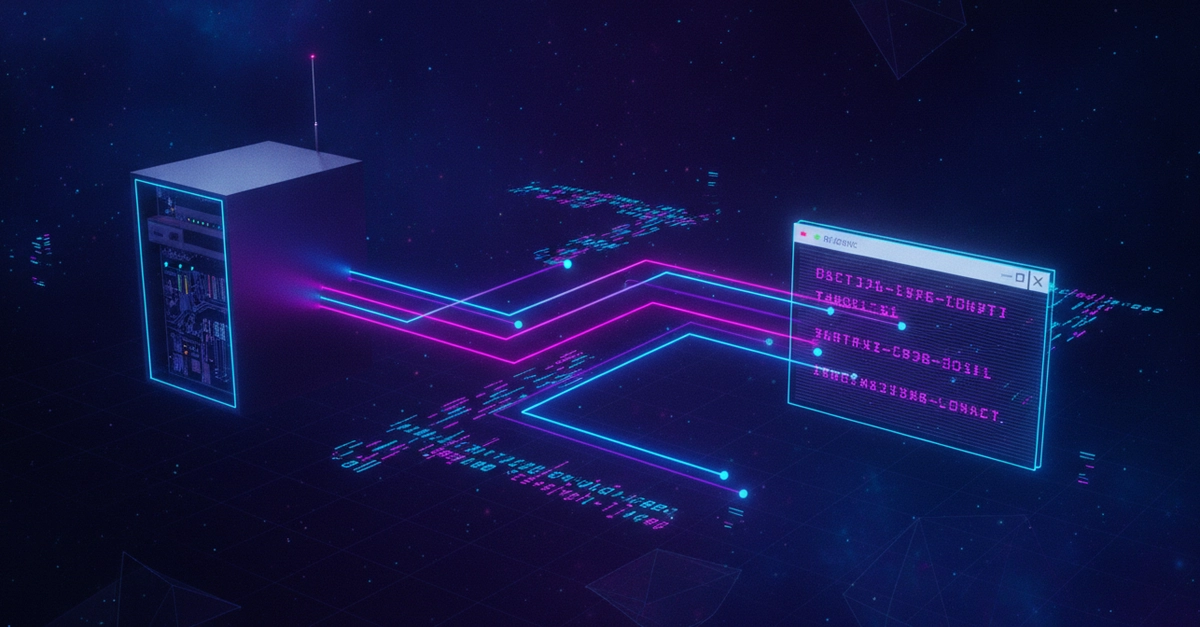
WebSockets are overkill for LLM streaming. The communication is one-directional â the server sends chunks, the client reads them. Server-Sent Events (SSE) is the right primitive here: it's HTTP, it works through proxies, and Django supports it without any extra infrastructure.