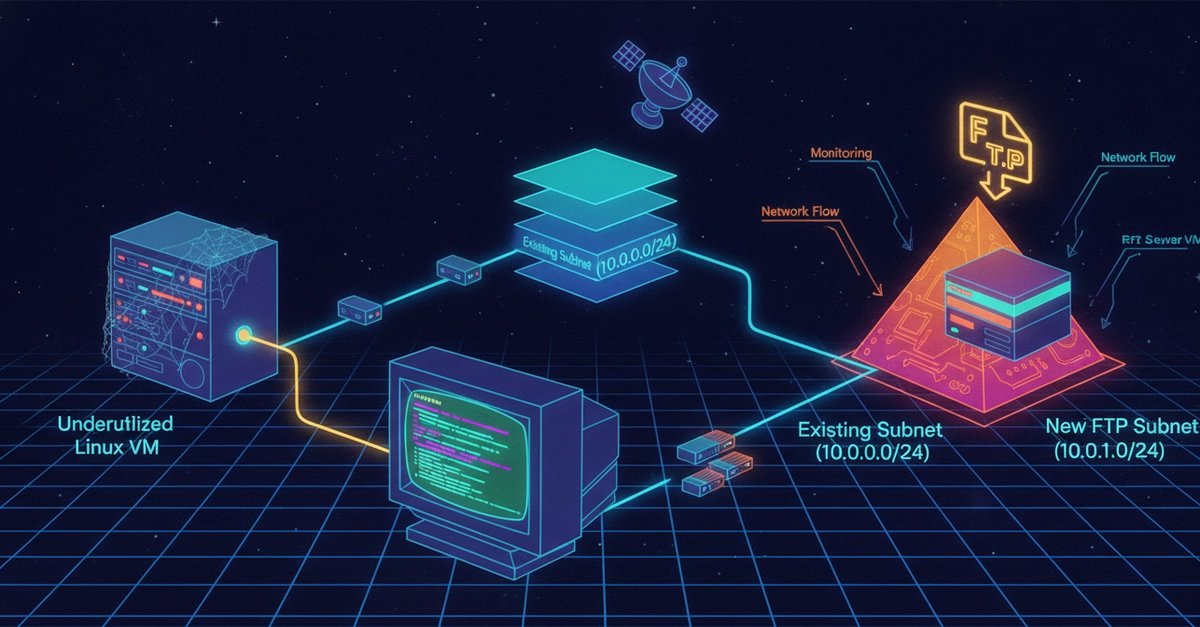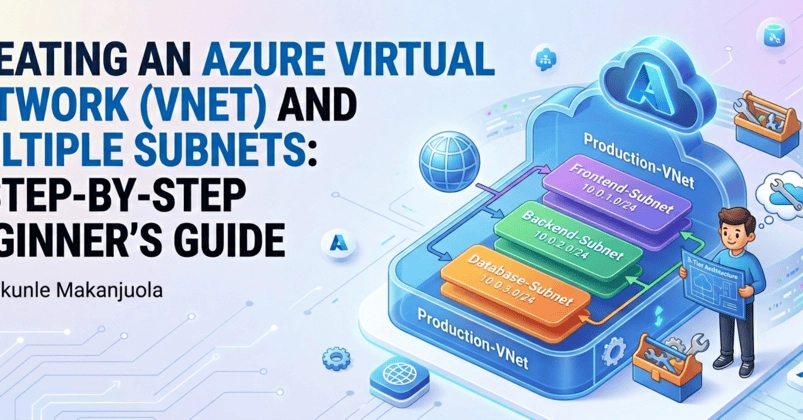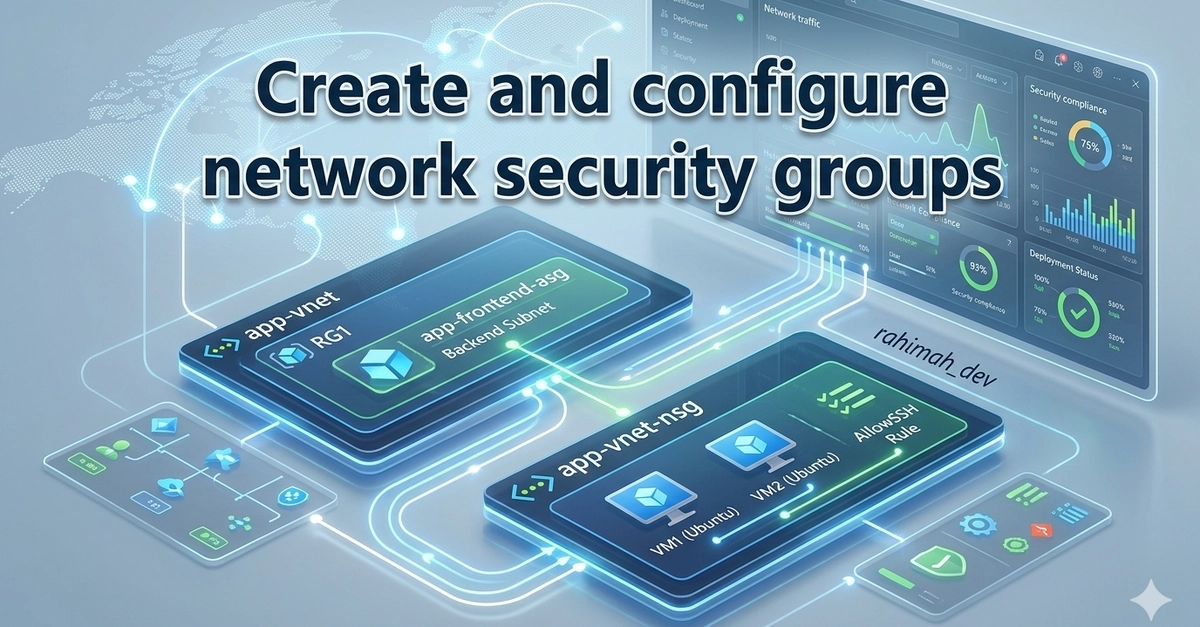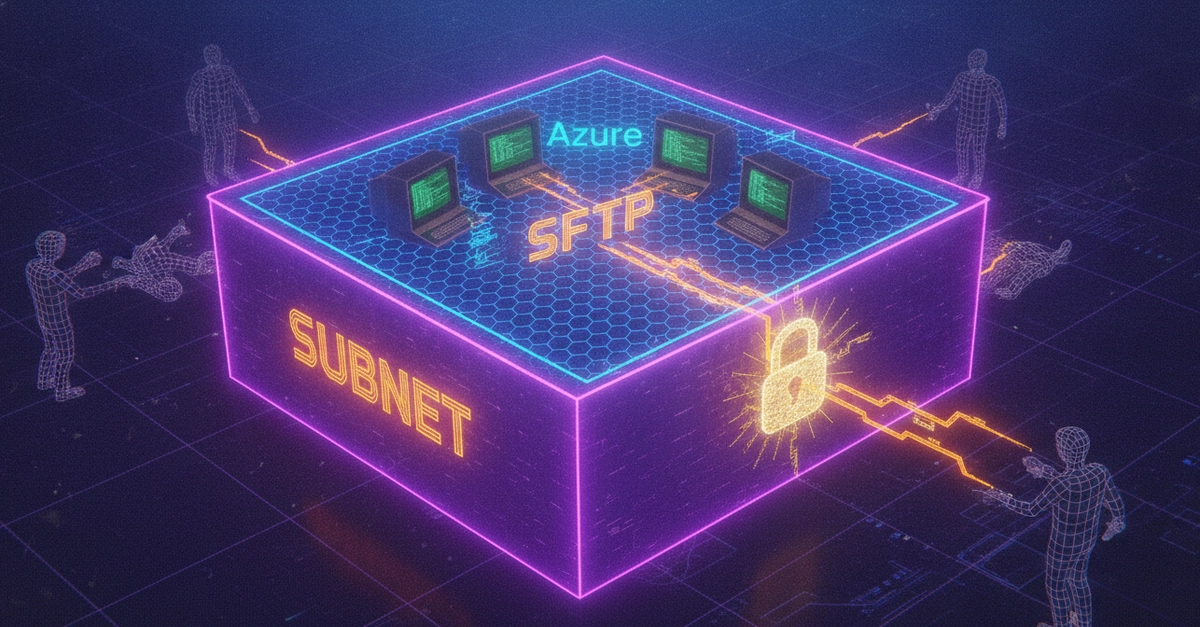
In the previous walkthrough, we put together a basic environment, creating a resource group, a VNet, a VM, and a storage account just enough infrastructure to have something real to manage. This time we're going back into that network and giving it some actual structure: a dedicated subnet for SFTP (Secure File Transfer Protocol) traffic, plus a network security group to control exactly what's allowed in and out of it.
If you haven't built the base environment yet, it's worth going back and doing that first, everything here assumes the guided-project-vnet VNet already exists.
What You'll Need
Access to the Azure portal.
The environment from Part 1 already deployed.