Securing Your Virtual Network with Subnets and Network Security Groups
In Part 1, we built the foundation of our Azure environment: a resource group, a virtual network, a virtual machine, and a storage account. Now it's time to put that network to work.
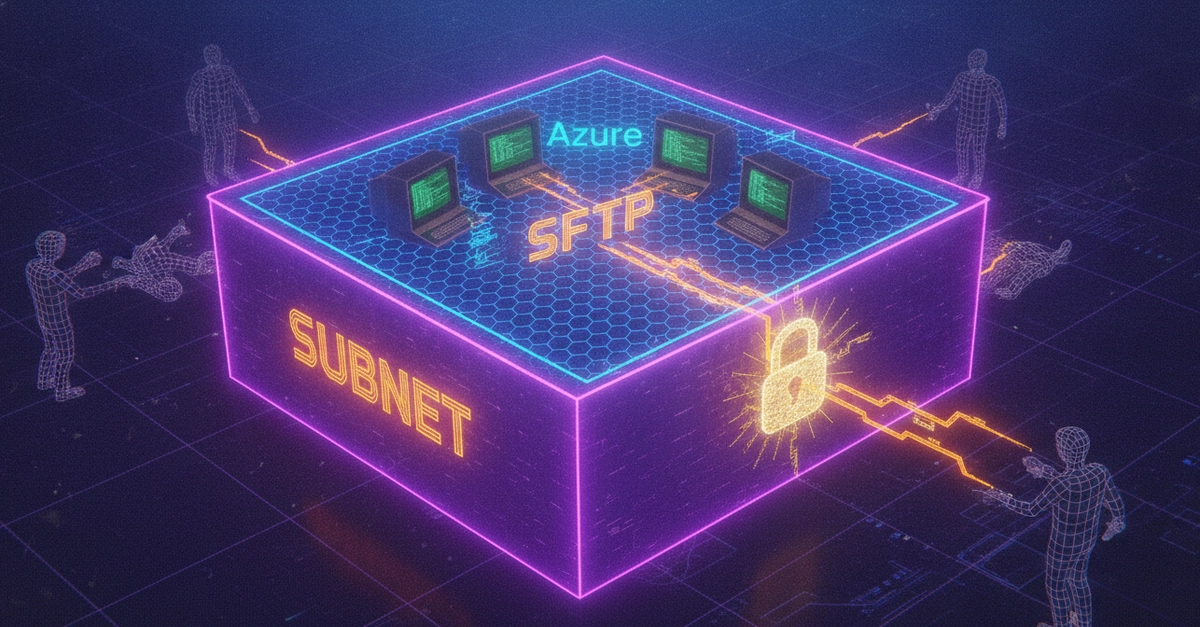
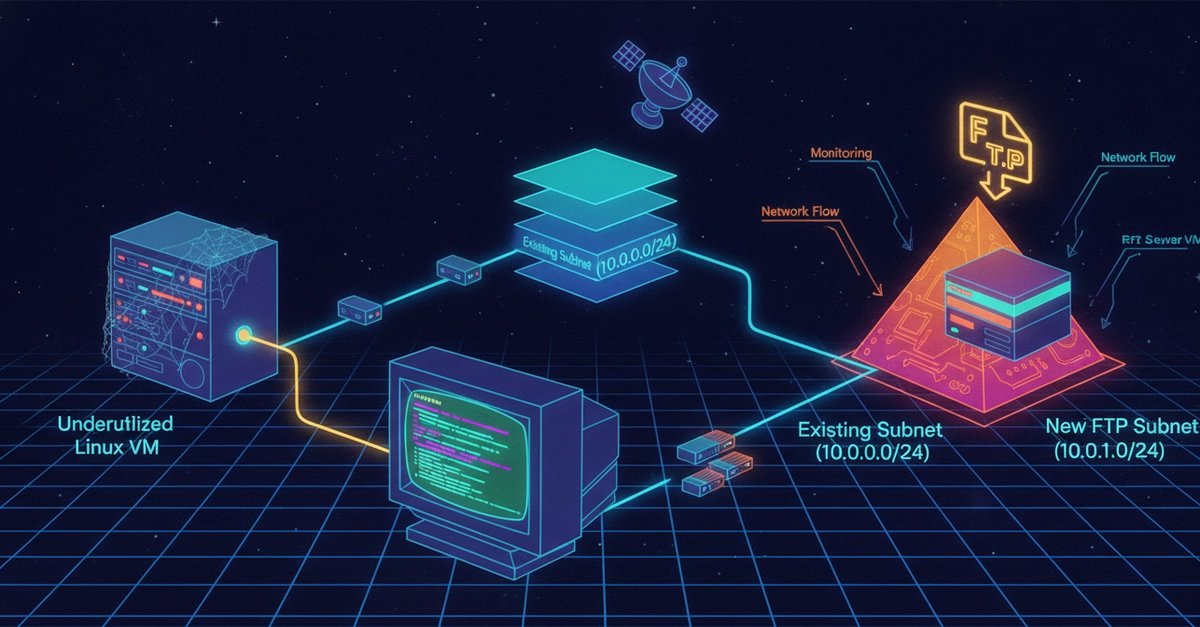
In this post, we are playing the role of an Azure admin who is asked to prepare the network for a new FTP (File Transfer Protocol) server. The task involves three steps: creating a dedicated subnet for FTP traffic, locking it down with a Network Security Group (NSG), and associating the two together.
Before you begin: This exercise builds directly on the environment created in Part 1. Make sure you have the guided-project-vnet virtual network and guided-project-rg resource group already in place before continuing.
Task 1: Create a New Subnet on the Existing VNet