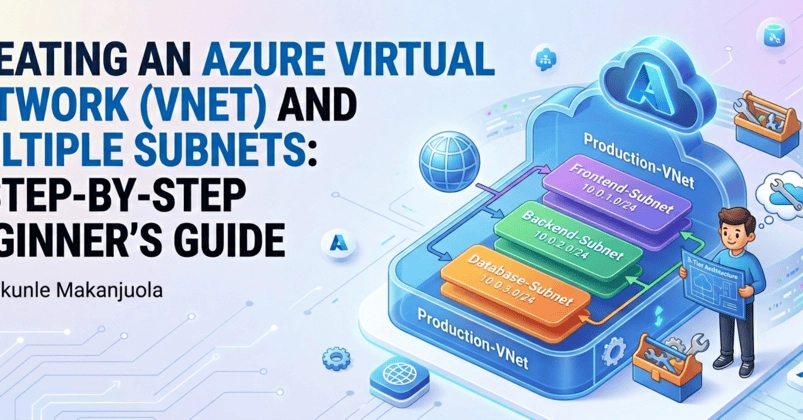
If you've ever stared at the Azure portal wondering where to even begin with networking, you're not alone. I was right there a few weeks ago. In this post, I'm walking you through exactly what I did — from creating a resource group to building a virtual network with three custom subnets. No fluff, just real steps with real screenshots.
Let's get into it.
Head over to portal.azure.com
Once logged in,
Step 1 — Search for Resource Groups