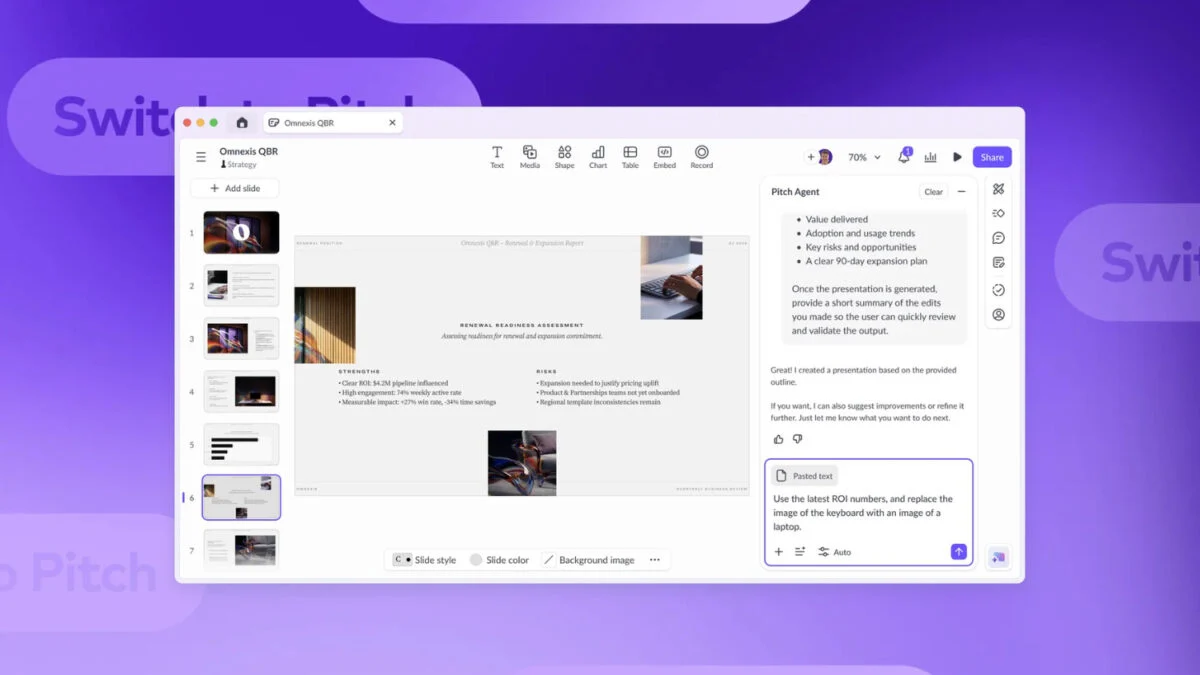
Building a presentation can take lots of time. There are design choices to figure out: the slide layouts, fonts, theme colors, and so on. You can use a template to skip this hassle, but you still have to paste your text and other content into the slides and edit it all so that the results are visually appealing.
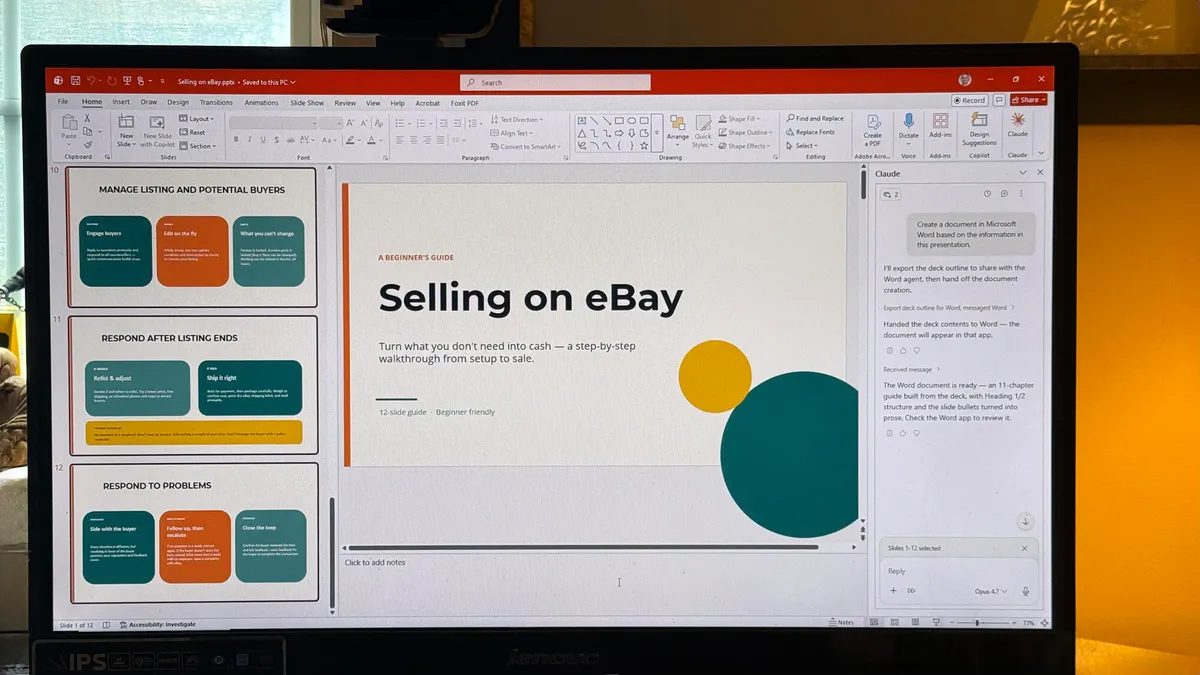
In PowerPoint, Microsoft’s Copilot AI assistant can now automate the heavy lifting of presentation creation. It can generate a first-draft presentation in minutes, then help you edit it. You can also prompt Copilot to help you quickly understand the contents of a presentation and glean insights from it. Use the tips in this guide to save oodles of time as you create and work with presentations.
Who can use Copilot in PowerPoint
Individuals with a Microsoft 365 Personal, Family, or Premium subscription have access to Copilot from within PowerPoint and other Microsoft 365 apps. Users with a Premium plan have higher Copilot usage allowances and access to advanced AI features.
For business users, it’s more complicated. Organizations with more than 2,000 users must pay for Microsoft 365 Copilot licenses for their users in addition to their regular Microsoft 365 licenses. Users at organizations with fewer than 2,000 users can use Copilot within M365 apps even without the M365 Copilot add-on licenses, but there are limitations in usage, speed, and feature availability.