Many years ago, Microsoft created a handy hub for its Office suite: type office.com into your browser, and you’d see a web page where you could launch the various Office apps — Word, Excel, PowerPoint, and so on — or access recently used documents in those apps. This hub’s appearance changed a bit over time as the Office suite was rebranded as Office 365 and then Microsoft 365, but it still served as a launch pad for your M365 files and apps.
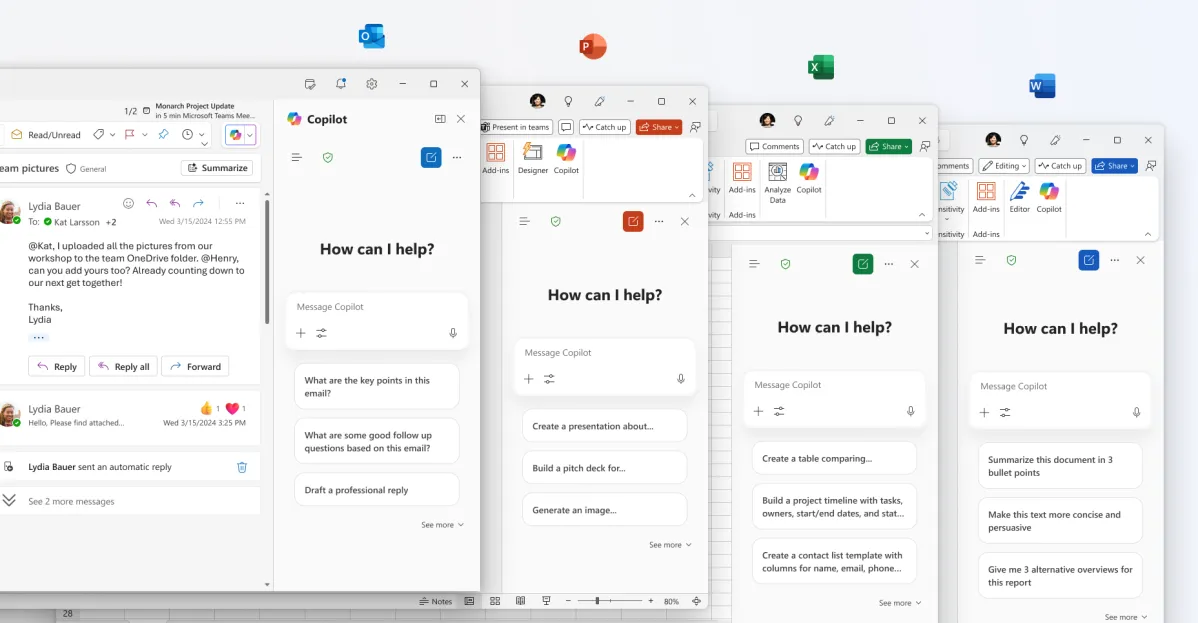
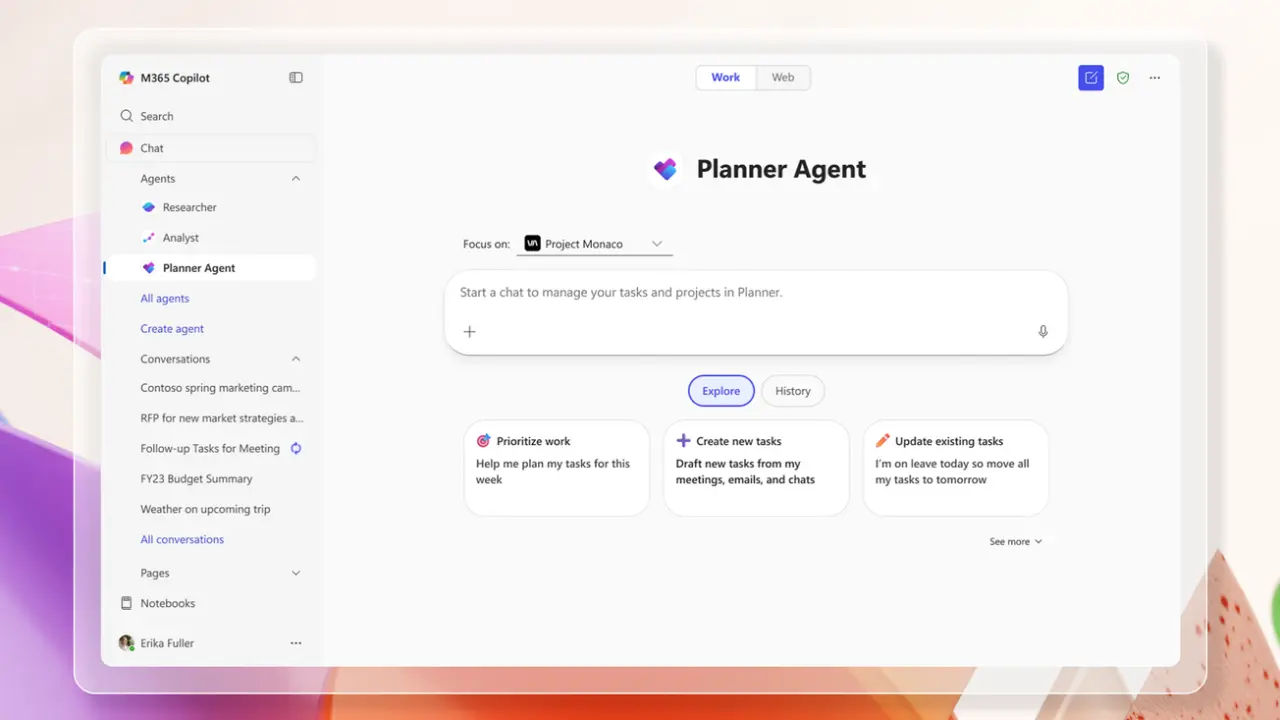
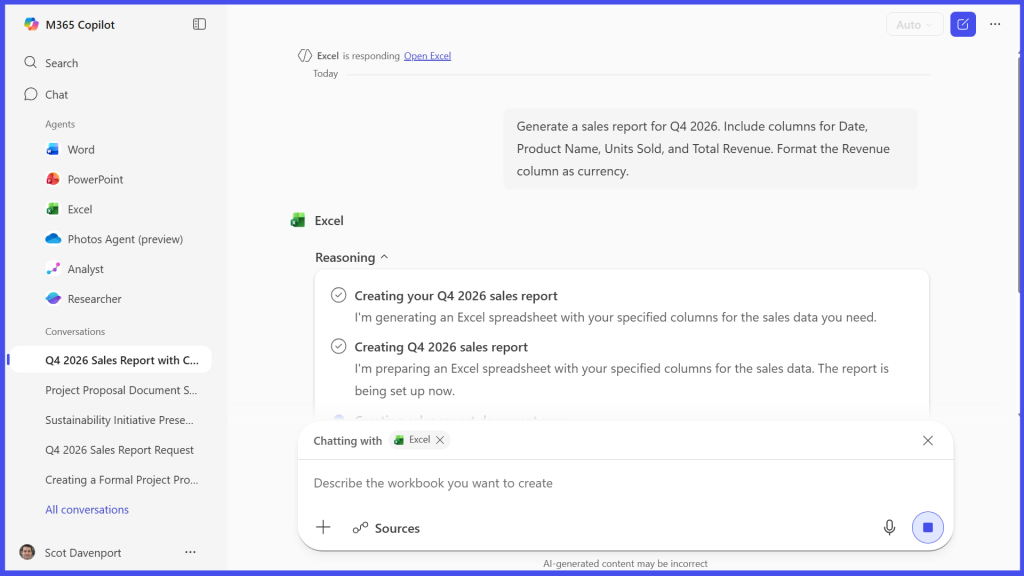
Now, however, Microsoft has deeply integrated its Copilot generative AI assistant throughout Microsoft 365, and the hub has been transformed. Currently called the M365 Copilot app, the page puts the Copilot Chat interface front and center. You can still get to your M365 files or apps by clicking Search or Apps in the sidebar on the left, but the main purpose of the hub these days is to let you chat with Copilot.
The old Microsoft Office hub has been taken over by Copilot Chat.
Howard Wen / Foundry
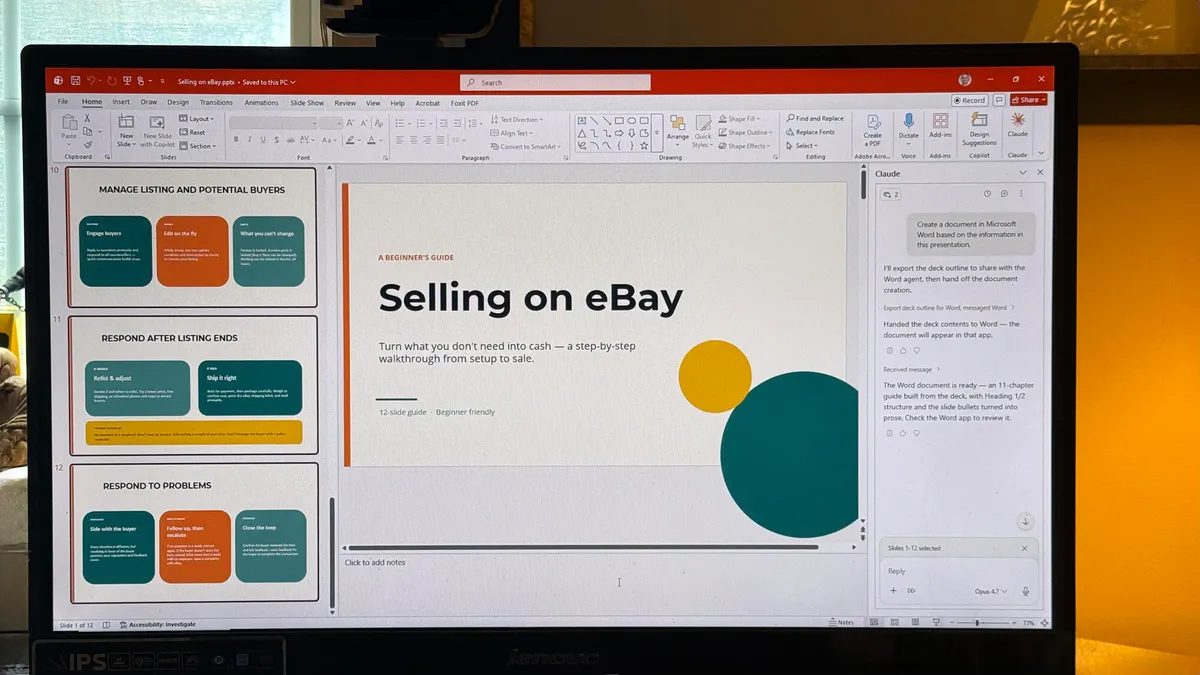
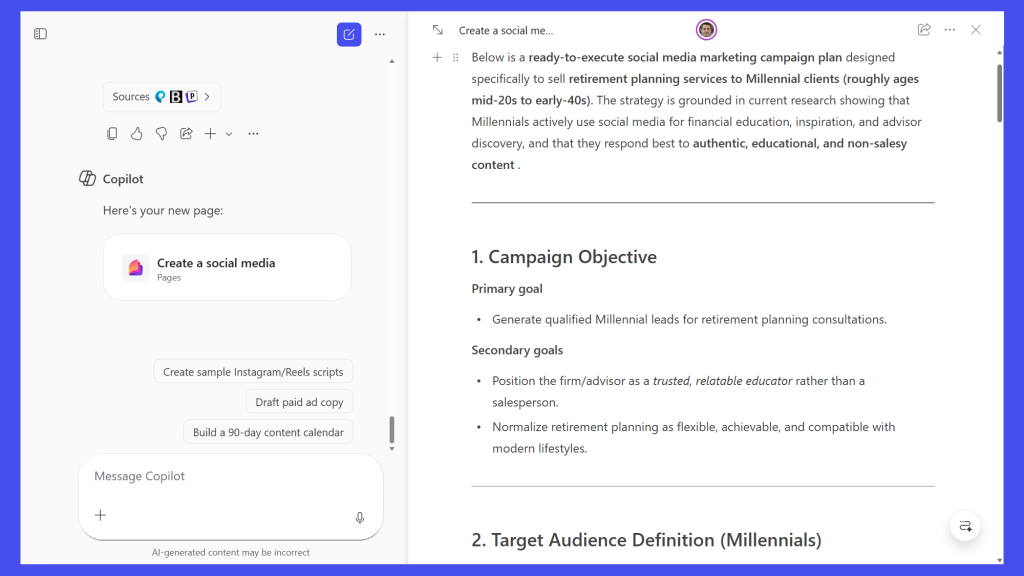
With the rollout of new Word, Excel, and PowerPoint AI agents, you can use Copilot Chat in the M365 Copilot app to generate first-draft Word documents, Excel spreadsheets, and PowerPoint presentations. If you have a qualifying Microsoft subscription, you can also use the advanced Analyst agent in Copilot Chat to analyze M365 files in various ways. We’ll show you how.