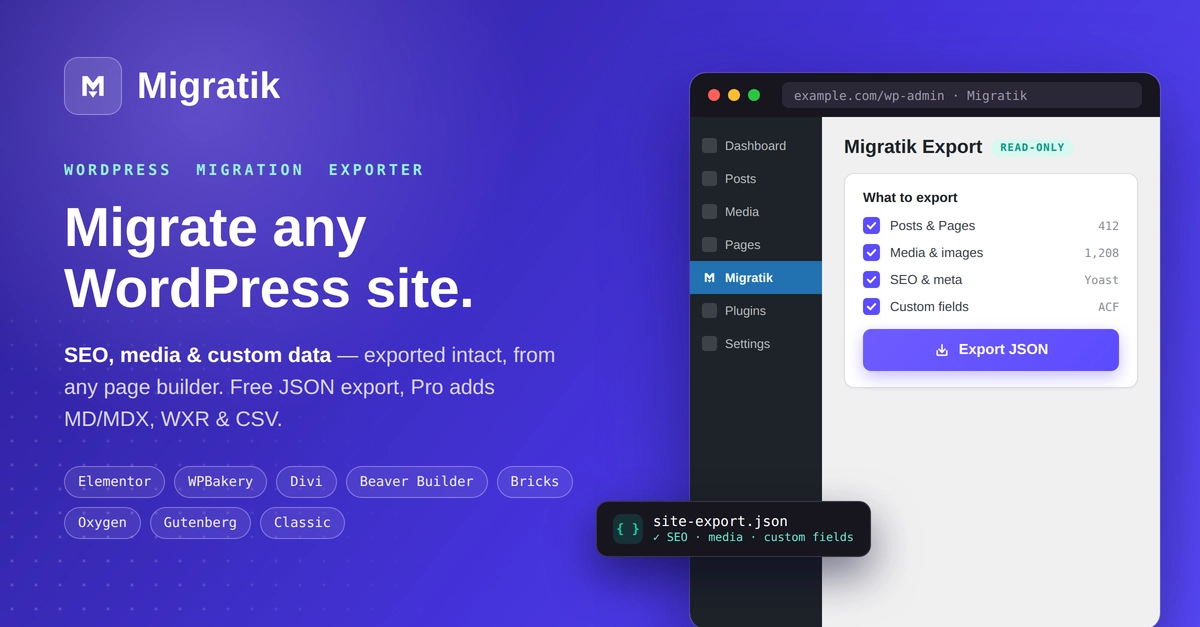
Most “WordPress to Next.js” tutorials show you how to fetch posts from the WP REST API and render them in the App Router. That’s the easy 20%. The 80% that actually decides whether your organic traffic survives is everything around the content: your URLs, your redirects, your metadata, your sitemap, and your images. Get those wrong and you’ll watch impressions fall off a cliff two weeks after launch, right when everyone assumes the migration “went fine.”
This guide is the checklist I wish every team ran before flipping DNS. It’s framework-accurate for the Next.js App Router, and it works whether your new backend is headless WordPress, a headless CMS, or flat files.
The one rule that saves rankings
Every decision in a migration comes back to a single principle:
Nothing about how Google already sees your pages should change, except the parts you deliberately improve.