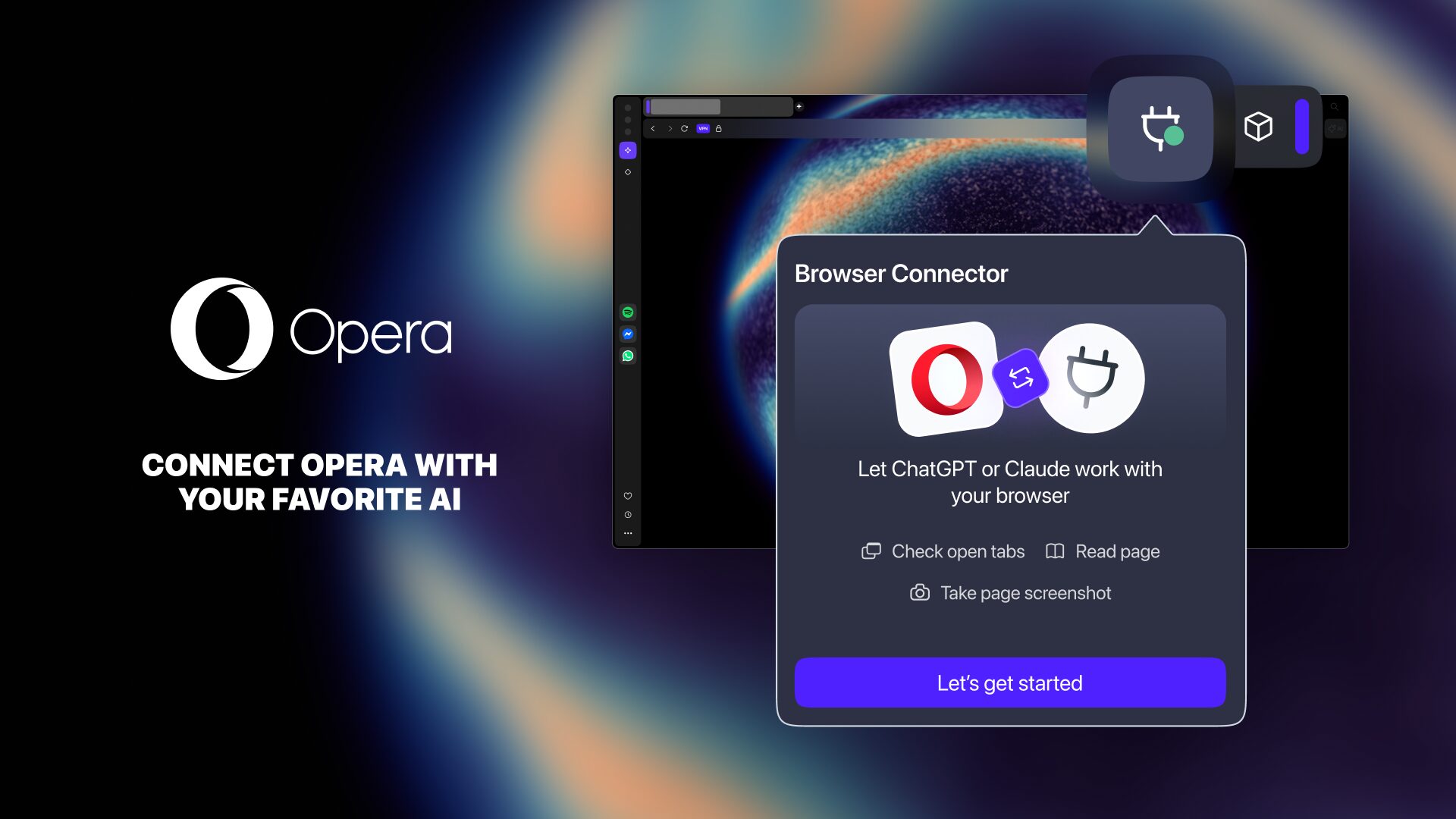
If you have tried the apps within ChatGPT, you might like Claude Connectors. Connectors let Claude securely work with apps you already use without leaving the platform. So, instead of copying and pasting information between websites, it can search your Gmail, check your calendar, help plan a vacation or even build a grocery list.Once you try this out for yourself, you'll see how they transform Claude into a personal assistant.If you're just getting started, these are the seven connectors I think offer the biggest payoff — especially if you're over 50.How to get started with Claude Connectors
(Image credit: Future)Getting started with Claude Connectors takes just a few minutes. Open Claude and click Settings, then head to Connectors. You'll see a growing list of available services, including apps like Gmail, Google Calendar, Booking.com, Uber and more.From there, simply choose the service you want to connect and sign in to your account. Claude will ask for permission to access only the information it needs, and you can review or revoke those permissions at any time.Once connected, you can start asking natural-language questions instead of jumping between apps.1. Gmail
(Image credit: Shutterstock)If I could only connect Claude to one app, it would be Gmail.Get instant access to breaking news, the hottest reviews, great deals and helpful tips.Most of us have years' worth of emails buried in our inboxes including appointment confirmations, receipts, travel plans, newsletters and conversations we forgot about long ago. Instead of digging through folders or remembering the right search terms, you can simply ask Claude.Prompt to try: Find every email about my upcoming doctor appointments and summarize the dates, times and locations.Or: Show me every receipt for purchases I made this month.It's one of those features that you never know you need until you try it. I use it all the time when I'm looking for something specific buried in my inbox.2. Google Calendar