I wanted Claude Code to read a Google Sheet while it worked. Some of my test fixtures and a small config table live in a spreadsheet a teammate maintains, and I was tired of copying values out of it by hand every time the agent needed one. The obvious path was to give Claude Code access to the sheet directly, so it could look things up itself.
Then I read the setup instructions. Almost every "Google Sheets for AI" option wants the same thing first: a Google Cloud project, the Sheets API enabled, an OAuth consent screen, and a downloaded service-account JSON file. That is a lot of ceremony before an agent reads a single row, and it is exactly where this kind of side task usually dies.
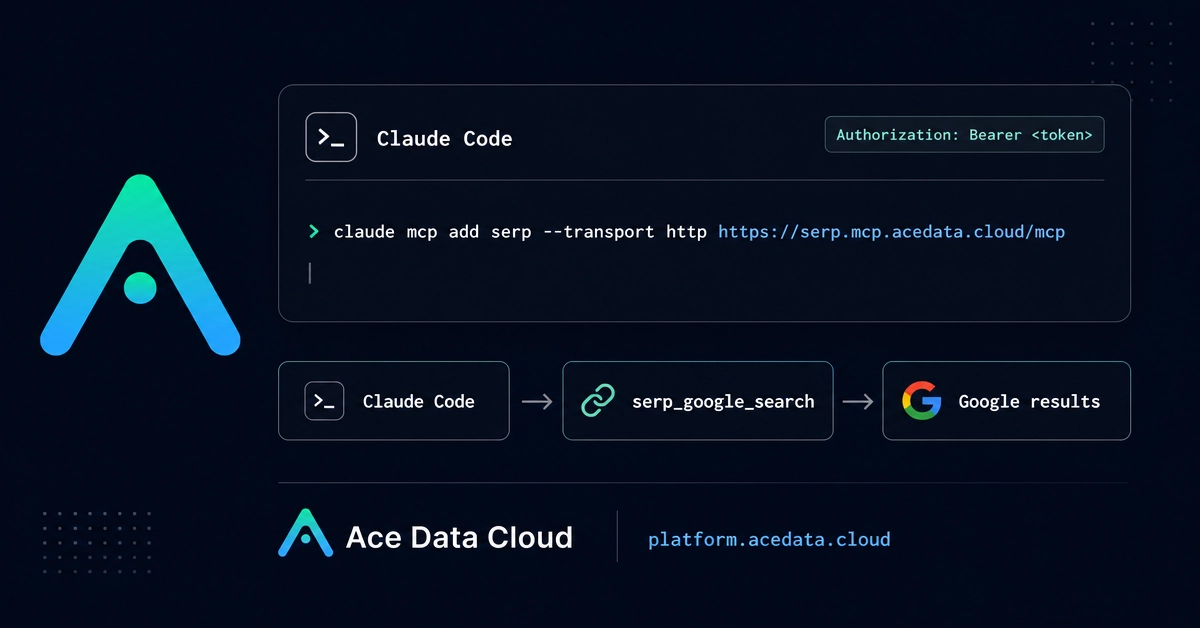
There is a shorter route. PasteSheet takes a Google Sheet you have shared with "Anyone with the link" and hosts it as an MCP endpoint, which is just a URL an AI client can connect to. You paste the share URL once, and then Claude Code connects to it with a single command. No Cloud project, no OAuth screen, no JSON file. This post is the five-minute version of getting there.
Skipping the Google Cloud project
The reason the usual setup is heavy is that Google's own API and the community servers built on it need credentials to read your account. A service account is a robot Google login, and wiring one up means a project, an enabled API, and a key file you have to keep somewhere safe.