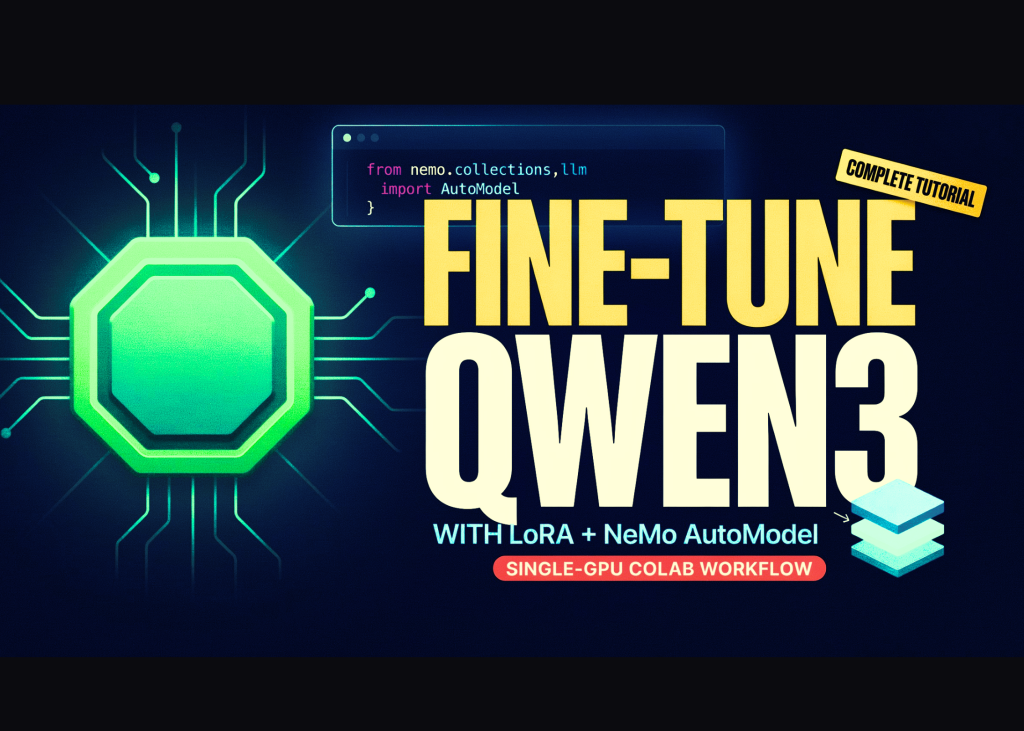
In this tutorial, we build an end-to-end NVIDIA NeMo AutoModel workflow in Google Colab and use a single GPU to explore the same configuration-driven training architecture that scales to distributed multi-GPU environments. We verify the available CUDA hardware and precision support, install NeMo AutoModel directly from its source repository, load an official Qwen3-0.6B LoRA fine-tuning recipe, and programmatically adapt its precision, batch-size, checkpointing, and scheduler settings for a constrained Colab runtime. We then launch parameter-efficient fine-tuning through the automodel command-line interface, locate and reload the generated LoRA checkpoint, and compare outputs from the original and fine-tuned models. Finally, we use NeMoAutoModelForCausalLM through the Python API to demonstrate how NeMo AutoModel integrates NVIDIA-optimized execution paths while preserving the familiar Hugging Face model interface.
Setting Up the Colab Workspace and Shell Helper
import os, sys, glob, json, subprocess, shutil, textwrap
REPO_DIR = "/content/Automodel"
WORK_DIR = "/content/automodel_demo"