Part 2 — Search, palette, and settings
Level: Intermediate · Time: ~35 minutes · Builds on: Part 1 — Contacts app
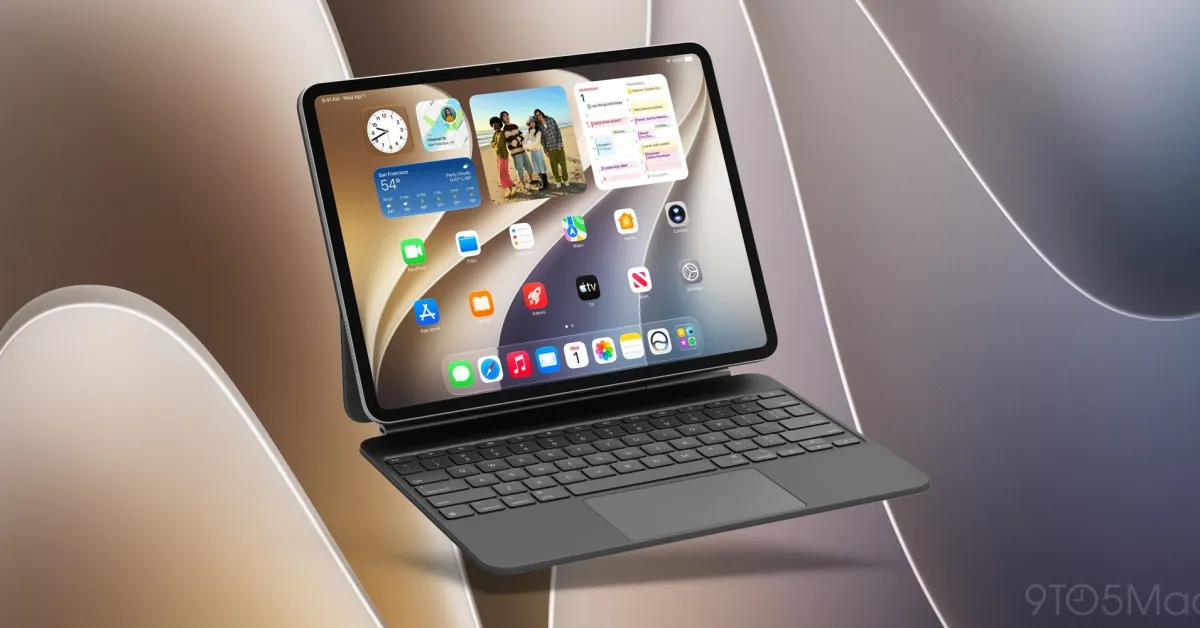
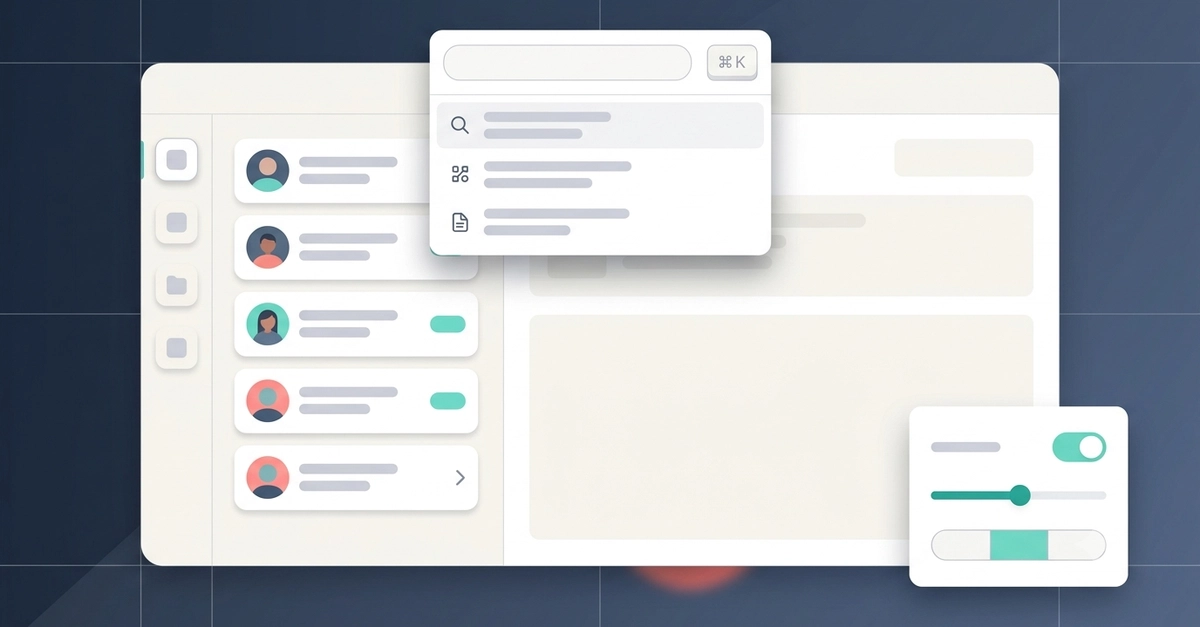
Part 1 got you shipping. This one gets you productive. We'll take the Contacts app and give it the ergonomics real users expect: an adaptive sidebar that becomes a tab bar on iPhone, a command palette on ⌘K, honest loading states while data comes in, and a proper settings screen. Zero #if os guards. Zero re-rolled controls.
What we're adding
An adaptive shell — DFSidebar on regular width, DFTabBar on compact.