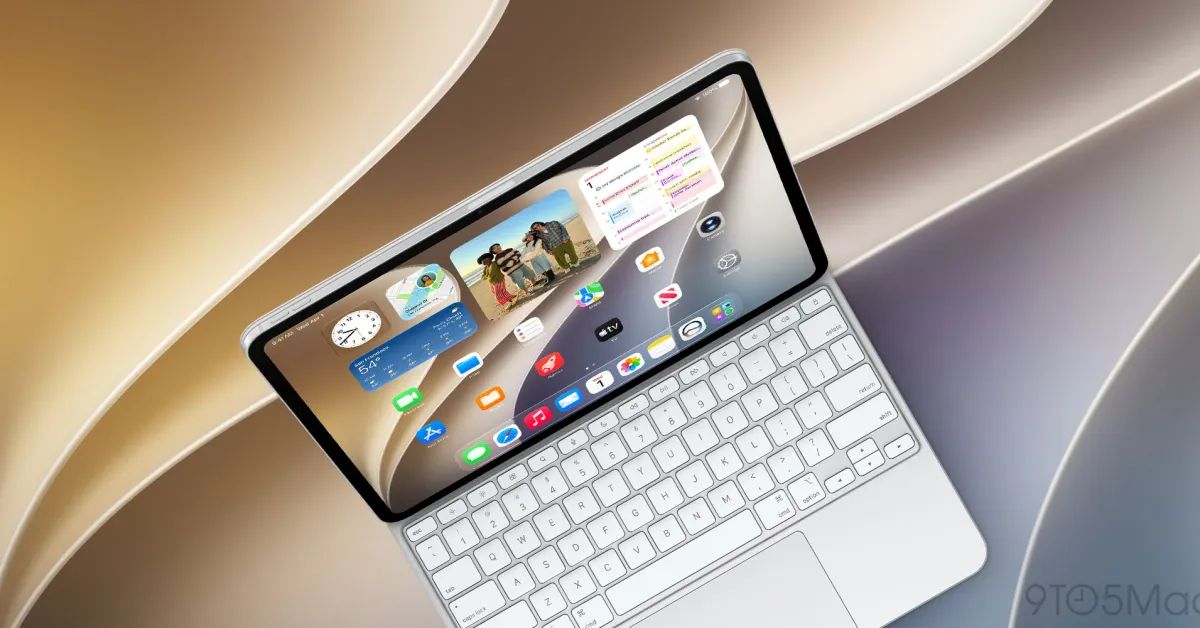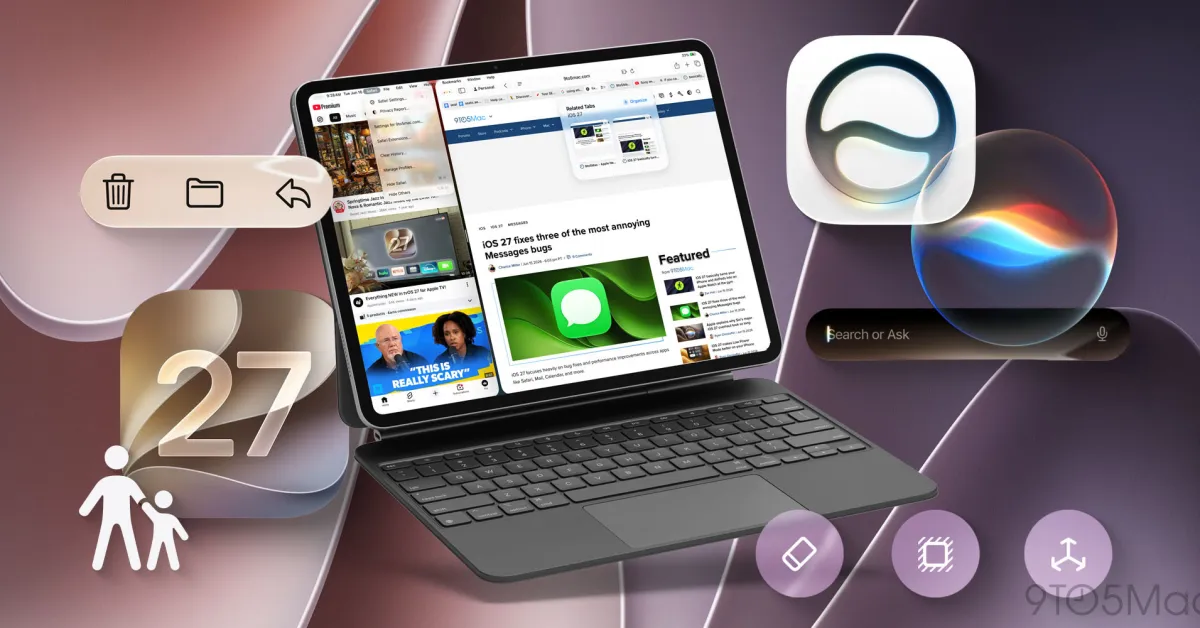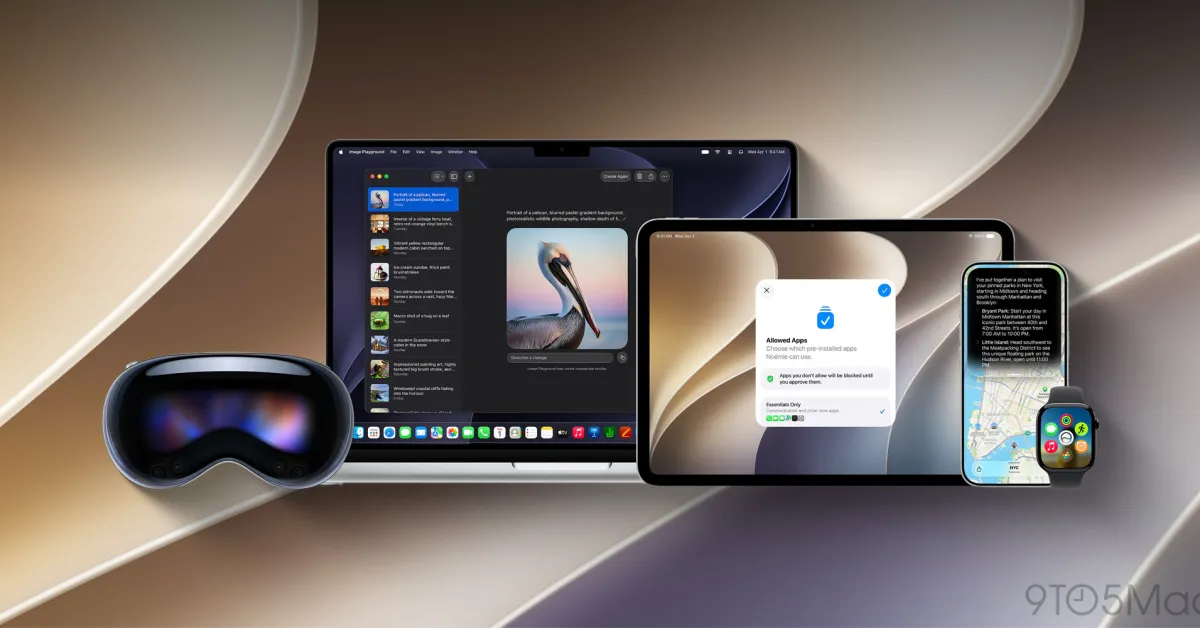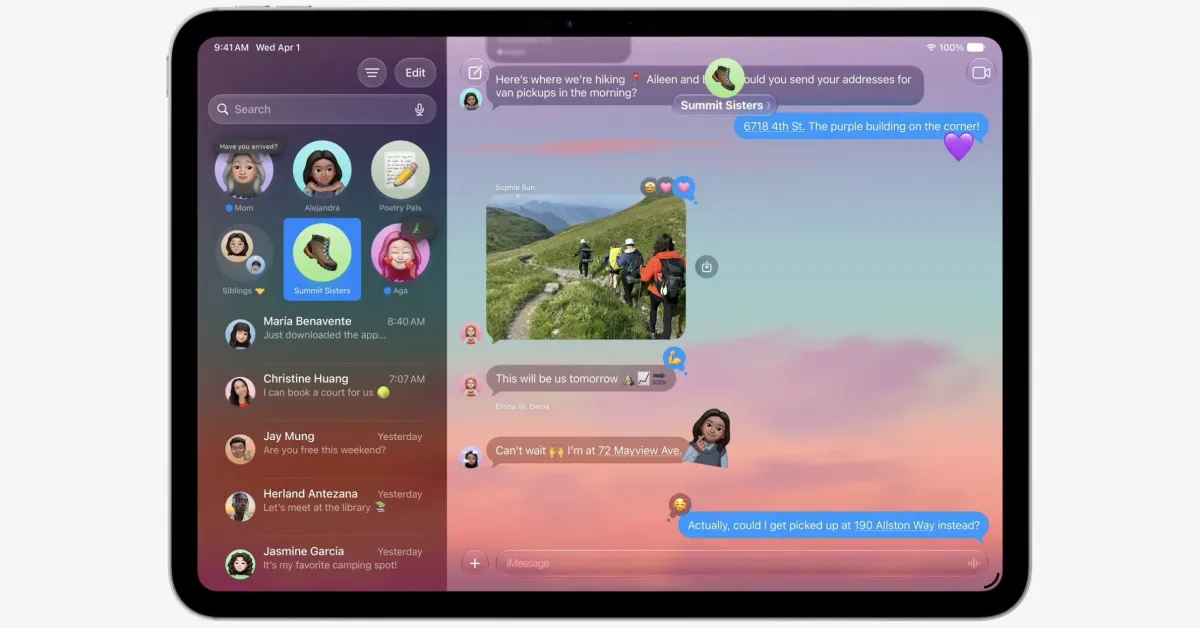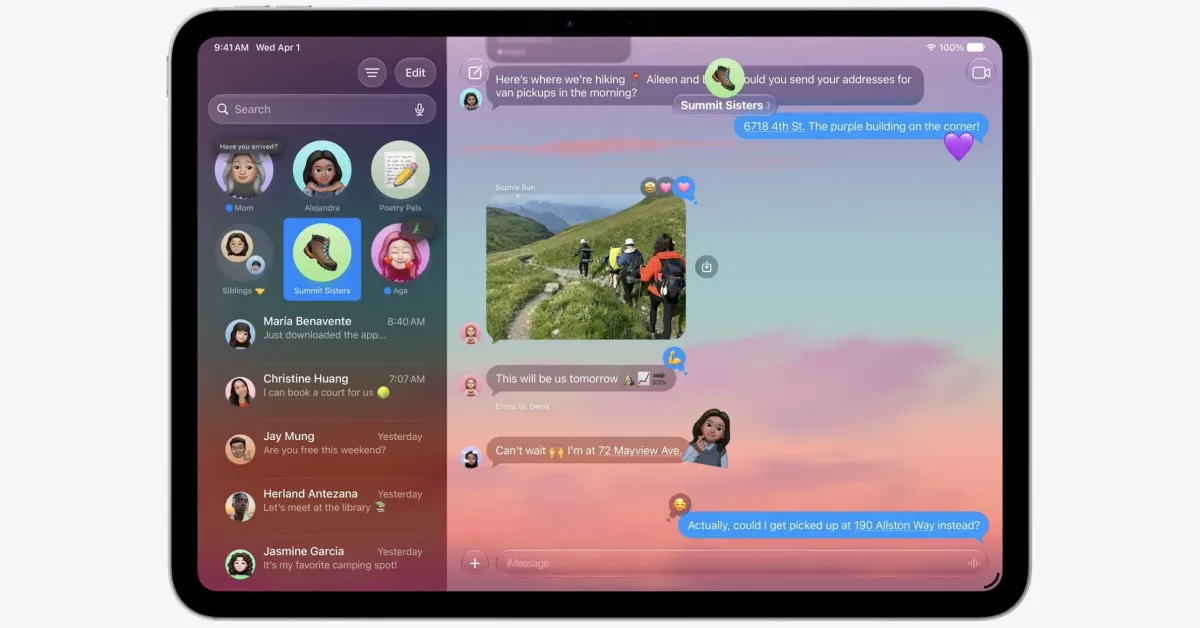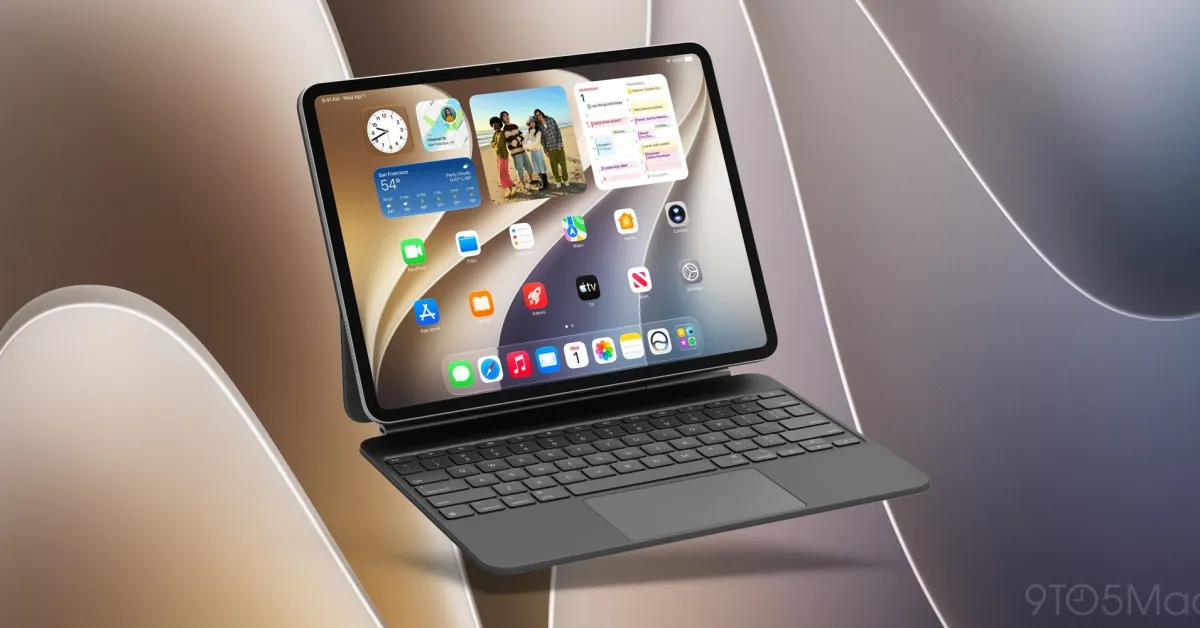
iPadOS 27 launches next month, with new features in apps like Notes, Messages, Calendar, Mail, and more. Here are a couple of systemwide iPadOS 27 features I’ve been loving.
#1: Menu bar and status bar improvements
iPadOS 27 now lets you optionally keep the menu bar visible at all times
In iPadOS 26, you had to swipe down from the top of the screen to reveal the menu bar, or alternately move your trackpad cursor to the top. This was fine, but it differed from the Mac’s persistent menu bar.
Now iPadOS 27 lets you get more of that Mac-like experience. Inside Settings ⇾ Multitasking & Gestures there’s a new toggle: ‘Automatically Show and Hide Menu Bar.’ Make sure the toggle is off and the menu bar will stay visible at all times.