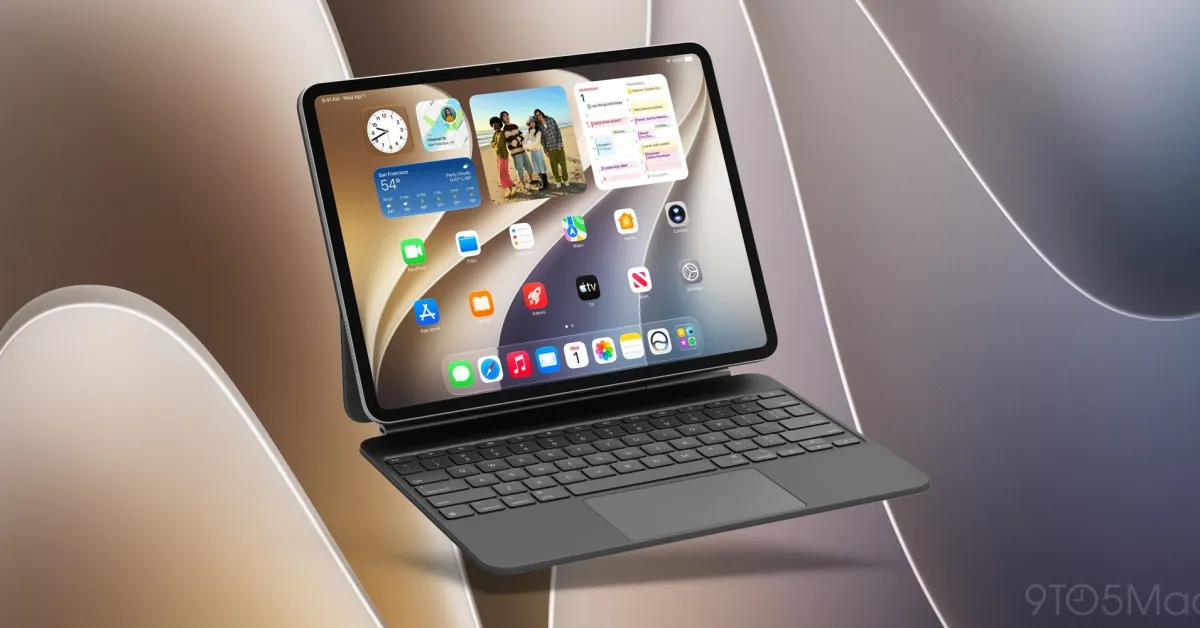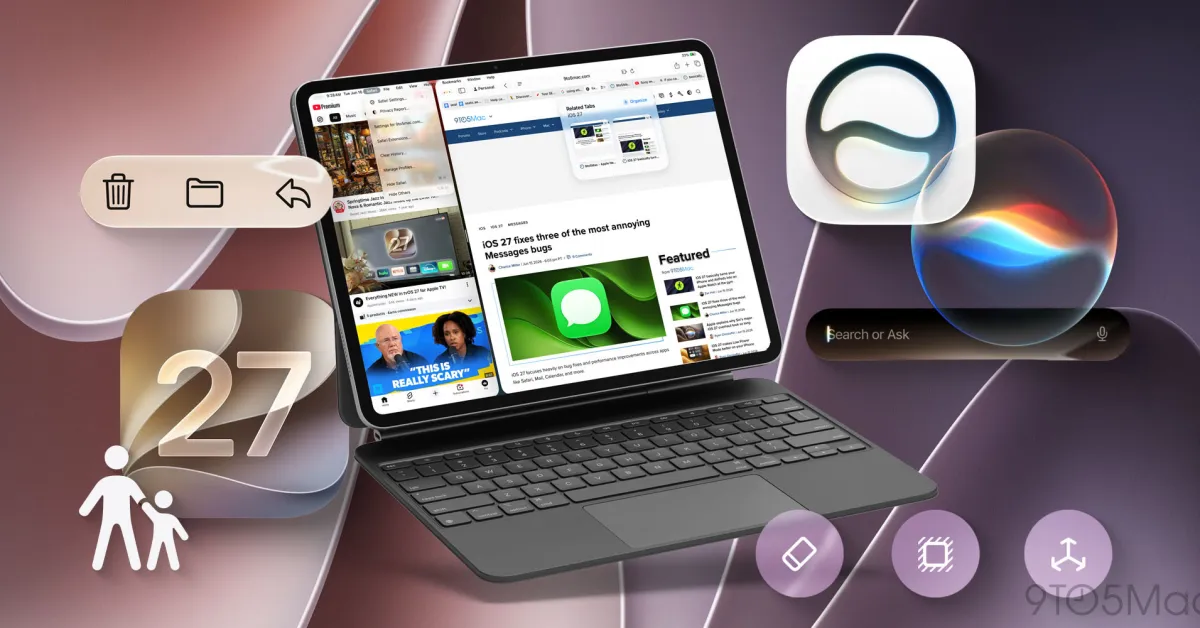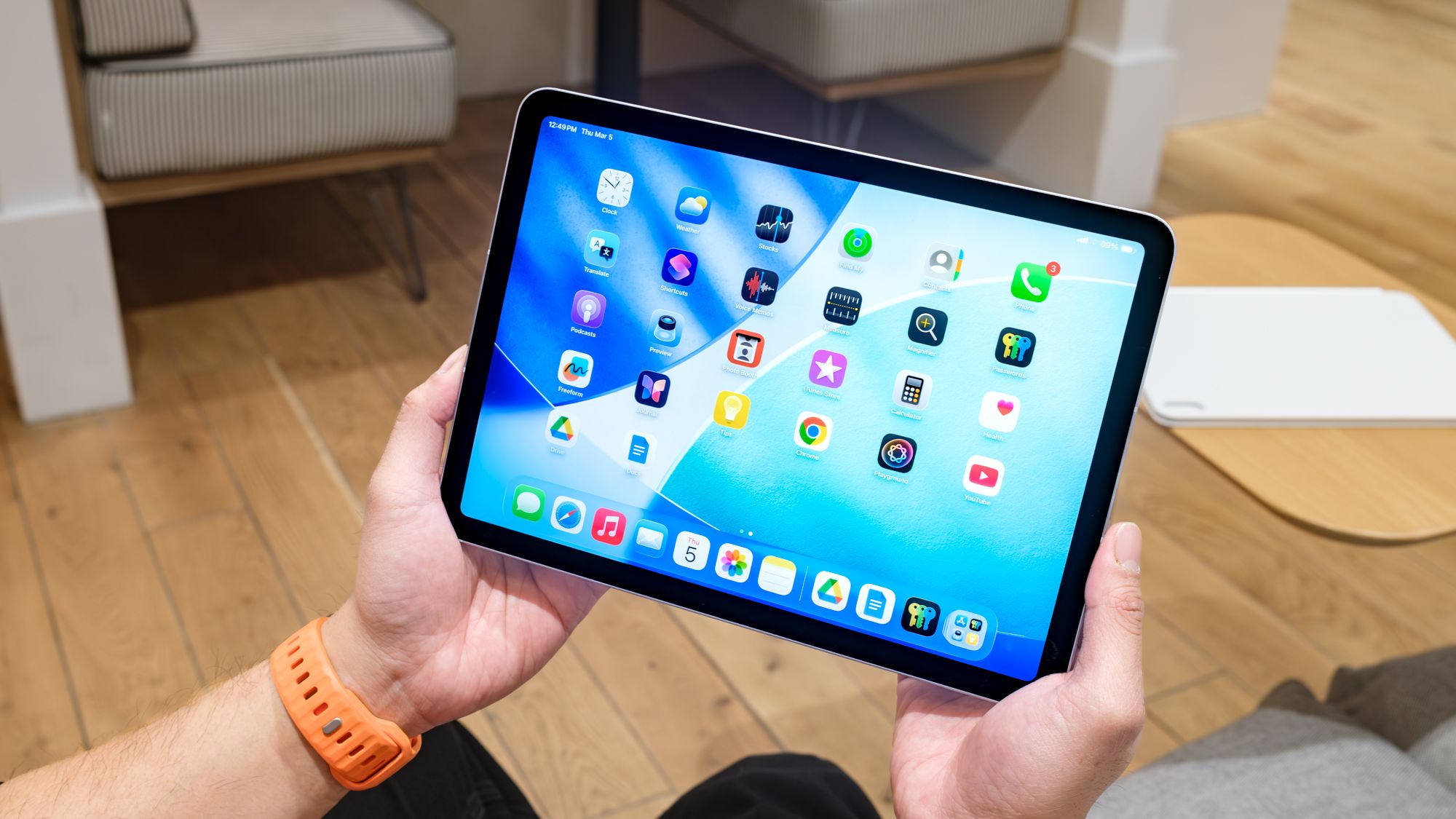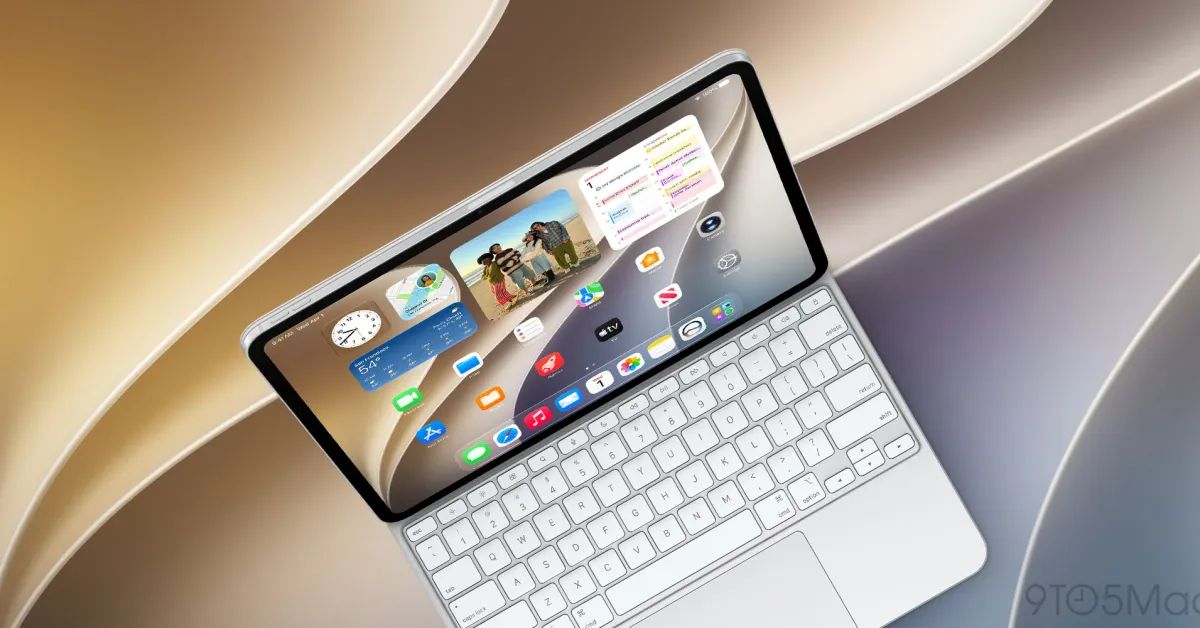
iPadOS and macOS used to be very different software platforms. But especially since iPadOS 26, the two have become a lot more alike. And that’s even more true this year, with iPadOS 27 adding three features that make the iPad more Mac-like than ever.
#1: App names in status bar
I work on an M5 iPad Pro that‘s attached to a Magic Keyboard all the time. And one issue the iPad has long had for keyboard users is the lack of a clear ‘active app’ indicator.
If you only have one app on-screen, this isn’t a problem. But if you have several apps visible at once, keyboard shortcuts become tricky. I can’t count the number of times I’ve tried a keyboard shortcut thinking it would trigger in one app, only to be surprised that a different app was targeted instead.
The Mac solved this problem long ago by putting the active app’s name in the top-left corner of the screen. And now, iPadOS 27 does this too.