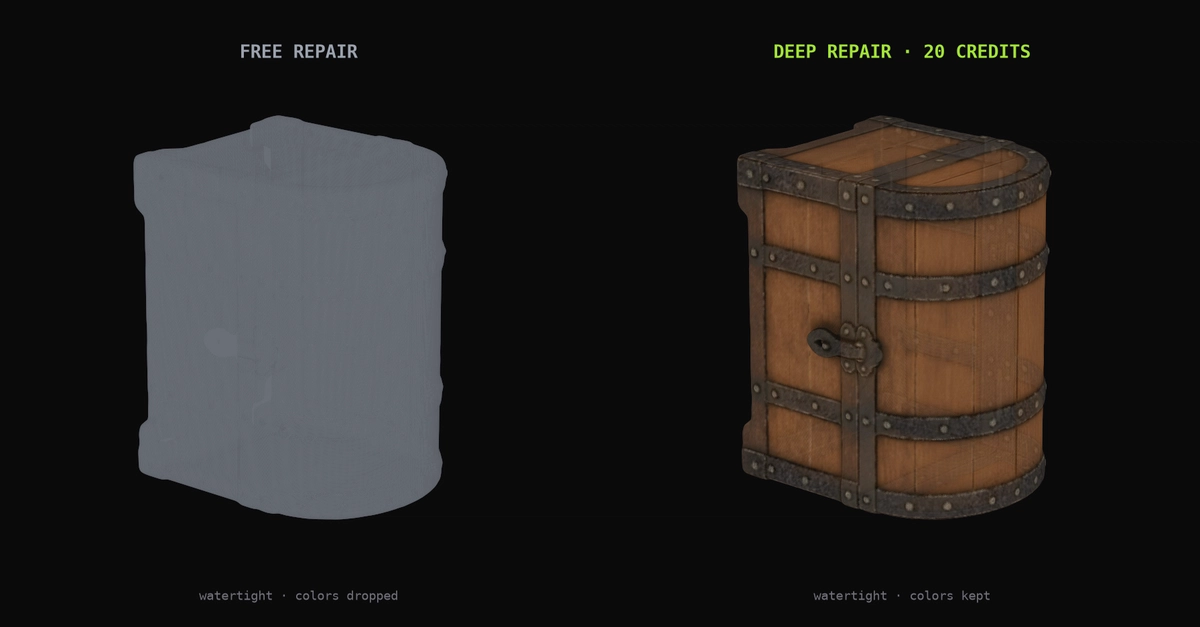
A lot of 3D files are quietly broken. Not "won't open" broken — they load fine in a viewer, look like a normal model, and then a slicer either rejects them outright or silently produces garbage: missing walls, phantom internal cavities, infill leaking out through a gap you can't see. This happens constantly with AI-generated meshes and phone LiDAR scans, and it's rare enough with hand-modeled CAD files that most tutorials don't cover it well.
We've spent the last few months building MeshRefinery, a mesh repair and format-conversion tool, and the interesting part turned out to be less "how do you fix a hole in a mesh" and more "how do you even define broken, and how do you fix it without a full watertight-reconstruction pipeline when you don't need one." This post walks through both the cheap, entirely-client-side repair pass and the expensive, guaranteed-correct one, plus a color-preservation trick that isn't really about repair at all.
Originally published on the MeshRefinery blog.
What "broken" means to a slicer
A mesh is a soup of triangles. A slicer needs it to describe a closed volume — for every point in space, "inside" or "outside" has to be unambiguous. Three properties matter: