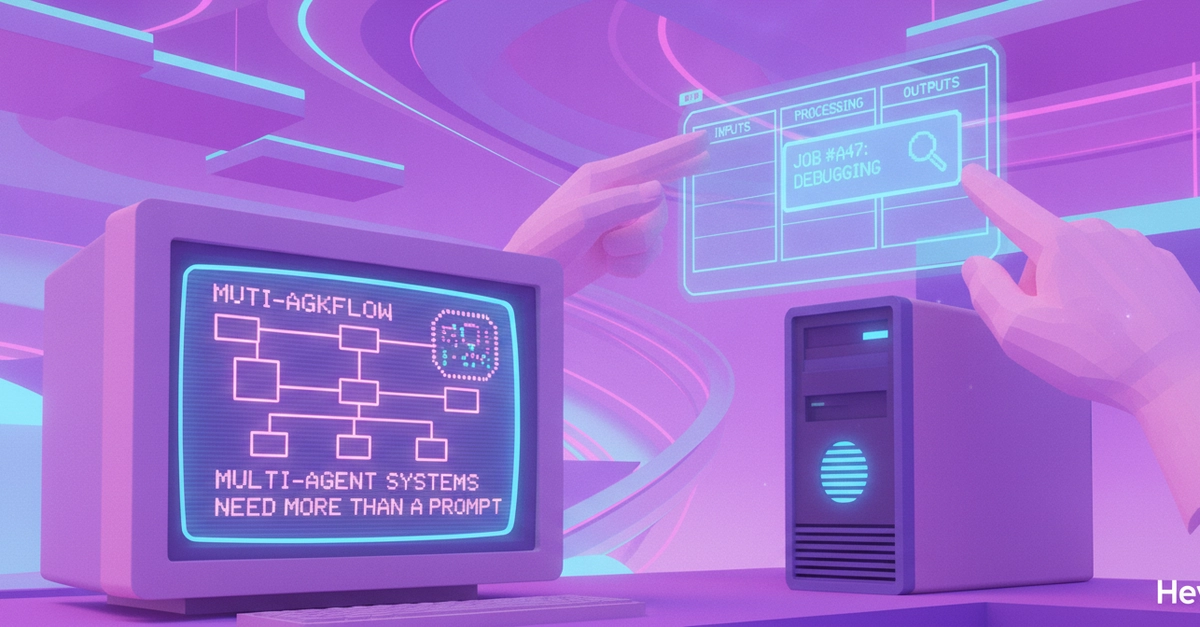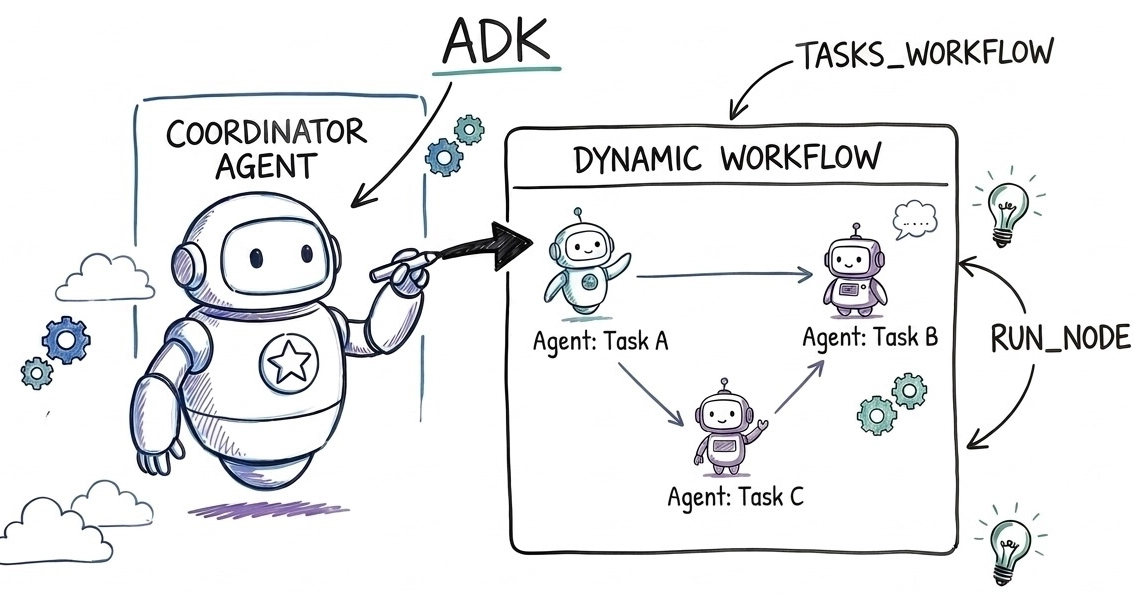
When building multi-agent systems, rigid state graphs quickly fall apart in the face of dynamic user inputs. Imagine building a smart assistant: a user hands you a checklist of three household chores today, but tomorrow it might be a list of ten software debugging tasks. Because the number of tasks, their sequence, and their execution details are entirely runtime-dependent, you cannot hardcode this path at design time. Forcing dynamic lists of work into a static graph-based workflow can lead to fragile, over-engineered code. You need a workflow that adapts dynamically at runtime.
The Google Agent Development Kit (ADK) provides a flexible programming model to define dynamic workflows. With the release of ADK 2.4.0, triggering these workflows has become even more seamless: you can register a Workflow directly in an agent's tools list, allowing the coordinator agent to execute it automatically as a first-class tool.
In this article, you learn how to configure and trigger a dynamic workflow directly from a coordinator agent. This guide uses a task list coordination example, but you can adjust this pattern to other dynamic orchestration needs.
The architecture of a dynamic workflow
Static workflows define the execution path at design time. Dynamic workflows, however, allow agents to invoke tools, spawn other nodes, and schedule sub-agents conditionally at runtime.