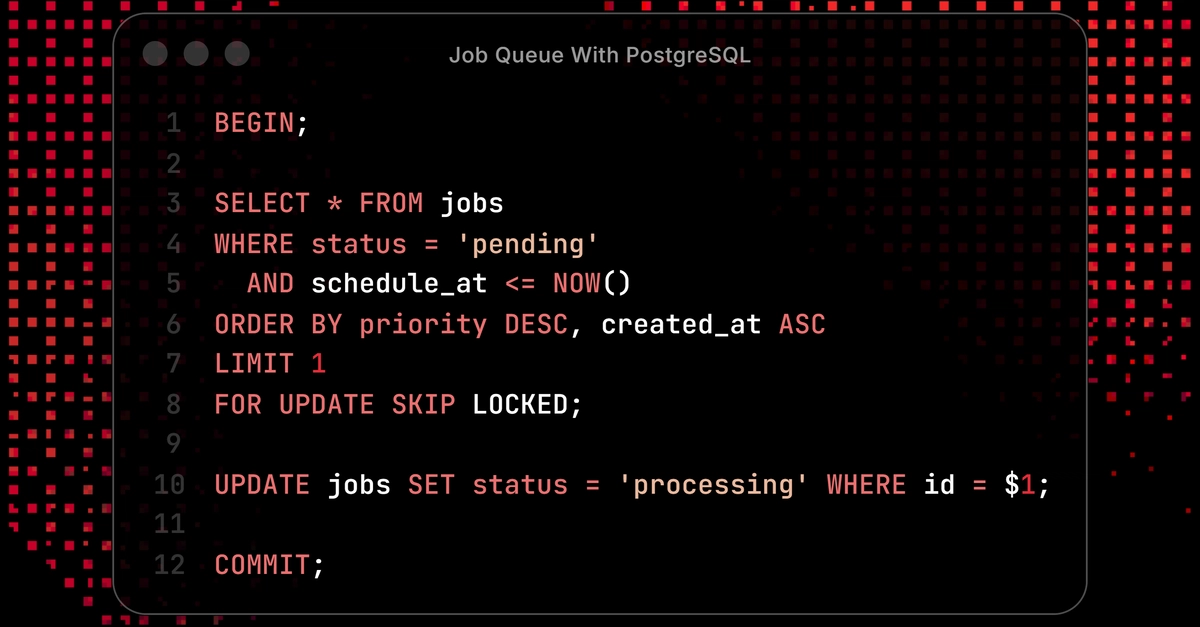
Supabase Queues gives you a durable message queue with one migration and zero new infrastructure. The official docs walk you through creating a queue, sending a message, and reading it back, and then they stop.
Here's what they don't tell you, and it's the part that matters in production:
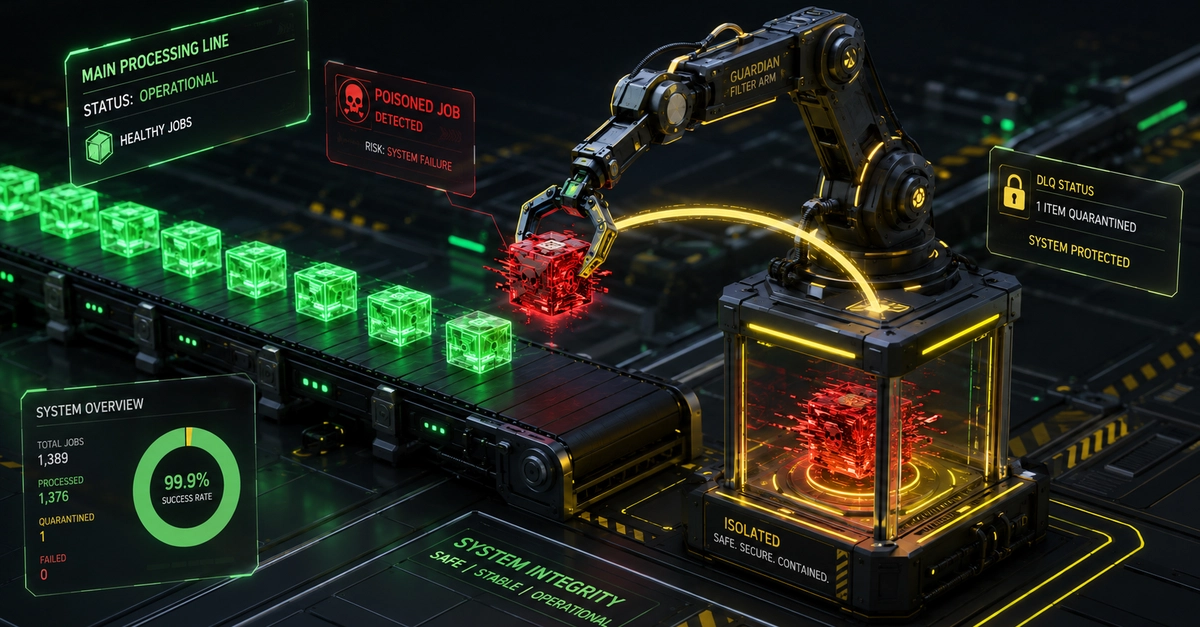
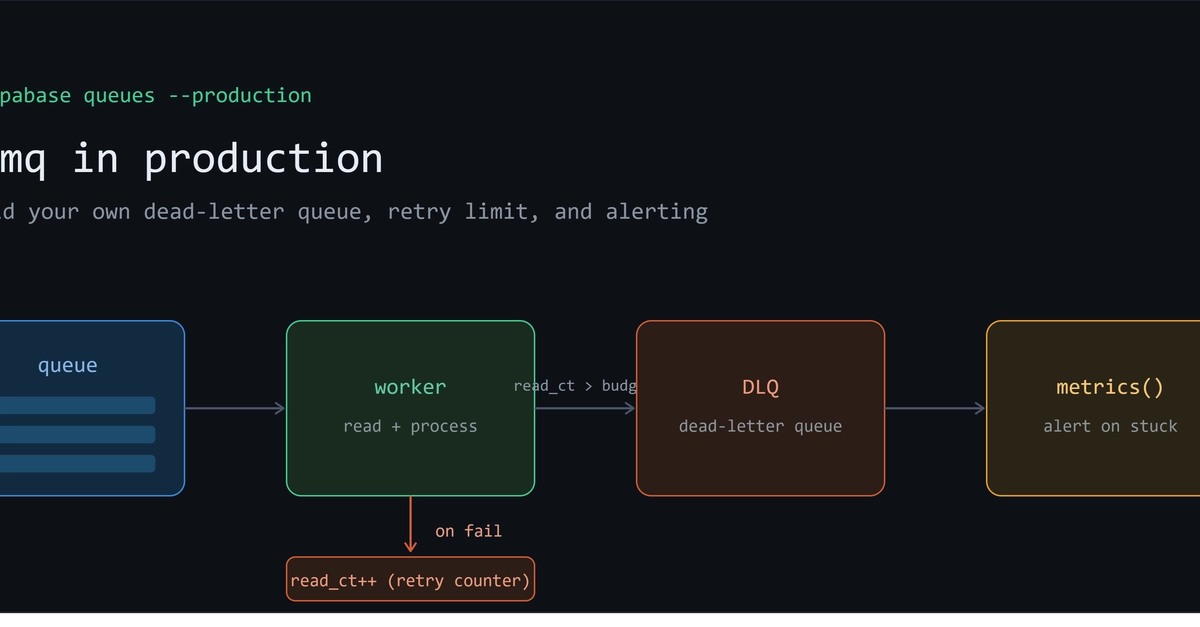
TL;DR: pgmq (the extension behind Supabase Queues) has no built in dead letter queue, no retry limit, and no failure alerting. A message that always fails will be retried forever. You build all three yourself: use the read_ct column as a free retry counter, divert messages that exceed your retry budget to a second queue (your DLQ), and watch pgmq.metrics() on a schedule to alert when something is stuck. This article contains the complete SQL and worker code to do it.
I recently moved my Next.js dashboard logic into Postgres and liked that approach enough to try it somewhere new: this time I pushed background jobs into the database on a fresh, standalone project. This post is everything I had to figure out that the docs skipped: the five failure modes that will bite you, and the fix for each one, tested end to end on a real Supabase project.
Why put your job queue in Postgres at all?