(Image credit: Tom's Guide)
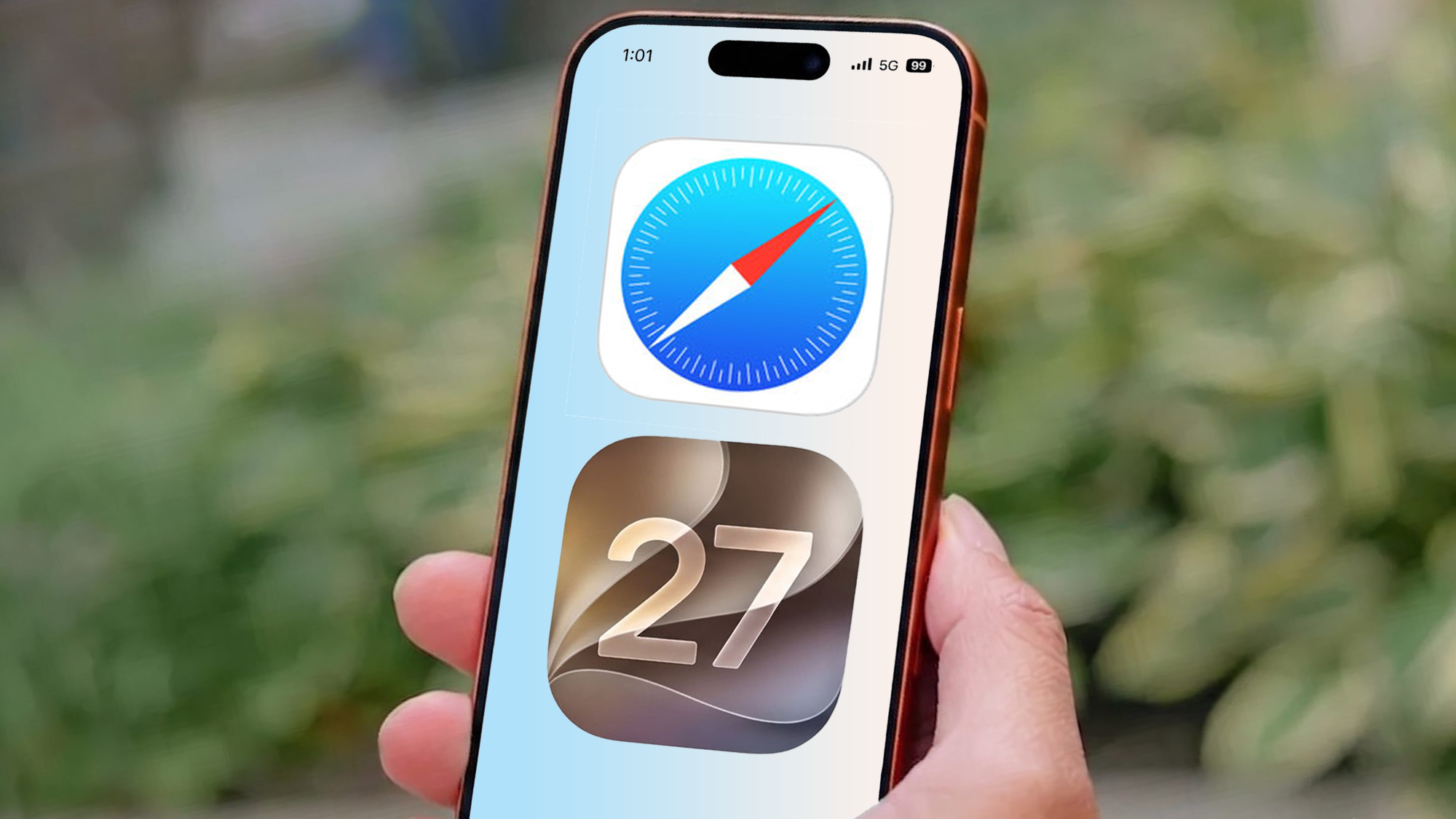
There are a lot of changes that have come as part of iOS 27, which is currently only available in beta. Some of those changes are big and important, like Siri AI, while others are pretty minor and aren't worth making much fuss about — including a redesigned to-do list icon.However, there are some great features that are flying under the radar, such as the changes that have been made to Safari. Browser features may not be the most exciting thing Apple could have revealed at WWDC 2026, but these sound like the kind of features that will prove invaluable once you've gotten used to them.They're also the kind of features that make Chrome seem fairly quaint in comparison.AI tab organization
(Image credit: Future)We've all been there, spending hours browsing the web on our phones, only to find we have a ridiculous number of tabs open and have no idea which one is which. Apple Intelligence on iOS 27 features an organizational feature that groups similar tabs together, and makes it much easier to search through them all.Personally I haven't really seen much of this in action, but I'm also the kind of person that is fairly conservative with the number of tabs I have open. Then again, the new ability to have my tabs automatically organized by category means I may not be quite so callous to them in the future. There might not be such a need to smite stray tabs so quickly if I know that they are less likely to get lost in a sea of other tabsSetting this feature up is really easy too. All you need to do is head to Safari's tab menu, tap the three line button in the top left, followed by Organize Tabs and Automatically Create Topics.If you have enough tabs open, this will group them together based on similar topics. This way you at least have a starting place for that stray window you were looking at last week, but can't quite remember which website you were looking at.Get instant access to breaking news, the hottest reviews, great deals and helpful tips.Notify Me