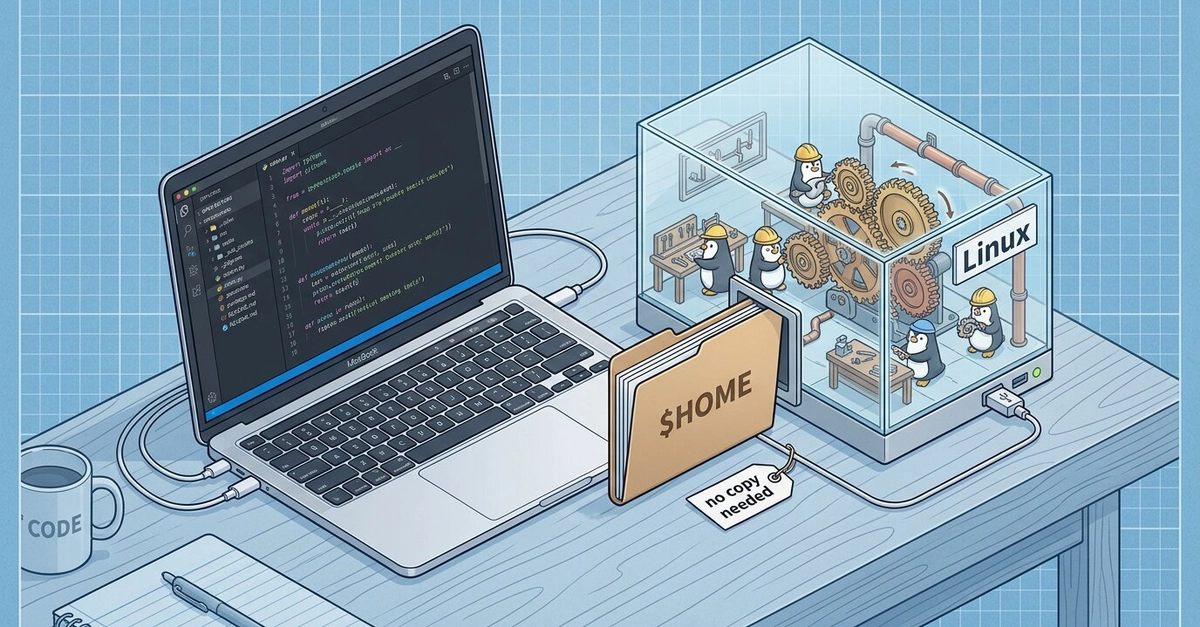
If you develop on a Mac but ship to Linux, you've lived with some version of the same friction for years: you run a Linux container or VM to build and test, and there's always a gap between "I built it over here" and "I'm inspecting it over there." Files have to be copied, paths don't match, your editor is on one side and your binary is on the other.
Apple's container tool added a feature that closes that gap neatly: container machine. It's not a container in the usual sense — it's a persistent Linux environment that shares your Mac home directory and runs a real init system, so your repos and dotfiles are simply there, and systemctl start postgresql actually works. Here's what it is, how it's different from a normal container, and how to drive it.
A container vs a "container machine"
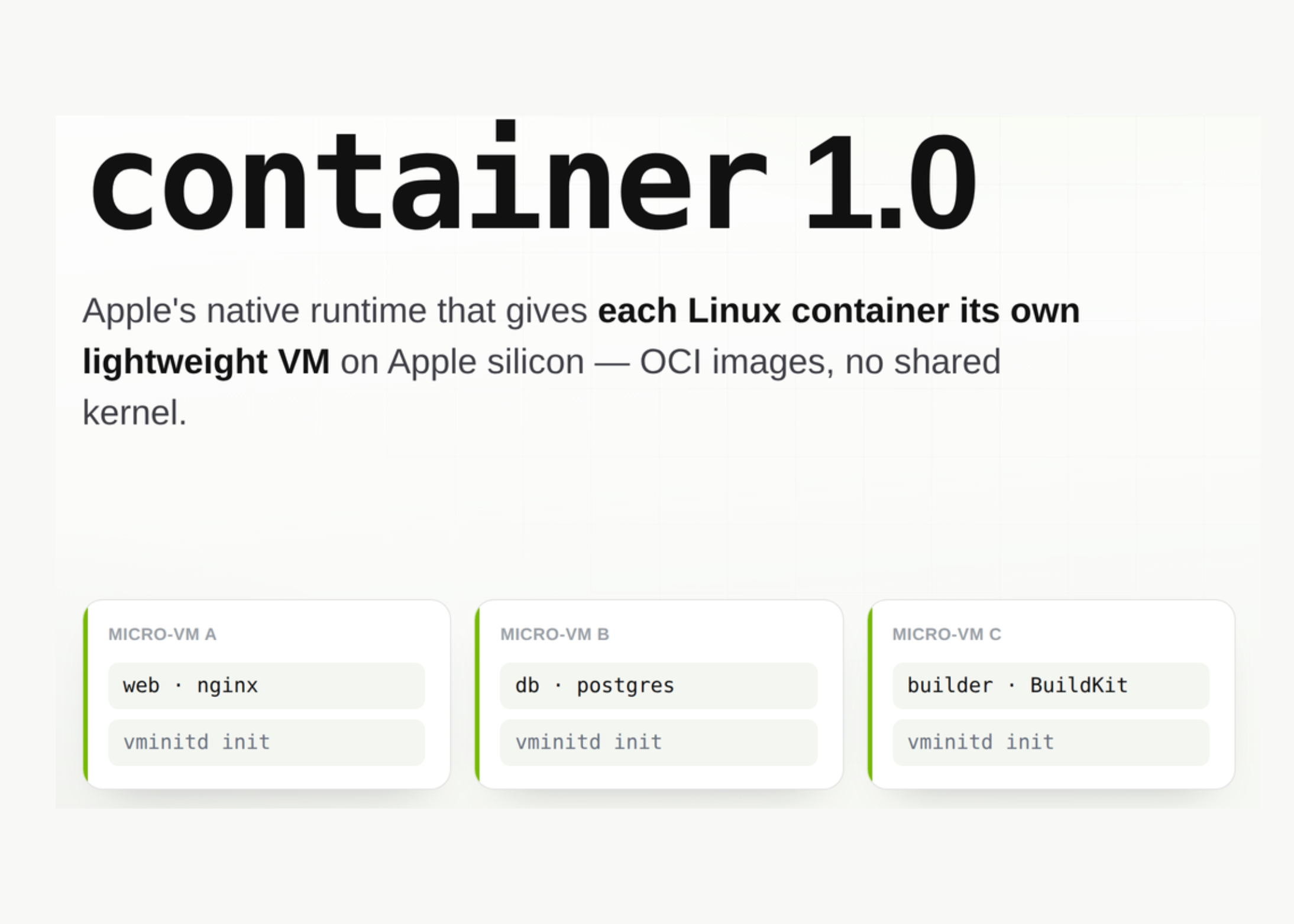
The distinction is the whole point. A normal container is modeled after an application: one main process, ephemeral, built to do one job and exit. That's perfect for running a service, less so for "give me a Linux box to work in."
A container machine is modeled after an environment. It boots the image's init system — systemd, typically — so you can register long-running services, run things under a process supervisor, and generally treat it like a small, well-behaved Linux machine. It's persistent (state survives across runs), it's built from standard OCI images you can build and share, and it integrates tightly with macOS. Think of it as a lightweight Linux VM that you create from a Docker image and that already knows who you are.