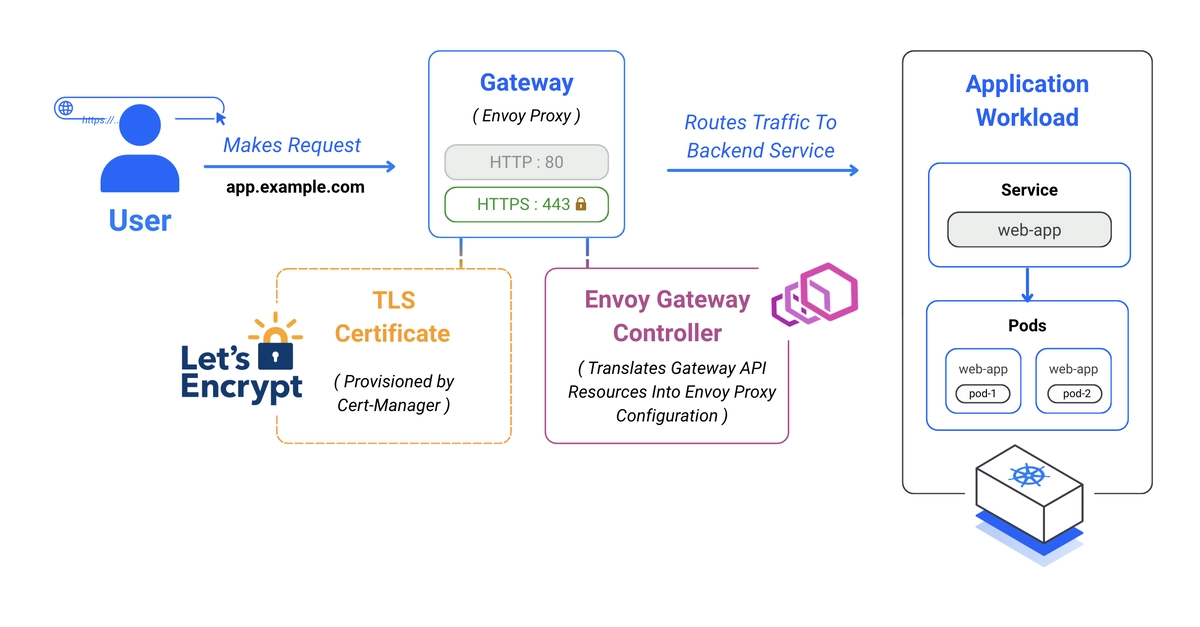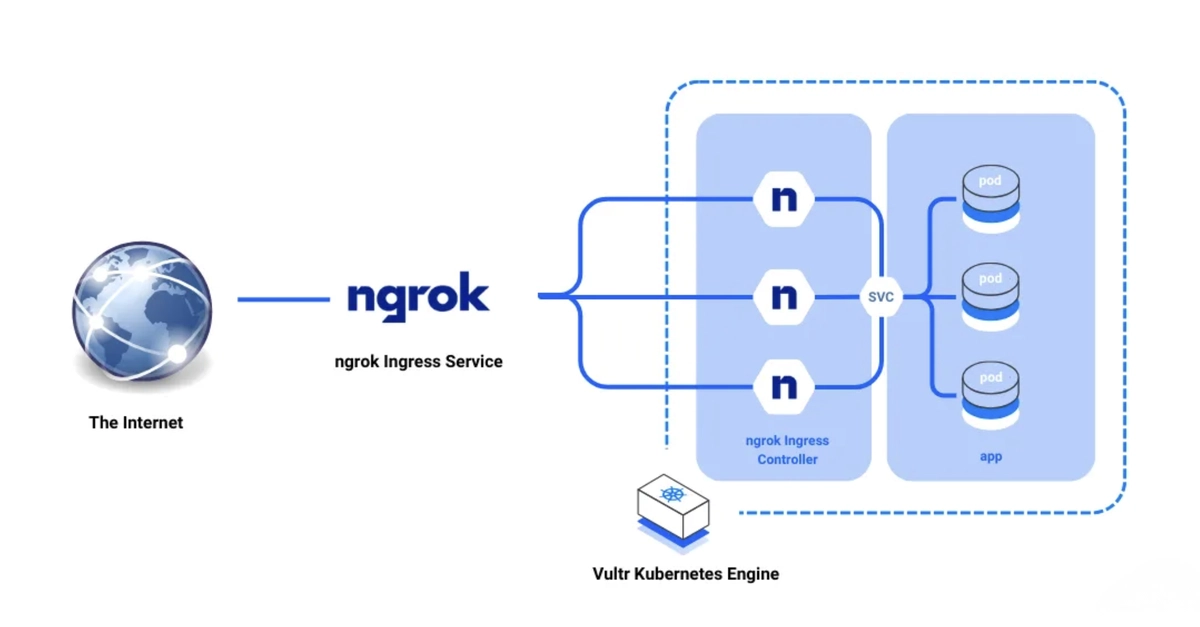
Ngrok is a distributed reverse proxy that exposes applications to the internet via a masked external domain, without touching internal networking. The Ngrok Ingress Controller brings that model to Kubernetes as an Ingress-as-a-service: it connects your cluster to a static Ngrok domain and offloads traffic management, load balancing, TLS, and authentication to the Ngrok edge instead of the cluster. This guide installs the controller via Helm, deploys a sample app, exposes it through an Ingress resource on a static Ngrok domain, and secures it with GitHub OAuth. By the end, you'll have a cluster app reachable on the internet with no LoadBalancer service involved.
Prerequisite: An Ngrok account with a static domain configured (e.g. example.ngrok-free.app), a Kubernetes cluster (3+ nodes), kubectl configured, and Helm installed (sudo snap install helm --classic).
Install the Ngrok Ingress Controller
1. Generate an Ngrok API key and an AuthToken from your Ngrok dashboard, then export them:
$ export NGROK_AUTHTOKEN=YOUR_AUTHTOKEN