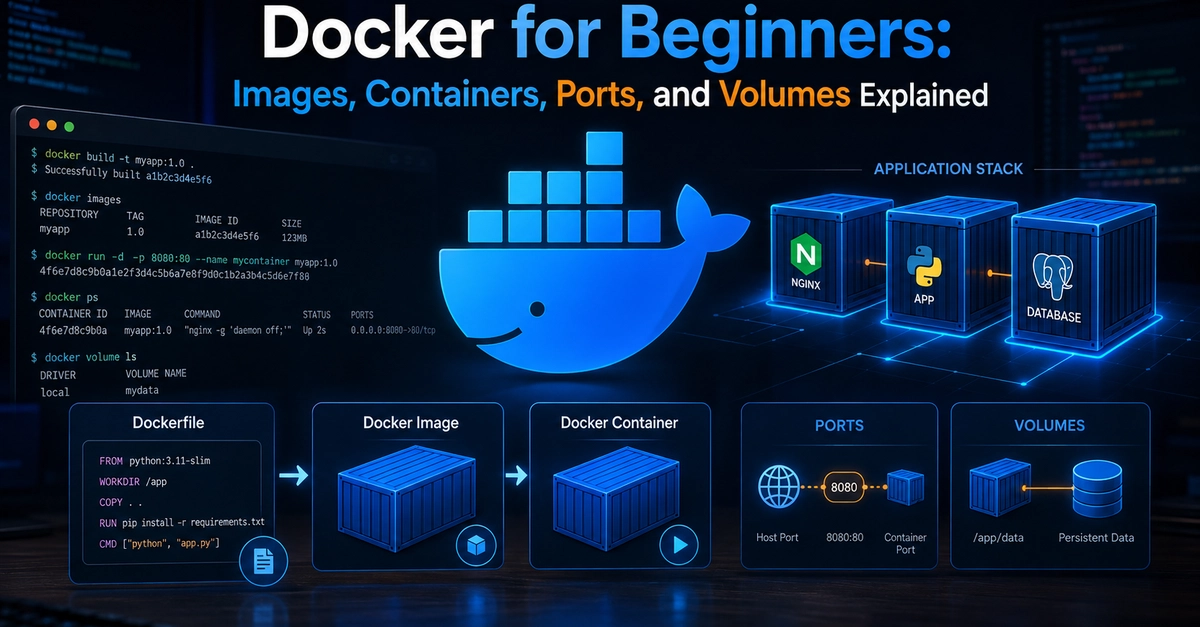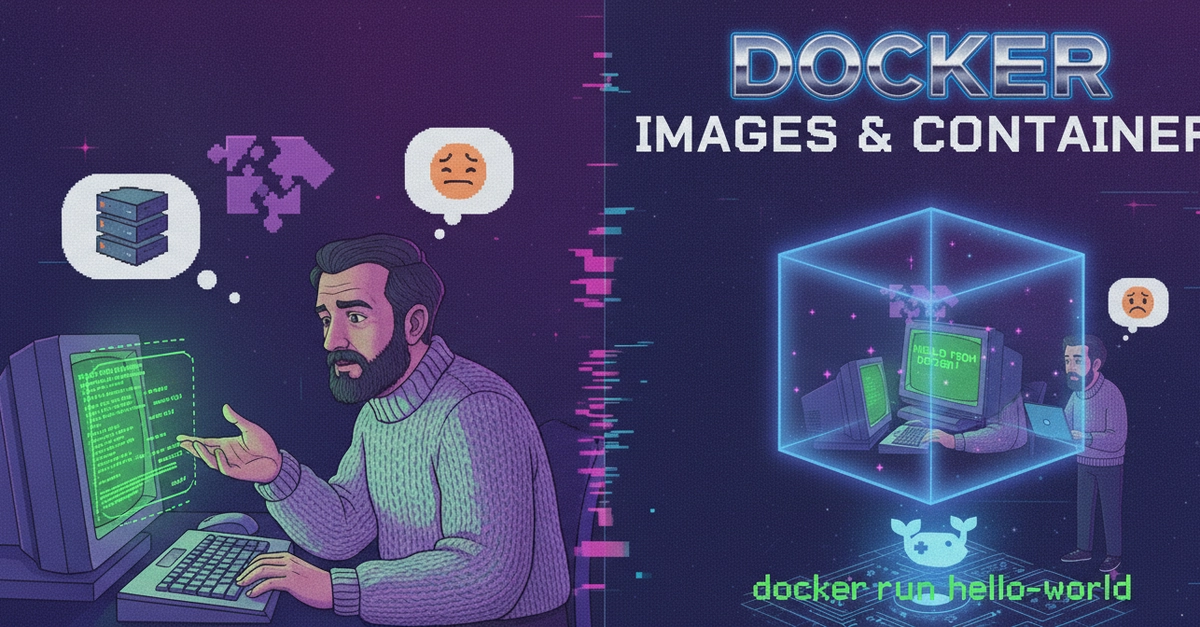
Most people learn Docker by copying a Dockerfile that works, shipping it, and moving on. That's fine until the day a build that used to take twenty seconds suddenly takes four minutes, or an image that should be small balloons past a gigabyte, or "it worked on my machine" turns into "it worked in the pipeline yesterday." Almost every one of those surprises traces back to one thing people never quite internalized: what a Docker image actually is.
So let me slow down and build the mental model properly. Once you can picture an image as a stack of layers, the caching behavior stops feeling like magic and the size problems stop feeling random. This is less about the tool and more about understanding the thing you're already using every day.
An image is a stack of read-only layers
Here's the whole idea in one sentence: a Docker image is an ordered stack of read-only filesystem layers, and a container is that same stack with one thin writable layer added on top.
Each layer is a diff — a set of filesystem changes relative to the layer below it. Add a file, that's a change in a layer. Delete a file, that's also recorded as a change in a new layer (more on why that matters later). When you stack all those diffs and flatten them with a union filesystem, you get the final root filesystem your process sees.