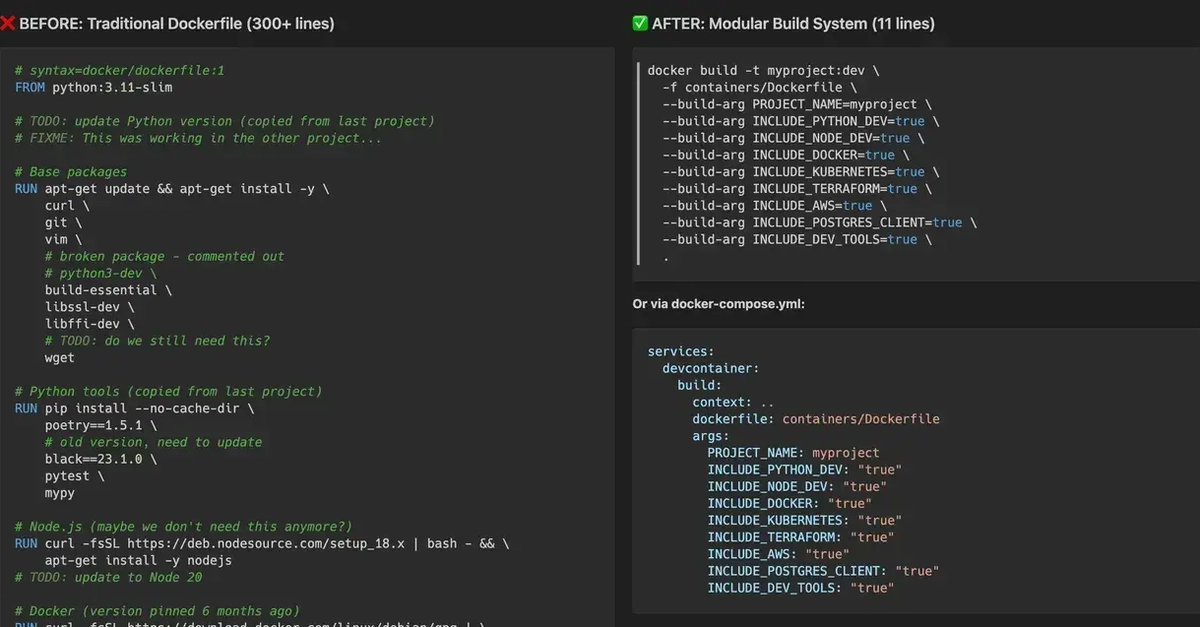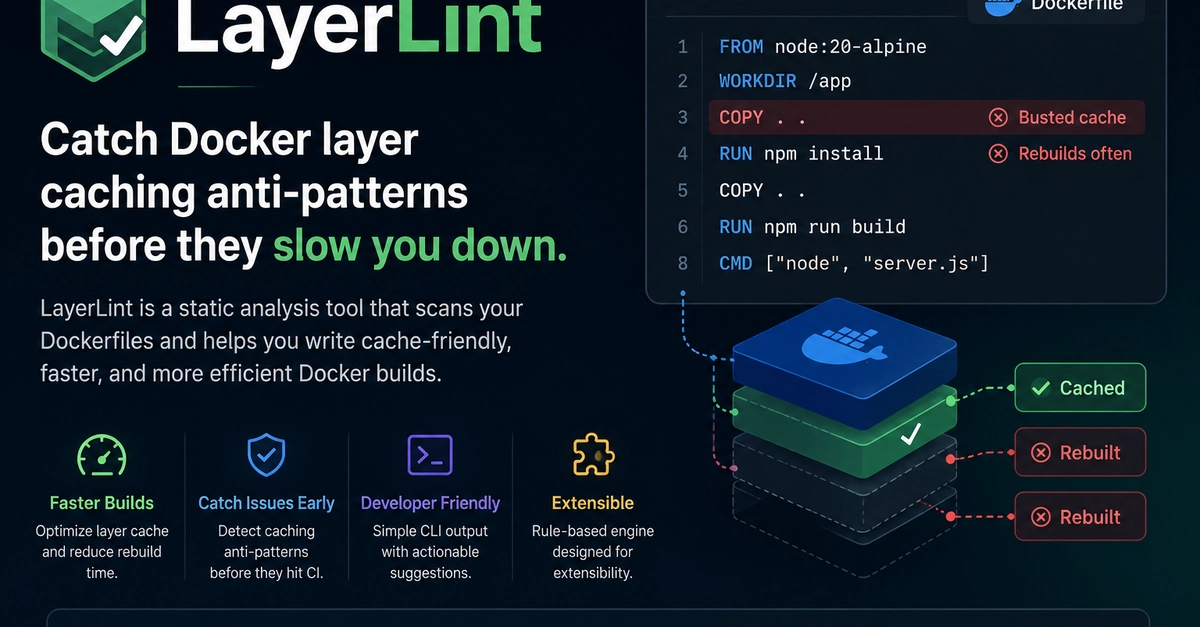
Dockerfiles that pass a casual build check can still fail silently in production when they lack proper layer caching, run as root, or omit health checks. For teams without a dedicated container specialist, arriving at an optimized, secure configuration often means multiple rounds of scanning, tweaking, and rebuilding — time that could go into shipping features.
What it is
Dockerfile Builder is an interactive configuration tool that generates production-grade Dockerfiles following current best practices. Rather than editing text directly, developers select a runtime environment — Node.js, Python, Go, Rust, Nginx, Ruby, Java, Deno, or Bun — and the tool constructs a multi-stage build, layer caching strategy, health check, and non‑root user setup tailored to that stack.
The output is a complete Dockerfile with inline comments that explain the rationale behind each instruction, from choosing slim base images to ordering COPY commands for cache efficiency. The builder automatically splits dependency installation and application code across stages, reducing final image size without manual tweaking. It appends a HEALTHCHECK instruction that common orchestrators can query, and it generates the USER directive and associated permission changes so the container never runs as root. Every generated file follows patterns aligned with the OWASP container security guidelines and Docker official image best practices.