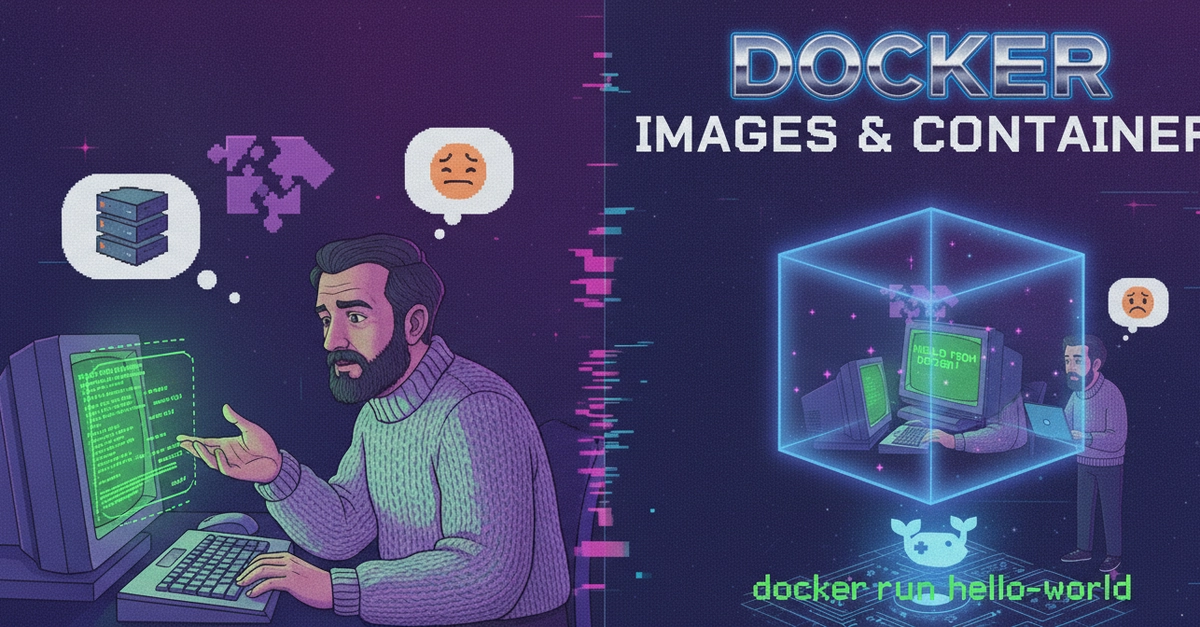
"Works on my machine" is one of the oldest jokes in software, and it stopped being funny the first time it cost me a weekend. The code was fine. The environment wasn't. A library version on the build box didn't match production, and nobody could see it because "the environment" was a fuzzy, undocumented thing that lived partly in a config management tool, partly in someone's .bashrc, and partly in tribal memory.
Containerization is the boring, durable fix for that whole class of problem. Not because containers are magic, but because they force you to turn a fuzzy environment into a single, inspectable, reproducible artifact. That shift — from "a machine we hope is configured right" to "an image we can point at" — is the actual win. Let me walk through what that means operationally, with a minimal example.
What containerization actually solves
Strip away the tooling and a container image is one thing: your application plus everything it needs to run, packaged together and frozen. The OS libraries, the runtime, the dependencies, your code — all captured at build time into one immutable blob with a content-addressable identity.
That has three consequences that matter when you're the one on call: