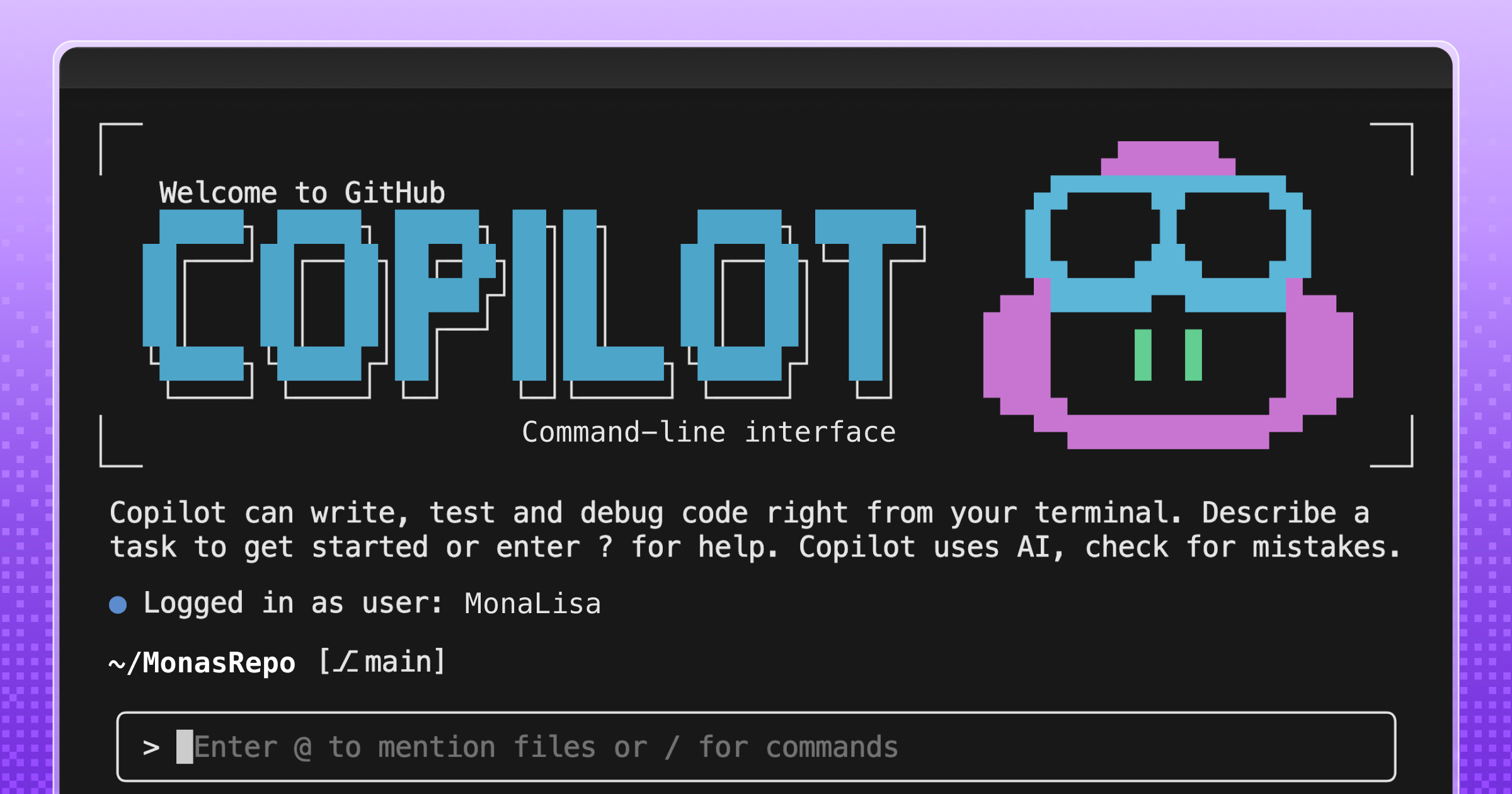
Coding isn't just about writing code. Tasks like reading old logic, formatting Git commits, and finding terminal commands steal your development time. GitHub Copilot promises to change that, but basic prompts often give generic, wrong results.
To turn Copilot into a highly specialized assistant, you need to feed it the right context. This guide explores the best hidden features using, custom AI rules, and workflow shortcuts to help you develop code faster inside Visual Studio Code.
(Note: You must manually install the GitHub Copilot extension and link it to a free or paid plan to follow along).
1. Be Specific: Your Secret to Better Code
The instructions you give to Copilot are the secret to getting great results. When you write vague prompts, the AI is forced to guess what you want, which usually leads to errors. It is much faster to spend time writing clear instructions upfront than it is to rewrite broken code later. If you have a complex task, you can even use tools like ChatGPT to help you plan out the perfect, detailed prompt before you paste it into Copilot.