AI coding tools often begin with a chat window. While that works for quick questions or generating code, real software development rarely happens in a straight line. One minute you’re fixing a bug, the next you’re reviewing a pull request, digging into an unfamiliar part of the codebase, or exploring a new idea.
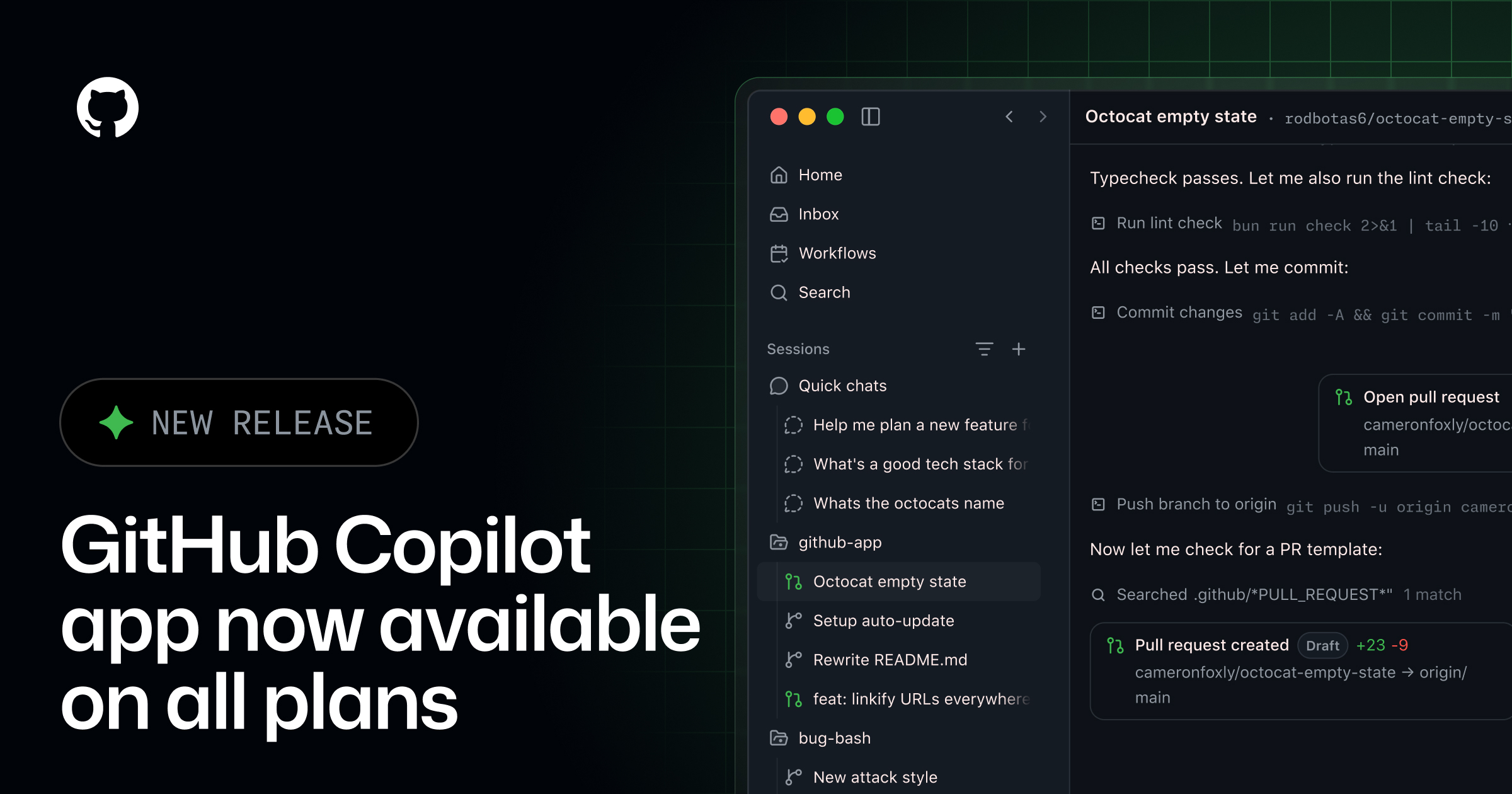
The GitHub Copilot app is designed for that kind of workflow. Instead of treating AI as a single conversation, it gives you a workspace where you can manage multiple agent sessions, switch between tasks without losing momentum, and work with AI agents across the different parts of your workflow.
Your work starts with a project
Agent sessions are connected to a project, giving each session the repository context needed for a specific task.
From the GitHub Copilot app home screen, you can choose a project you’ve worked with before or add a new one from GitHub or your local machine. Once a project is selected, you can start a session with the codebase, files, and tools needed to begin working on a task.