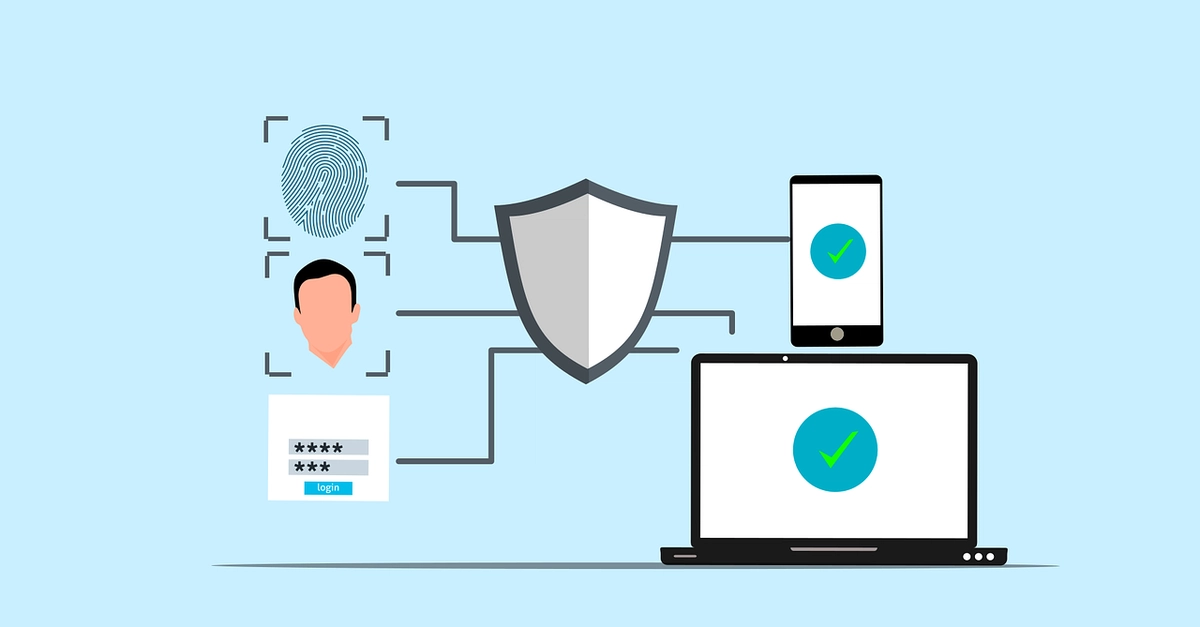
Every passkey tutorial ends at the same triumphant moment. You tap your fingerprint, the demo logs you in, and the author declares the password dead.
Then you ship to real users and find out the demo was the easy 20%. The other 80% is recovery, multi-device gaps, and the dozen ways a real person's setup differs from a clean laptop with a fresh Touch ID enrollment.
Below is working WebAuthn code for registration and login, then the part production teams get stuck on. The second half is where most passkey rollouts quietly stall.
The 20% everyone shows you
Passkeys are WebAuthn under a friendlier name. Two ceremonies: registration (create a credential) and authentication (prove you hold it). The private key never leaves the user's device or their synced keychain. Your server only ever sees a public key and signed challenges. That is the whole security win, and it is why passkeys are phishing-resistant in a way TOTP and SMS never were.