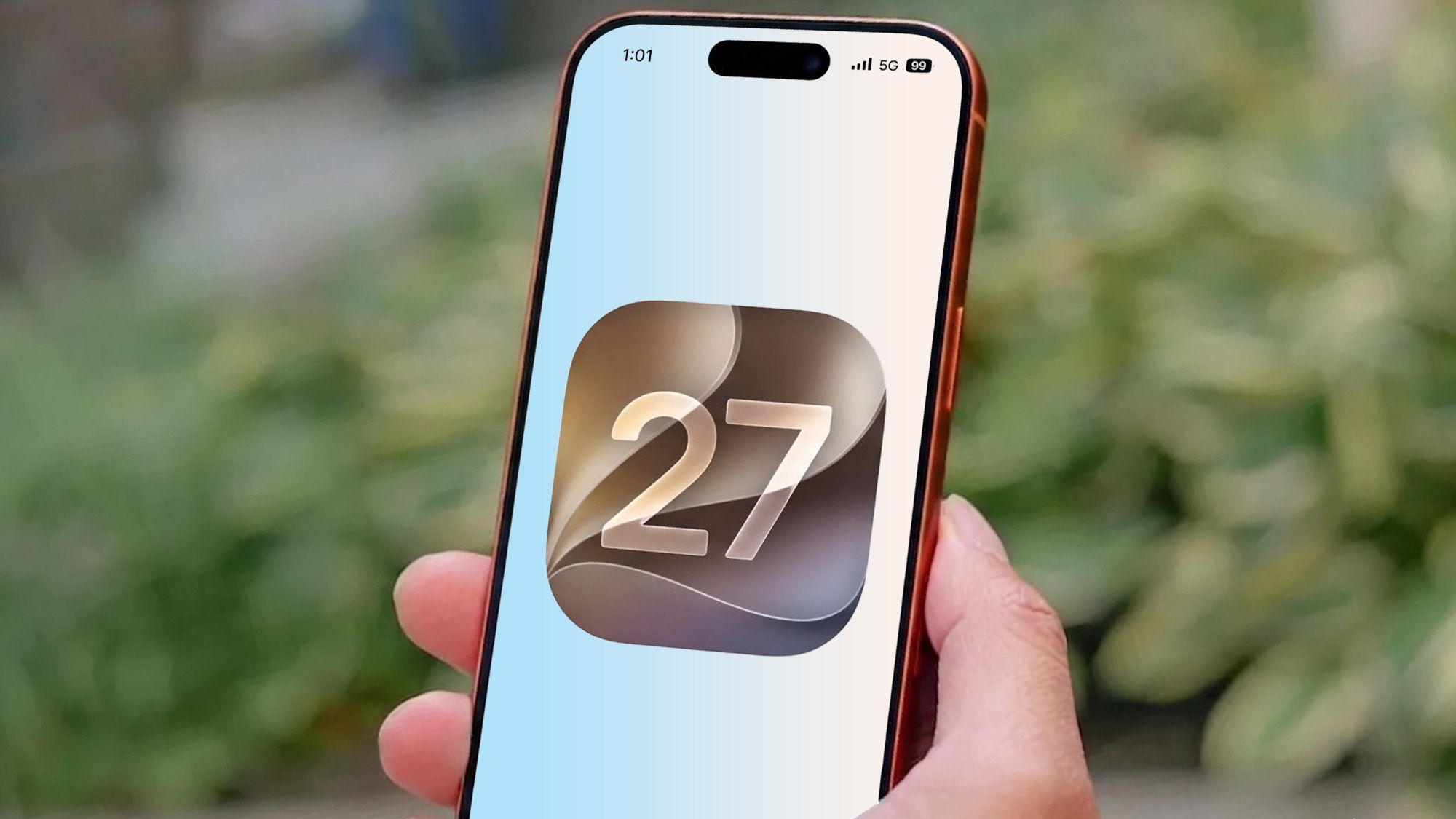
(Image credit: Tom's Guide/Apple/Shutterstock)
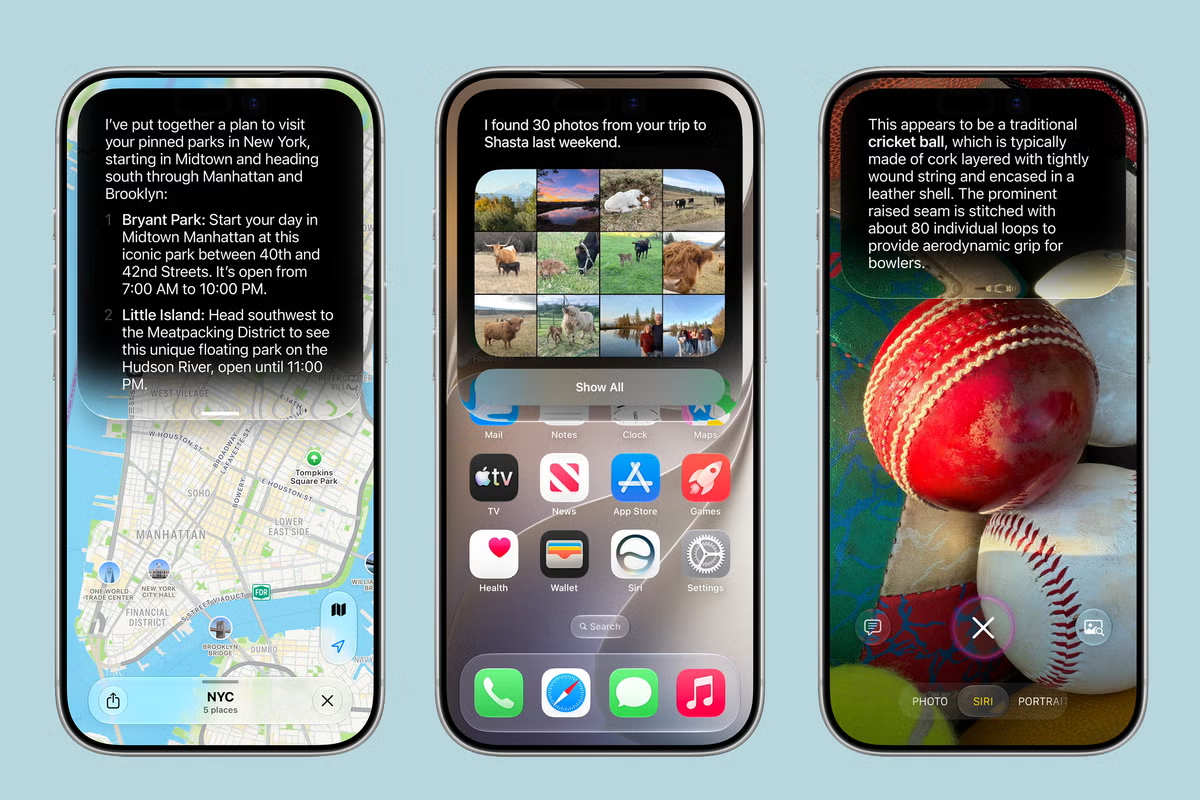
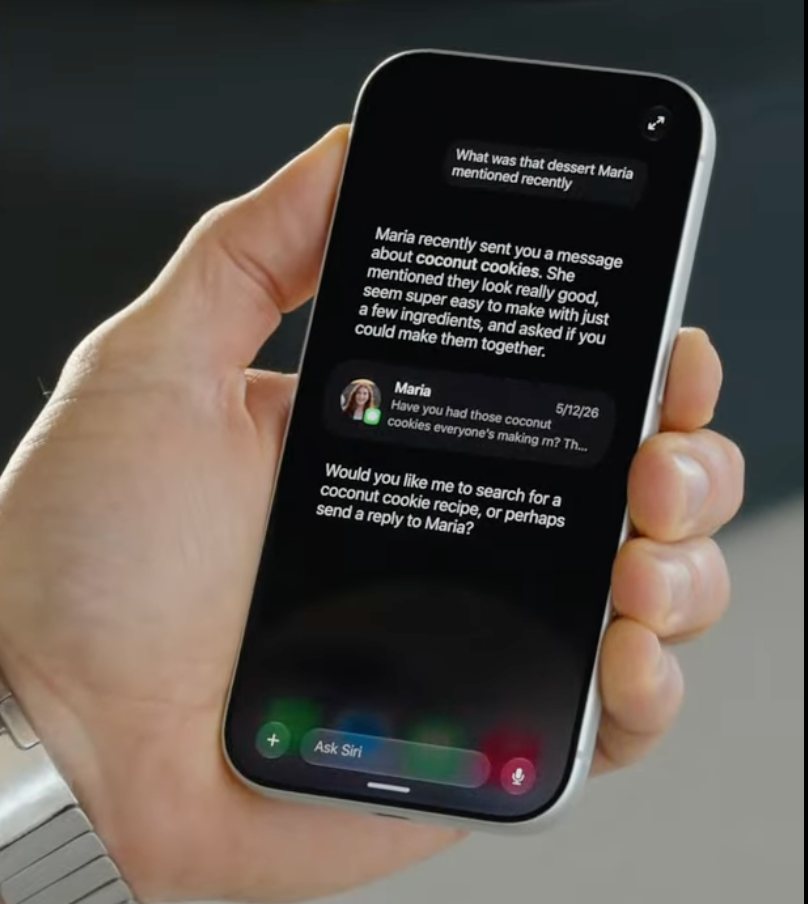
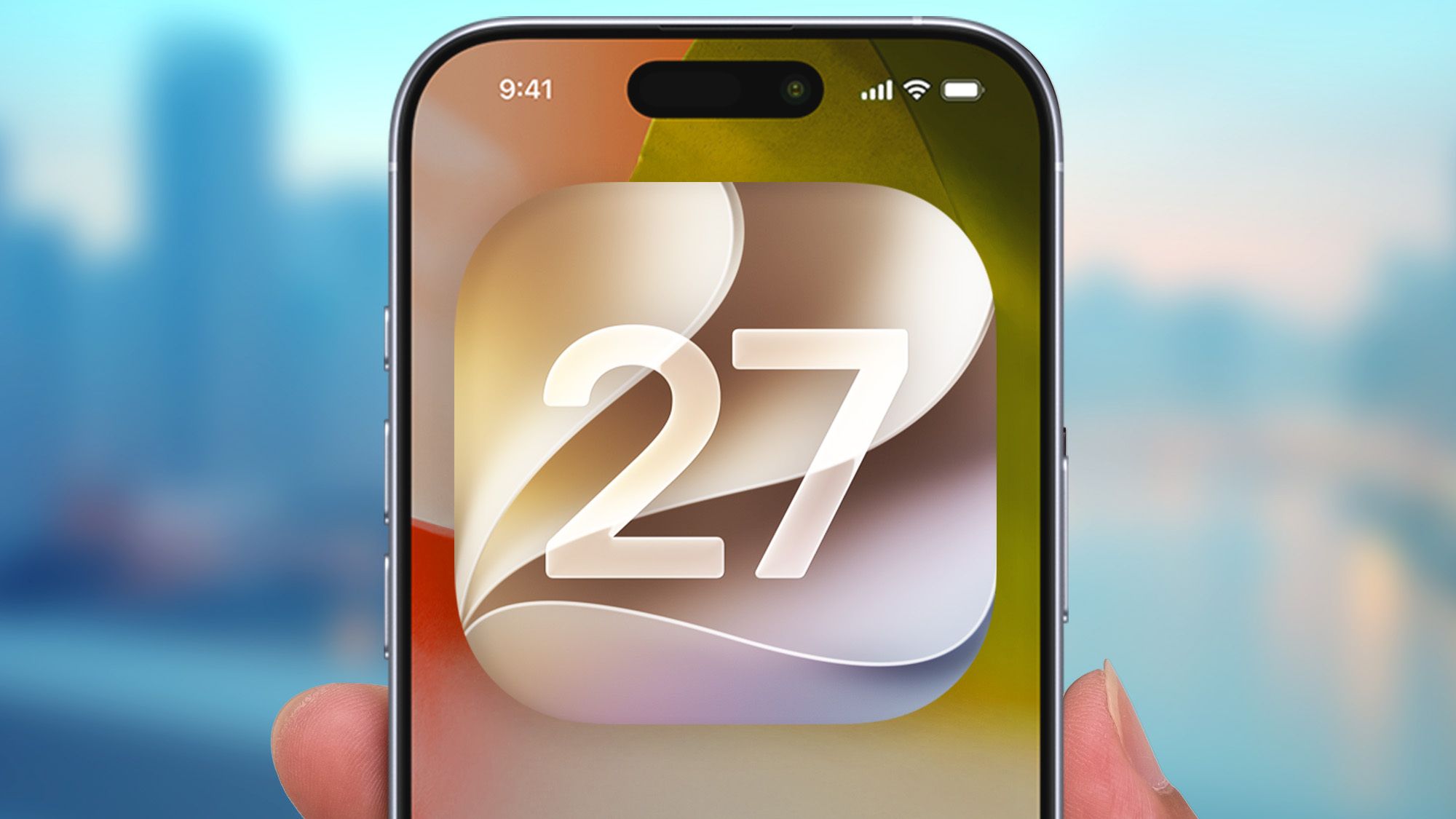
iOS 27 seems to be the turning point for Artificial Intelligence on iPhones, thanks to Apple adding a bunch of new features and upgrading Siri to offer AI-chatbot capabilities. AI in the iOS 27 beta is still rather rough around the edges though, especially where Siri is concerned, but it's good to see Apple start to catch up with its rivals. Sadly, there is one feature that Apple seems to have forgotten about — and it's easily my favorite AI-adjacent feature on Android.I'm talking about Circle to Search, which landed on the first Android phones back in January of 2024. The feature isn't really an AI feature in and of itself, but it does offer a useful shortcut to Google Lens, which does use AI for a variety of things. We're talking translation, image and text recognition, reverse image search and so on.iOS has offered something similar to Google Lens since its inception with Visual Intelligence, which has since been rebranded "Siri Mode" in iOS 27's camera. But so far, there's no Cupertino equivalent of Circle to Search, and that's something Apple needs to fix.Circle to Search made Google Lens way more convenient(Image credit: Google)Google Lens is quite a broad feature, starting life as a camera mode and eventually maneuvering its way into a bunch of different parts of the Android ecosystem. These days, Lens offers real time translation via the Google translate app, image search capabilities in Google Photos and, of course, the dedicated camera mode that is accessible through the standalone app.Circle to Search doesn't give you access to the full Google Lens experience. The shortcut doesn't bring you to the camera mode, to scan and look at the world around you. Instead, it's been designed to bring the Google Lens experience to whatever is on your screen. That's useful in itself, but it's the actual mechanism that makes it so valuable to have.Circle to Search is activated by pressing and holding at the very bottom of your Android phone screen — the spot you'd swipe up from to return to the home screen. It doesn't matter what you're doing on your phone, this brings up the Lens overlay on your phone screen. This brings up shortcuts to various tools, like song recognition and translation, as well as the headline feature: the ability to circle and search.Draw a circle around anything on your screen, and Google's AI will go looking for it across the internet. Sometimes those results are totally useless, and other times they're so impressively accurate that it feels like magic.Get instant access to breaking news, the hottest reviews, great deals and helpful tips.The great thing about Circle to Search is that if you ever come across anything you'd like to know more about, you simply have to perform the gesture and fling a circle around it. There's no need to ask a chatbot for more information or take a screenshot to bring to Google Lens, everything is done on your screen within a few seconds.I've never been a big fan of mobile AI, or using my voice to bark commands at my phone, but Circle to Search is so convenient that you can't afford to ignore it. Heck, I even forget that there's AI involved a lot of the time, and it makes very little sense that the iPhone doesn't have an equivalent feature of its own.Siri Mode could learn a thing or two