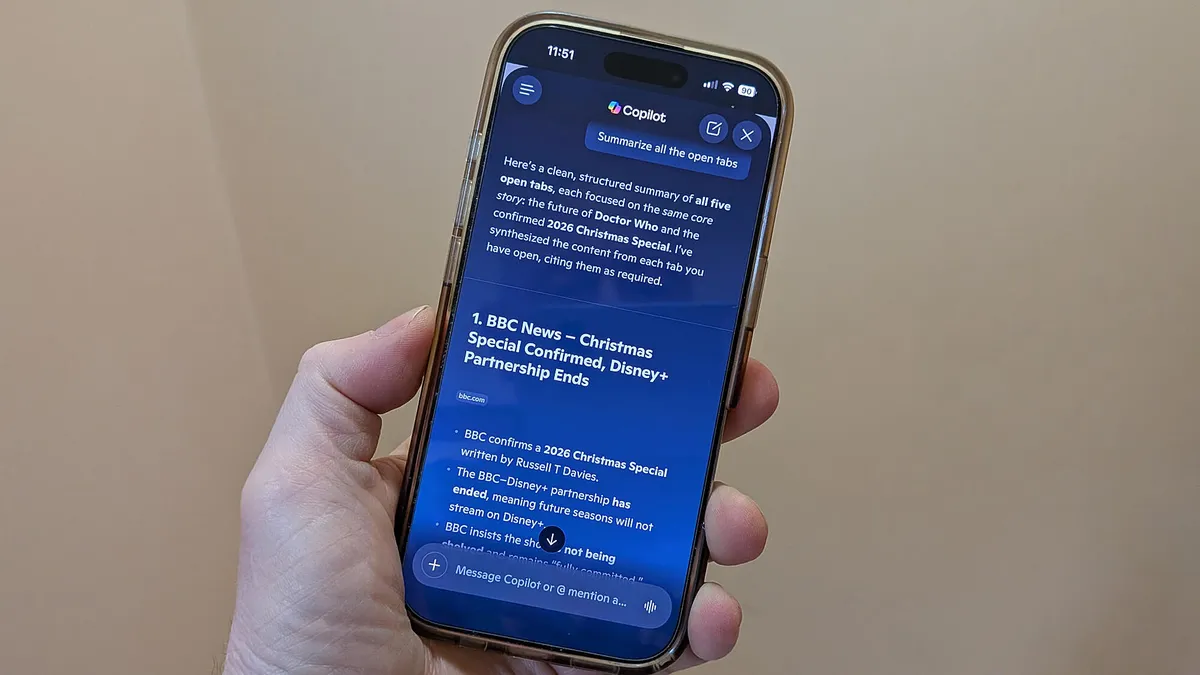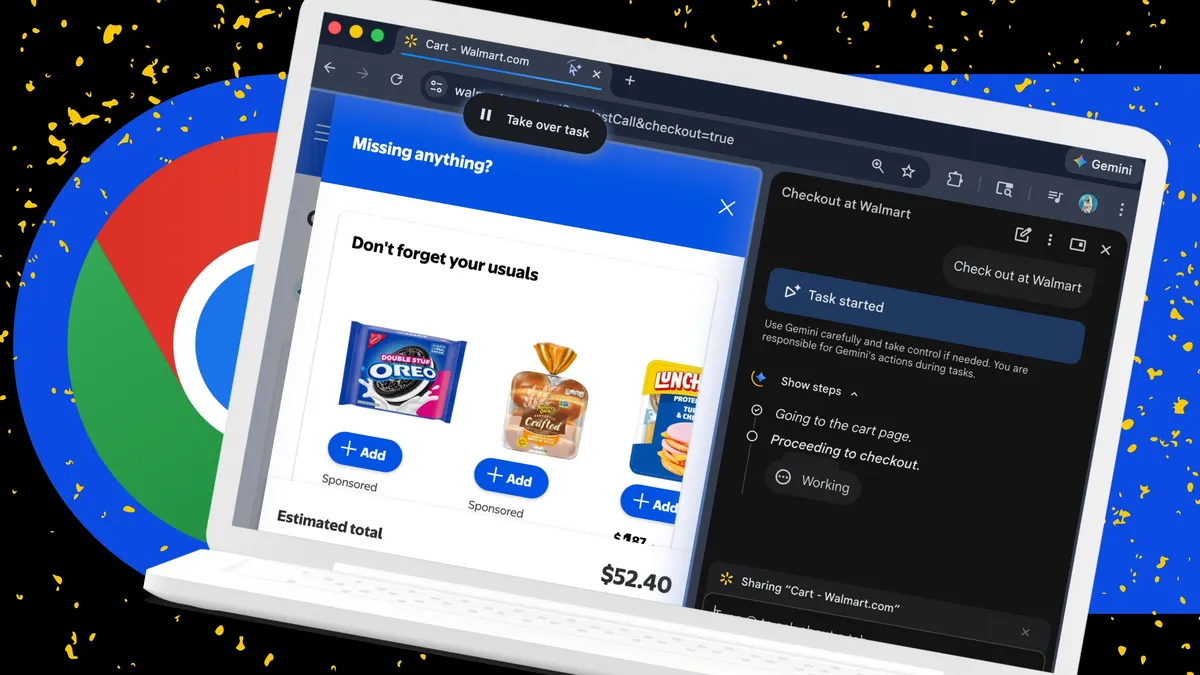
Lance Whitney/ZDNETFollow ZDNET: Add us as a preferred source on Google.ZDNET's key takeawaysBrowser AI can help you search, summarize, and browse faster.Chrome, Edge, and Firefox each bring something different to AI.You still need to check AI answers for privacy and accuracy.I have a love/hate, or at least a like/dislike, relationship with AI. There are certainly things about it that turn me off. But I do rely on it for certain tasks. And that includes my travels across the web.I often turn to the AI skills built into my go-to browsers. Across Chrome, Edge, and Firefox, I can search for information, request summaries of web pages, ask questions about the content in an open tab, compare products and other items I spot online, and strike up conversations with an AI bot. But which browser provides the most satisfying AI experience? That's what I wanted to find out. Also: Why I'm sticking with Firefox as my browser - after years of using Chrome, Edge, and SafariWith that question in mind, I recently used several of the AI features in Chrome, Edge, and Firefox to see what they offer, how they work, and which browser was my favorite. What about Safari, you may ask? Apple has gradually been adding more AI skills to its default browser. But it still can't compare with the other three, so I left it out of the running for now. And since I'm primarily a Windows user, I worked with the Windows desktop versions of the three browsers. If you use them on the Mac, though, you'll find the same AI features across the board. I already have Chrome, Edge, and Firefox on my Windows PCs (and on my Macs). But if you want to follow along and need to grab any of them yourself, here are the download links: Google Chrome: Windows and MacMicrosoft Edge: Windows and MacFirefox: Windows and MacTL;DRAll three browsers offer useful AI tools, but they work in different ways. Chrome uses Gemini to help with searches, summaries, and saved prompts. Edge uses Copilot to answer questions about websites, PDFs, and all your open tabs. Firefox gives you access to several AI chatbots and adds more privacy controls than the others. Here's how I use the AI skills in each browser. Google Chrome Screenshot by Lance Whitney/ZDNET Chrome has an Ask Gemini feature. Here, you can ask the AI to analyze your current web page, summarize the information, or answer questions about it. Just click the Ask Gemini button at the top or right-click anywhere on the page and select Ask Gemini from the menu. That opens a pane on the right from which you can now pose your questions. I do find this tool handy, especially if I want to discuss a particular topic on the current page.
Chrome vs. Edge vs. Firefox: I tested each browser's AI, but I'm only sticking with one
Looking to use AI while you browse the web? Here's how the AI tools in Chrome, Edge, and Firefox compare.
2,088 words~9 min read