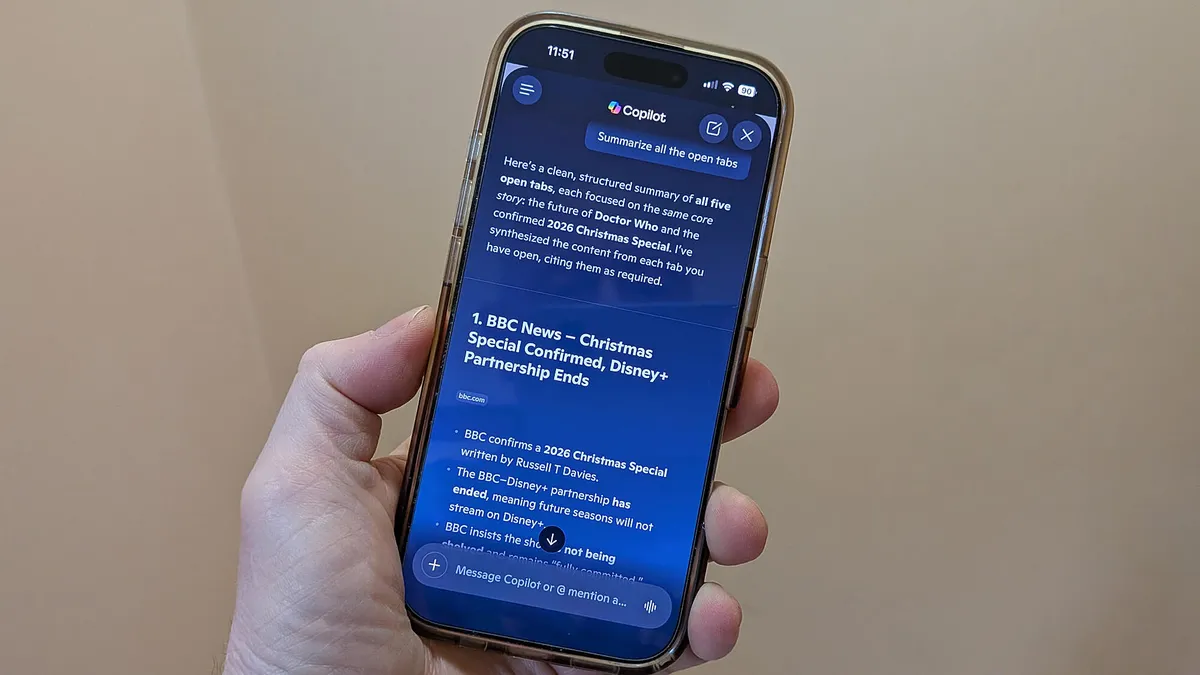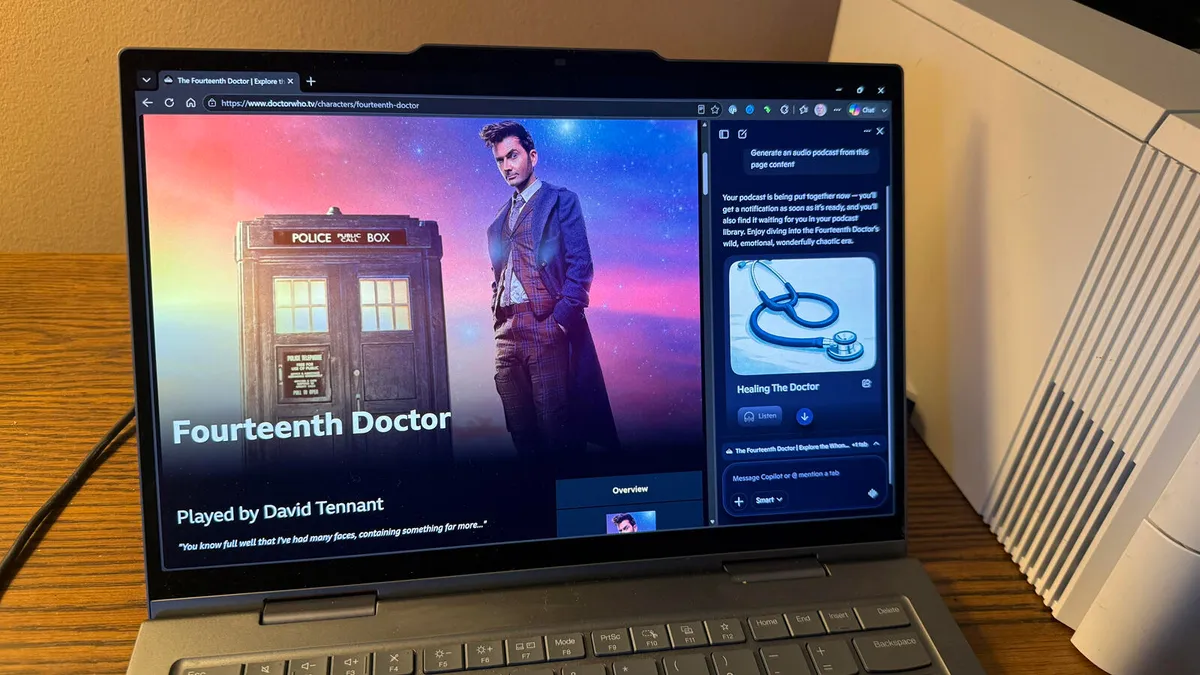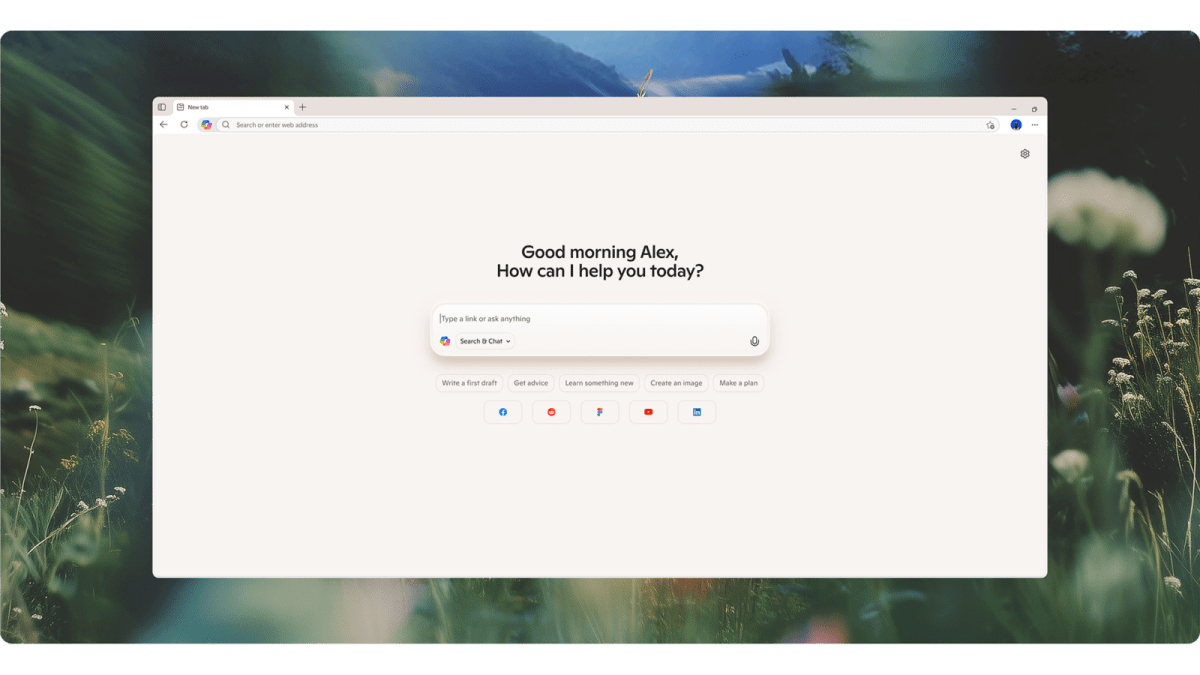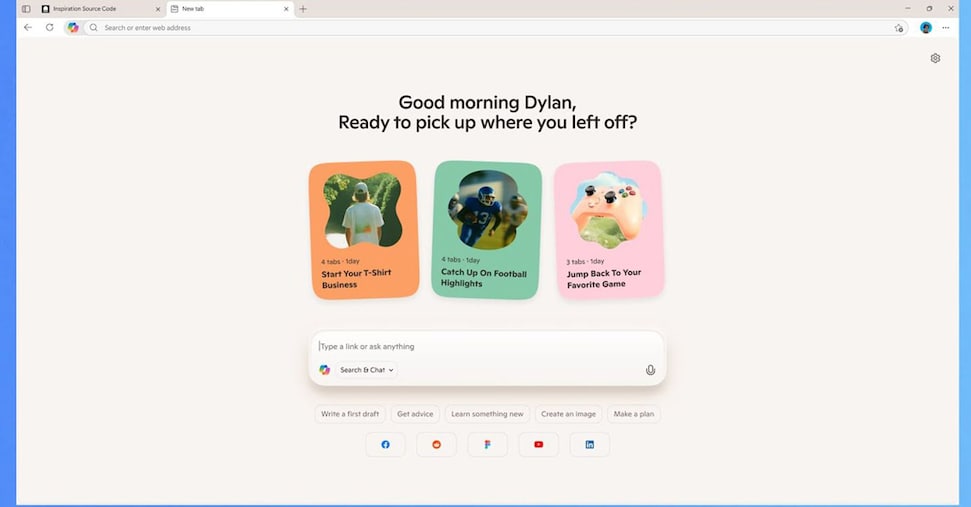
Screenshot by Lance Whitney/ZDNETFollow ZDNET: Add us as a preferred source on Google.ZDNET's key takeawaysMicrosoft Edge can now summarize your open tabs.The feature uses Copilot to analyze the details across all tabs.You can use this to research hotels, restaurants, products, and more.Microsoft Edge has long been able to summarize the information on your current web page courtesy of Copilot AI. I've used this option a number of times to get the gist of a lengthy article or other page. But now Edge has refined that skill to take it to an even more helpful level.As spotted by PC World, a relatively new Copilot mode can analyze all your open tabs at the same time. Open two or more tabs and tell Edge to summarize the information in all of them. In return, the browser displays a summary that condenses the details in one fell swoop.As one example, you could open different tabs with separate reviews of a restaurant or hotel or a product you're thinking of buying. Rather than going through each page individually, Edge will collate all the information and present it to you in a more digestible format. I've tried this a few times when trying to compare reviews of different items, and it's been a real timesaver.How does this work? Here's how I use it. First, you need to enable the necessary Copilot settings in Edge. For this, I clicked the ellipsis icon at the upper right and selected Settings. At the Settings screen, I selected AI Innovations. Initially, the Copilot settings didn't appear, so I had to click the button for Explore Copilot Mode.
I let Microsoft Edge's new AI feature read all my open tabs - and it's a total research time-saver
Edge will analyze the web pages in all your open tabs and deliver a summary of the key details.
611 words~3 min read