(Image credit: Shutterstock)
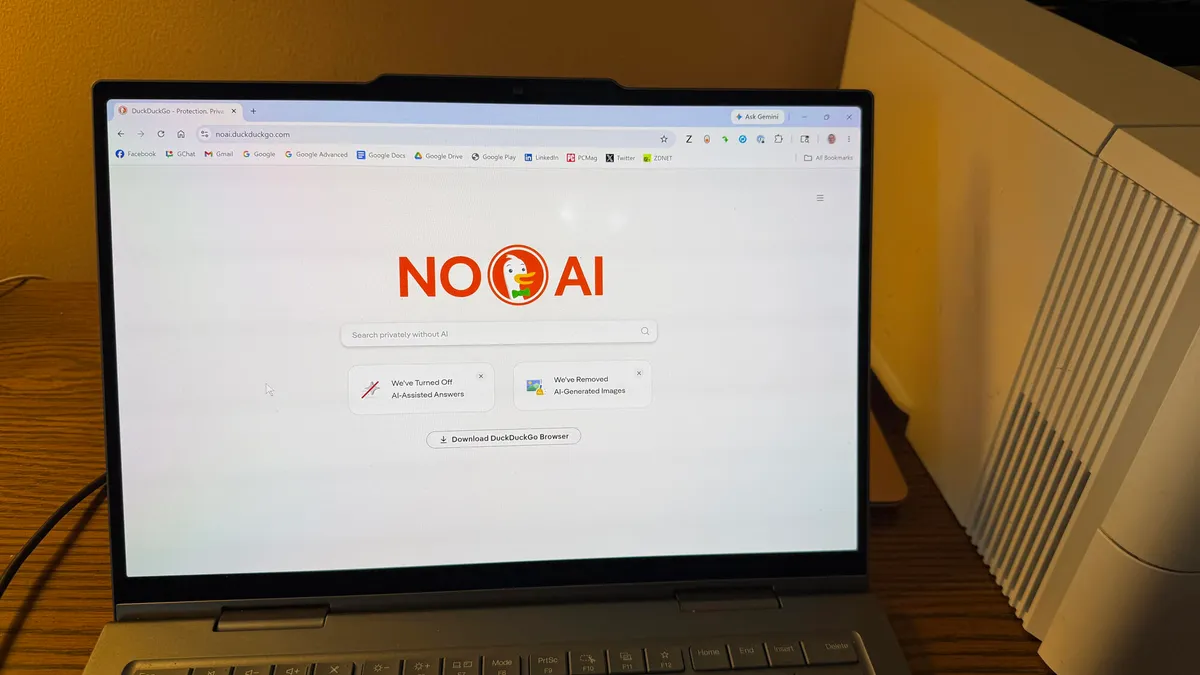
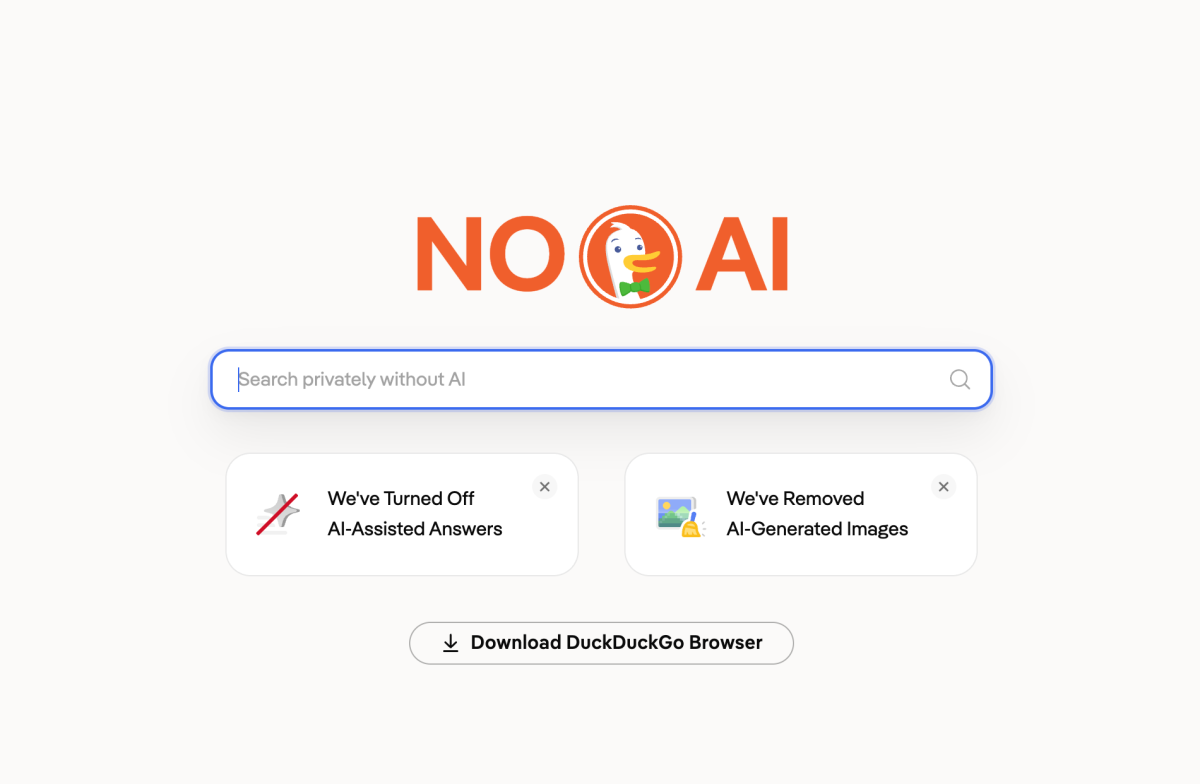
Since Google decided to go all in on AI, more and more search engine users have been looking for “no AI” alternatives. As a result, visits to DuckDuckGo’s No AI search engine have been on the rise — which is perhaps a little ironic, because the DuckDuckGo browser was the first to add an AI image filter.DuckDuckGo No-AI strips away AI answers, images, and feature suggestions, sending you back to simpler times. Does that mean the results are poorer? Not at all. In fact, using a few hacks puts you in total control, getting you exactly what you need, faster.Here are 6 quick hacks to get the most out of your No-AI searches.
1. Narrow down your searches
People generally use AI for search because it’s able to quickly present relevant information. It often means you’re not spending time scouring the results for useful websites but if you’ve turned off AI, there are still many tricks that enable you to sift out the irrelevant stuff.Let’s say you need to look for an exact term. Just place that term in quotation marks. For example, “latest Phones news, comment, reviews and features.” The search engine will then only return results that match that phrase.If you want to ensure the search results include or exclude particular words, there are hacks for that too. For example, if you’re looking for a phone and want to ensure the results include Apple? Enter phone +Apple. Looking for a phone and don’t want the results to include Apple? Enter phone -Apple.