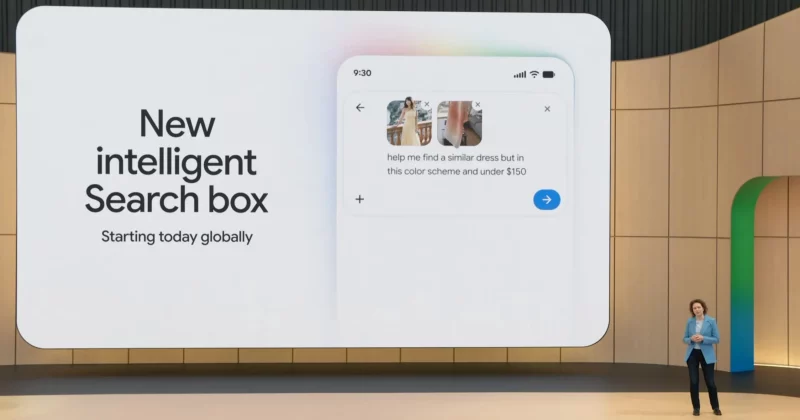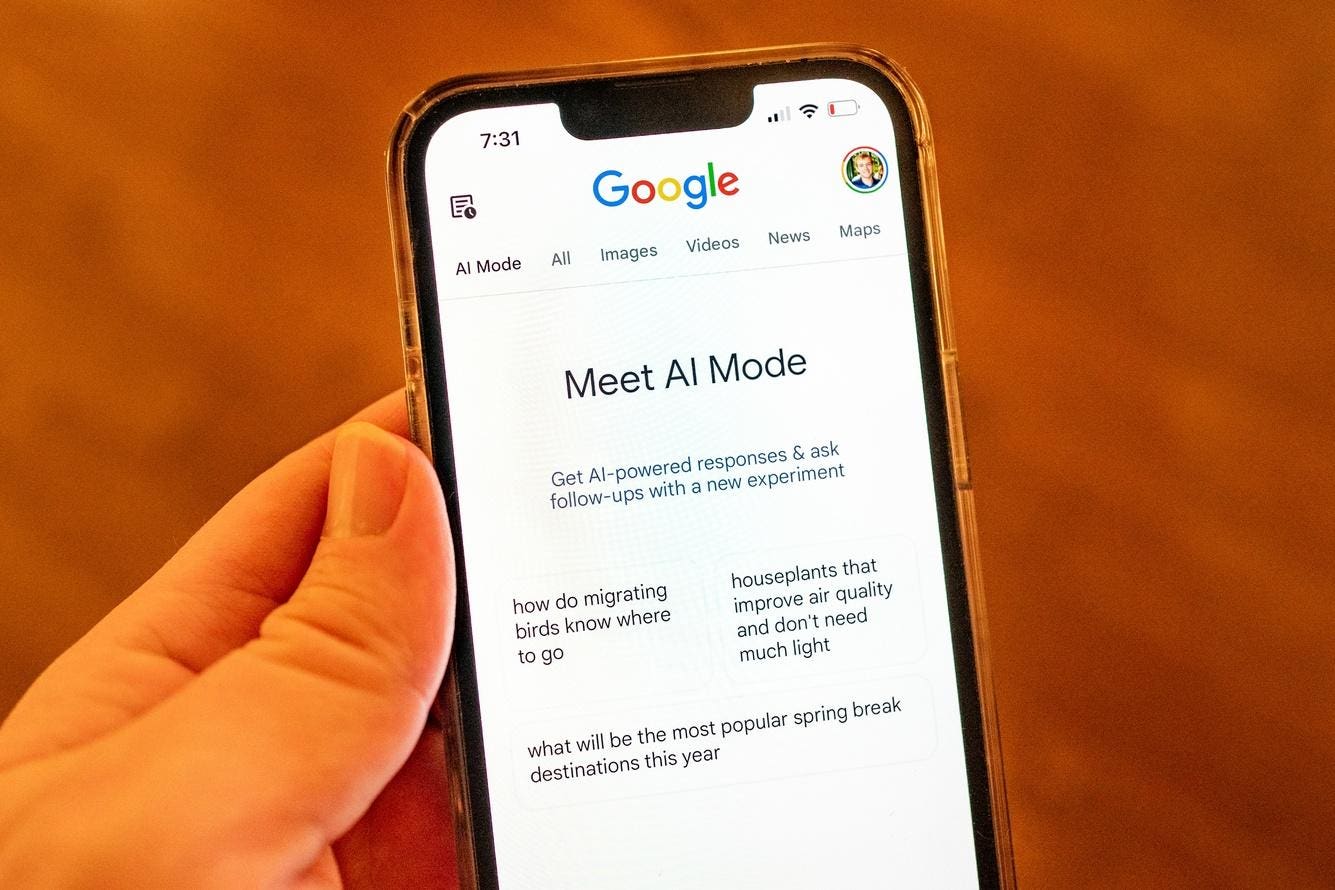
Google Search doesn’t look the way it did two years ago. Type a question into the search bar today, and you may not get a page of blue links at all. What you might get instead is a conversational, fully reasoned answer with sources attached, an interactive comparison tool, or even a mini-app built on the spot. That’s AI Mode, and if you’re not using it deliberately yet, you’re leaving a lot of Search’s capability on the table.
A screenshot of the AI mode feature in Google Search. Image source: TechCabal
Here’s a practical guide to what AI Mode actually is, how it works, and how to use it well.
What is Google’s AI Mode?
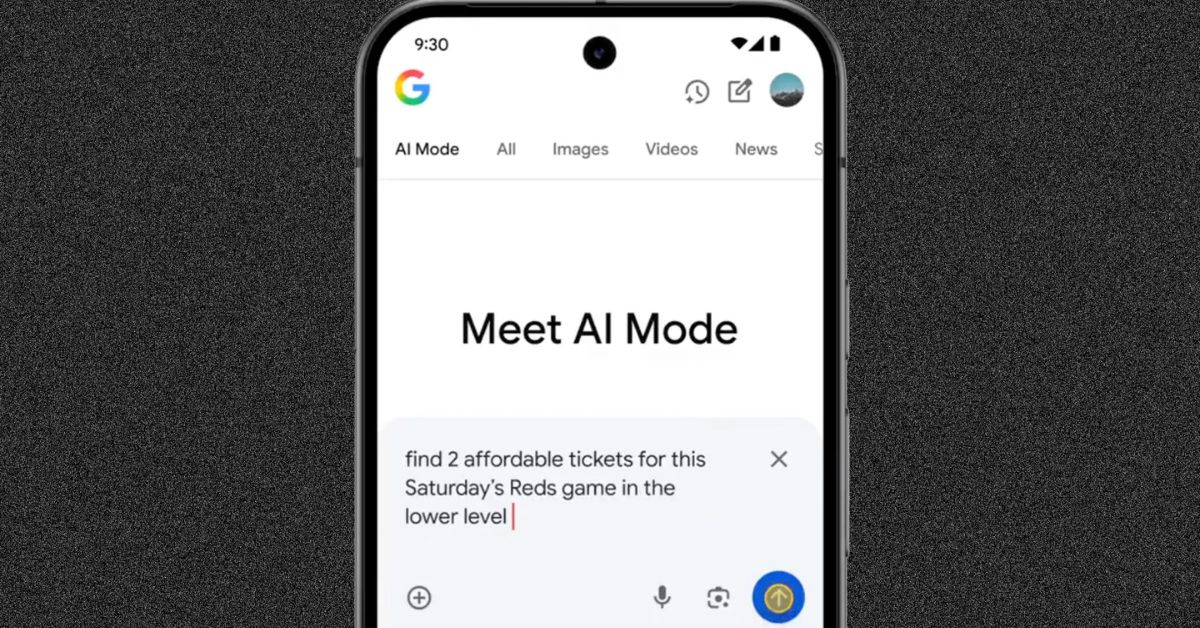
Screenshot of the AI Mode user interface. Image source: TechCabal