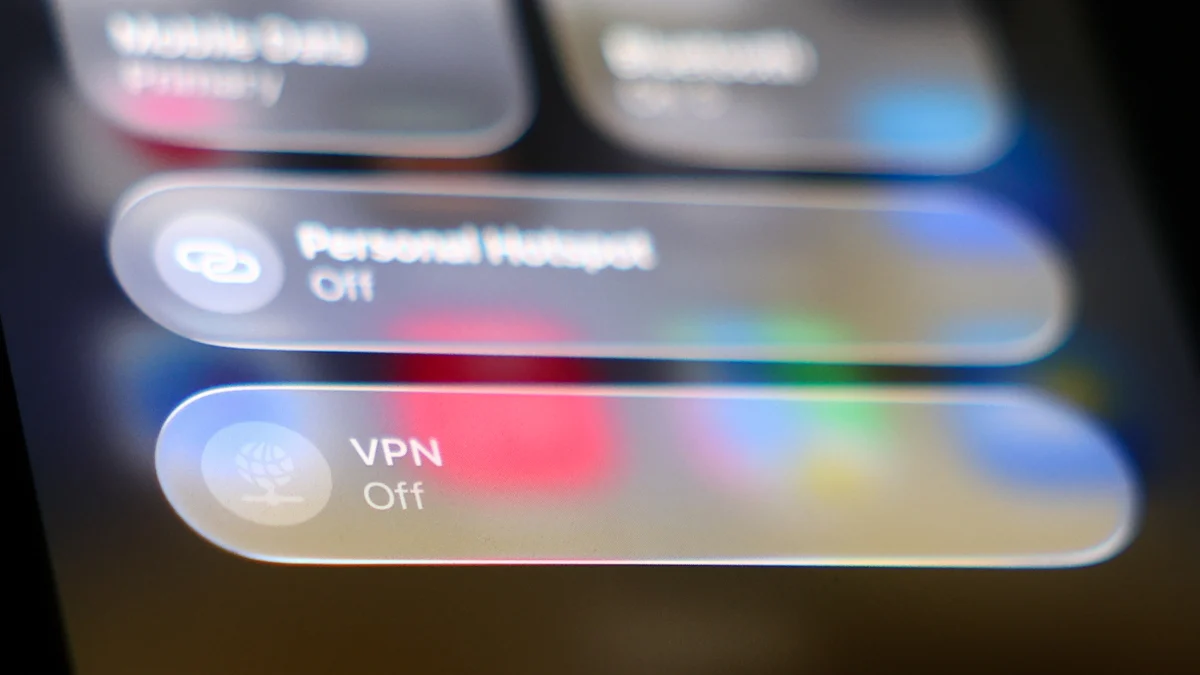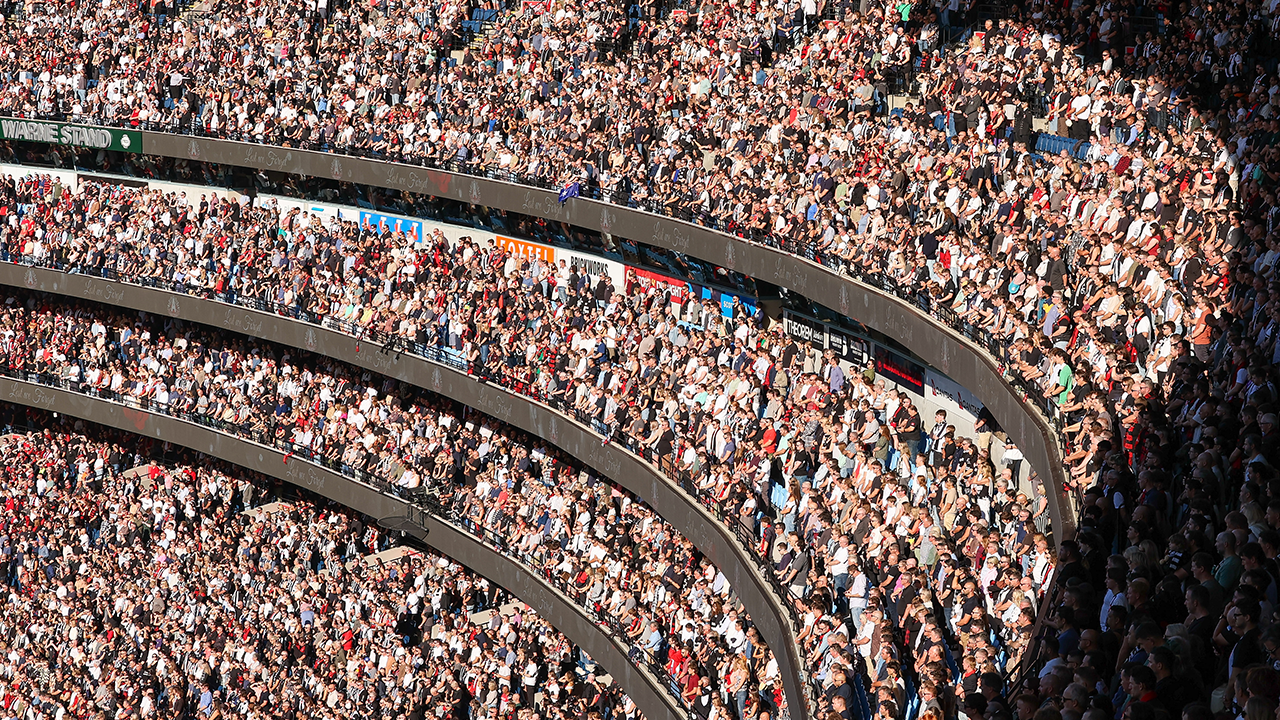
Stadiums, airports, and fan parks are some of the worst environments imaginable for public Wi-Fi. Tens of thousands of people competing for the same signal means packet loss, crawling speeds, and connections that drop without warning. So, for example, if you're heading to a few games at the FIFA World Cup 2026, things might not be as smooth as you'd like.One of the best VPNs is a handy tool to have at your disposal on networks like these. While it's fairly unlikely nowadays you'll be caught out by a man-in-the-middle attack, boosting your privacy can only be a good thing – and when a VPN is set up right, a VPN may also be able to increase your connection speeds significantly.
Here, I'll run down a few quick settings to tweak to make your public Wi-Fi experience more bearable.
Pick your protocol
A VPN protocol is the set of rules that determines how your device encrypts and moves your data. On a congested or restrictive network, the wrong protocol can mean failed connections, throttled speeds, or both – and switching is often the quickest fix.WireGuard should be your first port of call. It's a modern protocol built with a low data overhead and near-instant reconnection times, making it well suited to the kind of unstable connections you'll find in a packed stadium or airport terminal. Most VPN apps already default to it – but if you're on an iPhone, check your settings, as IKEv2 is often the default instead.IKEv2 is a solid runner-up for mobile users who switch frequently between Wi-Fi and cellular data. It handles network changes smoothly, though speeds won't quite match WireGuard.If you're struggling to connect at all, try OpenVPN. It's generally slower than WireGuard, but its ability to run on port 443 – the same port used by standard web traffic – means it's more likely to work on networks that try to block VPNs. For a deeper look at how the fastest VPNs handle different conditions, our dedicated guide is worth a read.