(Image credit: baona/Getty Images)
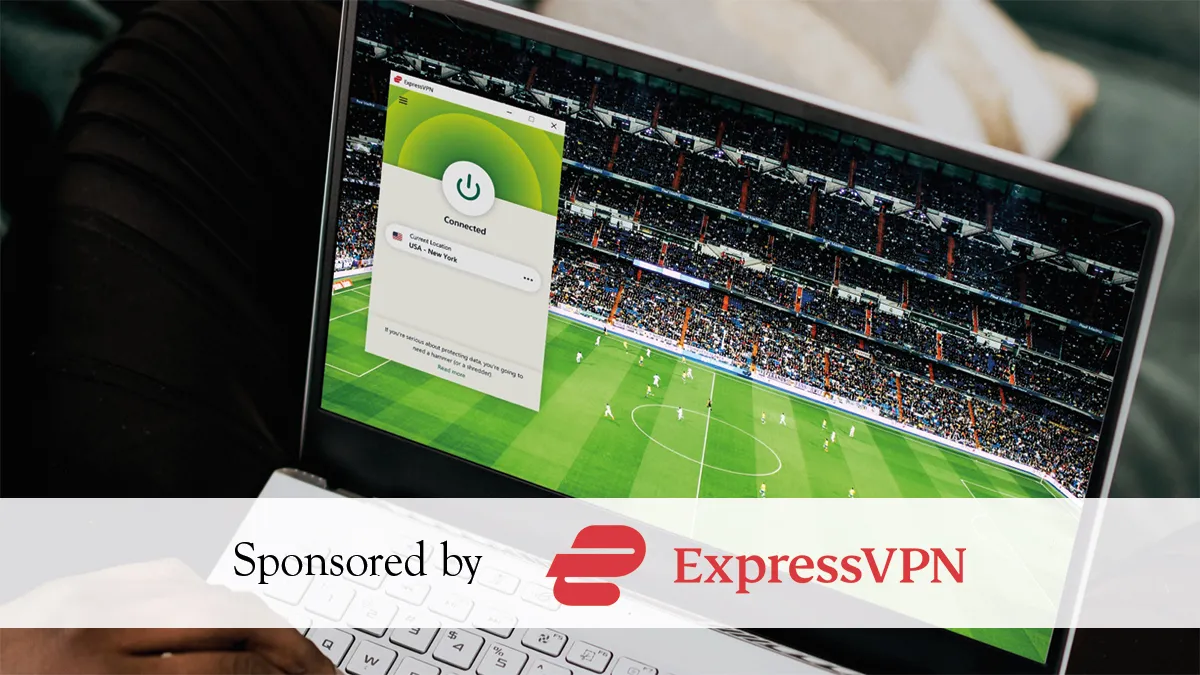
The World Cup only comes around every four years, and whether you're making the trip to the US, Canada, or Mexico, or you're based abroad for work, the last thing you want is to hit a geo-block on match day. Using one of the best VPNs solves that by routing your connection through a server back home, giving you access to the same free streams you'd get on your couch – BBC iPlayer, ITV, or whatever your local broadcaster happens to be.The good news is that Norton VPN has you covered with a 60-day money-back guarantee on annual plans – double the 30-day industry standard – which means you can sign in, stream every group stage game, knockout round, and the final itself, and still claim a full refund if you're not satisfied. That makes it completely risk-free for the entire tournament.Before you dive in, though, there's one thing worth knowing: your smart TV's operating system determines exactly how you set up your VPN. Get that part wrong and you'll be troubleshooting during kick-off.Device mattersYour TV's operating system dictates how – and whether – you can run a VPN directly on it, so it's worth knowing which camp you're in before kick-off.If your TV or streaming device runs Google TV, Android TV, Amazon Fire OS, or Apple's tvOS (tvOS 17 or later), you're in luck. All of these platforms feature native app stores, meaning you can download the Norton VPN app directly, sign in, and be connected within minutes.Samsung and LG owners face a different situation. Tizen and webOS – the operating systems powering those TVs respectively – block third-party network configurations entirely and offer no native VPN support. Your options are Smart DNS, which reroutes only your location data without full encryption, or setting up Norton on your router so that every device on your network is covered automatically.If none of those options work for you, there's a reliable fallback: connect a laptop to your TV via HDMI. Run Norton VPN on the laptop, set it to your home country, and your stream plays on the big screen just as intended. Two things to sort before kick-off – set your laptop's power settings so it stays awake with the lid closed, and if sound isn't coming through the TV, manually switch your system's audio output to the TV speakers.Get instant access to breaking news, the hottest reviews, great deals and helpful tips.