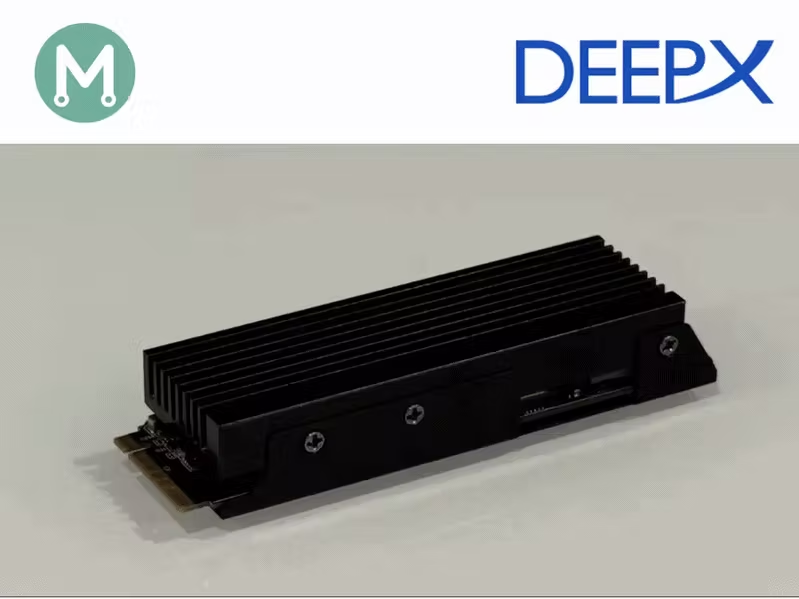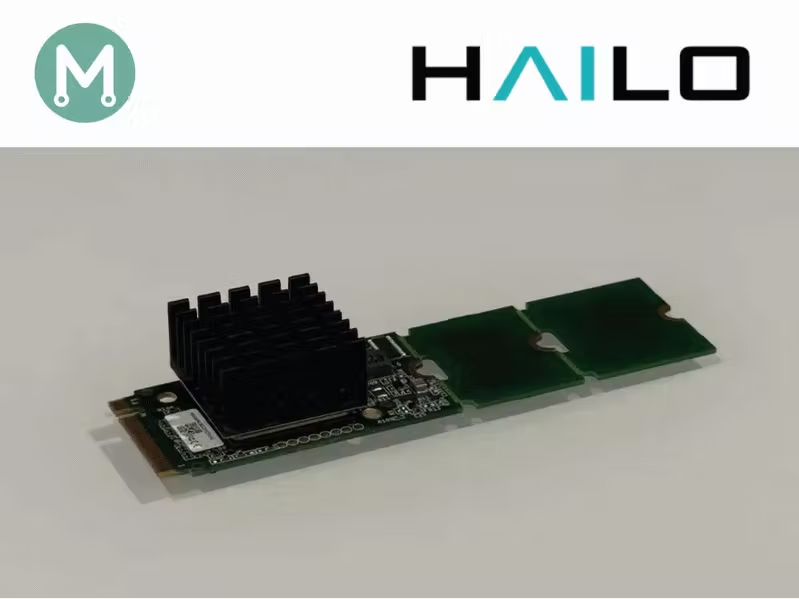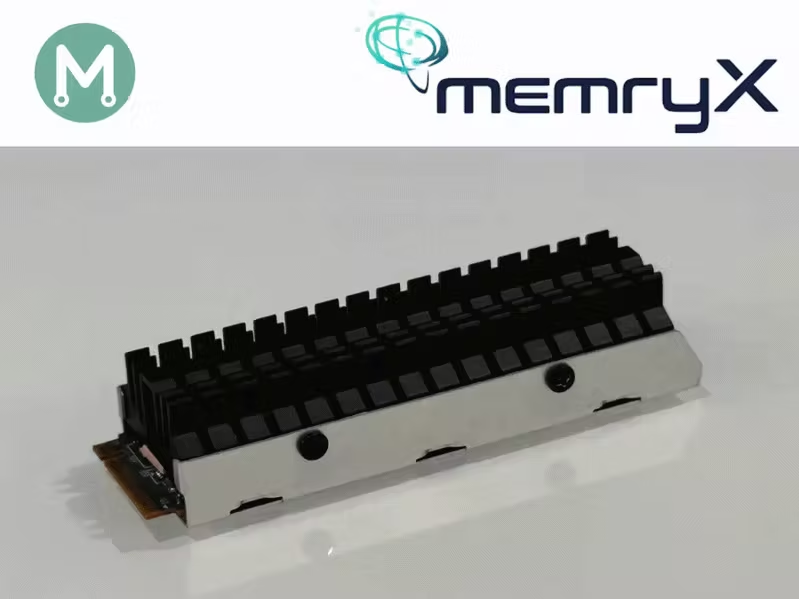
In Parts 1–3, we established a methodology for independent power measurement on edge AI accelerators. In Parts 4 and 5, we applied it to the Axelera Metis and the DeepX M1.Series: Edge AI Power BenchmarkingNow we apply the same methodology to the MemryX MX3 M.2 acceleration module.Installing the MemryX SDKMemryX provides excellent instructions on installing their driver, runtime, and tools:After installation, where I created a “venv-mx” python virtual environment, I was able to confirm the presence of the MemryX MX3 module with the mx_bench utility:(venv-mx) $ mx_bench --helloHello from MXA!Device ID | Chip Count | Freq | Volt----------|------------|-------|----- 0 | 4 | 600 | 700Reproducing the MemryX benchmarksBefore measuring power, I wanted to reproduce MemryX’s published benchmark. In line with the previous articles, I chose ResNet50, knowing it has the lightest post-processing stage, being a classification model.MemryX Model ZooResNet-50 (MXA-Optimized)14 TFLOPS (600 MHz) : 1778 FPS20 TFLOPS (850 MHz) : 2317 FPSThey publish two different benchmarks. The first benchmark corresponds to the default configuration (600 MHz clock). The second benchmark is taken in over-clocked mode (850 MHz clock).Our initial target is to reproduce the benchmark of 1778 FPS.I will attempt to perform the same in over-clocked mode, but am not certain if my host will support this.In order to measure the FPS metric for the ResNet50 model, I downloaded the following files from the MemryX model zoo:Throughput results at 14 TFLOPSMemryX provides a benchmarking utility, mx_bench, that takes a .dfp compiled model and a frame count, and reports average FPS and system latency:(venv-mx) $ mx_bench -v -d ResNet_50_MXA_Optimized_224_224_3_onnx.dfp -f 50000╭─────────────────┬─────┬─────┬────────╮│ │ │ │ ││ │ ├──── ││ │ │ ╞══ ══╡ ││ │ │ │ ├──── ││ │ │ │ │ │ │╰─────┴─────┴─────┴─────┴─────┴────────╯╔══════════════════════════════════════╗║ Benchmark ║║ Copyright (c) 2019-2026 MemryX Inc. ║╚══════════════════════════════════════╝Ran 50000 frames Model: 0 Average FPS: 1796.36 Average System Latency: 3.24 ms(venv-mx) $ mx_bench -v -d ResNet_50_MXA_Optimized_224_224_3_onnx.dfp -f 50000╭─────────────────┬─────┬─────┬────────╮│ │ │ │ ││ │ ├──── ││ │ │ ╞══ ══╡ ││ │ │ │ ├──── ││ │ │ │ │ │ │╰─────┴─────┴─────┴─────┴─────┴────────╯╔══════════════════════════════════════╗║ Benchmark ║║ Copyright (c) 2019-2026 MemryX Inc. ║╚══════════════════════════════════════╝Ran 50000 frames Model: 0 Average FPS: 1796.36 Average System Latency: 3.31 msTwo back-to-back runs on the same module land at exactly the same throughput of 1796.36 FPS, with latency varying only slightly (3.24 ms vs. 3.31 ms).Not only did I match MemryX’s published 14 TFLOPS (600MHz) benchmark of 1778 FPS, I exceeded it by ~1%, hitting 1796 FPS.Throughput results at 20 TFLOPSIn order to access the 20 TFLOPS performance of the MemryX MX3, I need to over-clock to 850MHz.This can be done with the mx_set_powermode command:(venv-mx) $ sudo mx_set_powermodeOnce in the MX3 Power Tweak Utility’s GUI, select:1 - Set Power Mode (4-chip module)9 - 850 MHzOK3- Exit
Edge AI Power 6: Measuring the Power Efficiency of MemryX
In this article, we use our independent power measurement methodology with the MemryX MX3. By Mario Bergeron.
2,846 words~13 min read