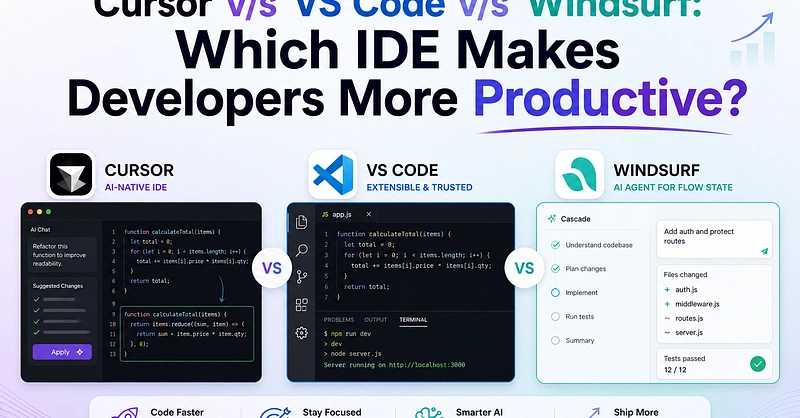
For the past two years, my developer setup has been anchored in standard AI-native GUIs. First it was VS Code with heavy extension stacks, then it was Cursor with its Composer panel. They were great, but they always felt slightly bloated. Heavy UI layers, separate chat windows, and the constant friction of copy-pasting terminal commands back and forth. I kept wondering: is there a faster, tighter way to code with AI?
Then Anthropic released Claude Code. It is not another editor plugin; it is a raw, terminal-based AI agent that lives directly in your shell. It reads files, runs commands, executes tests, and commits code natively. Let us look at how I set up and optimized Claude Code for an ultra-fast, keyboard-only terminal development workflow.
The Shift to CLI Agents
When we use GUI editors, the interaction loop is disjointed. The AI writes code in an editor pane, but we must manually open a terminal, copy the execution commands, run them, copy the error output, and paste it back into the AI window. It is a slow, multi-step process that introduces friction into what should be a seamless flow.
Claude Code eliminates this entire dance by combining the editor and the execution layer inside the terminal. Because it operates inside your shell environment, it can natively: