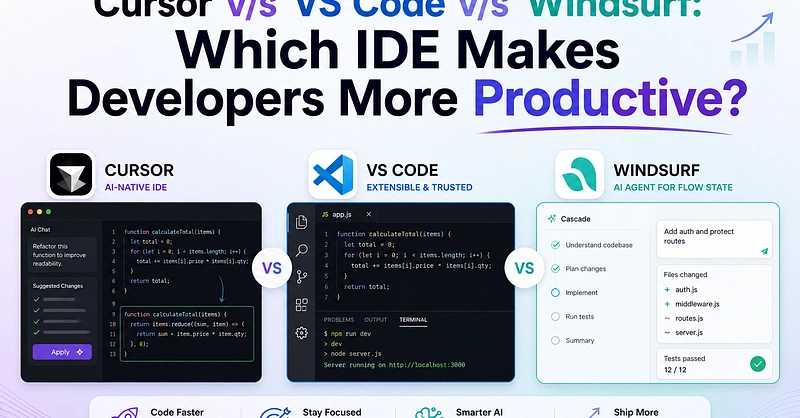
For years, VS Code was the obvious default. It was fast, extensible, familiar, and good enough for almost every kind of development work. I used it the way many engineers do: a polished editor, a handful of plugins, a terminal at the bottom, and then-eventually-an AI extension bolted on top.
That setup worked. But it always felt like a compromise.
Cursor is the first tool I’ve used that doesn’t treat AI as an add-on. It treats AI as part of the development environment itself. That difference sounds subtle until you actually work in it for a few days. Then it becomes obvious: we’re not just editing code anymore. We’re orchestrating software with AI assistance, and Cursor is built for that reality.
The shift from coding to orchestration
Traditional development tools were designed around manual editing: search files, jump to definitions, refactor carefully, run tests, repeat. AI extensions in VS Code improve that workflow, but only at the margins. They still feel like helpers living outside the editor’s core model.