Originally published on lavkesh.com
You have data everywhere. Sales databases, marketing spreadsheets, customer logs, financial systems. It's all sitting there, but it doesn't tell you anything. You need someone to pull it together, make sense of it, and put it in front of decision-makers in a way that matters. That's what Power BI does. It's not the only tool that does this, but it's probably the best if you're already in the Microsoft ecosystem.
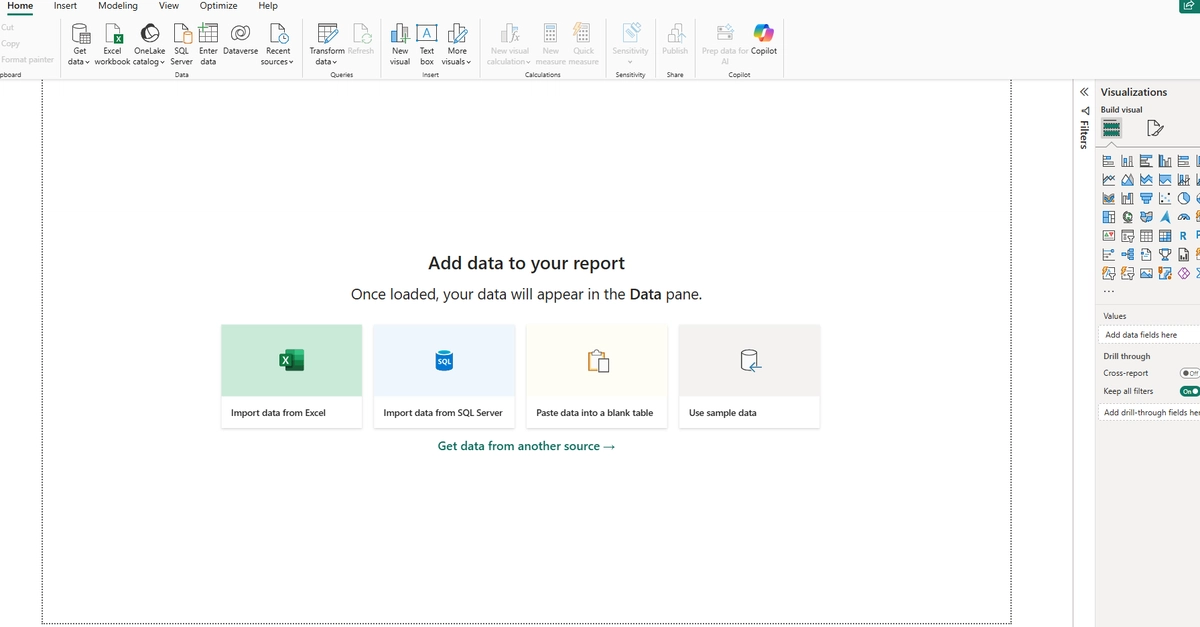
Power BI connects to your data, lets you clean and shape it, then visualizes it. You build dashboards and reports that people can interact with. Click a date, see different data. Hover over a chart, get details. It's simple to use if you're just dragging and dropping, but it gets deep if you need to write formulas or mess with data transformations.
The key is that it handles data from anywhere. Excel spreadsheets, SQL databases, Azure data warehouses, AWS, web APIs, cloud services. You point it at your data, it connects, and you're off. No need to manually export and re-import CSVs every time your data changes.
Power Query Editor is where you clean your data. Data is messy. You've got nulls, weird formats, typos, inconsistent case. Query Editor lets you fix this without writing complex SQL. You filter columns, merge tables, change data types, split values. Click UI, not code, though code is available if you need it.